Polycom RealPresence Collaboration Server (RMX)1500/2000/4000 Deployment Guide for Maximum Security Environments
1-28 Polycom, Inc.
Product Activation
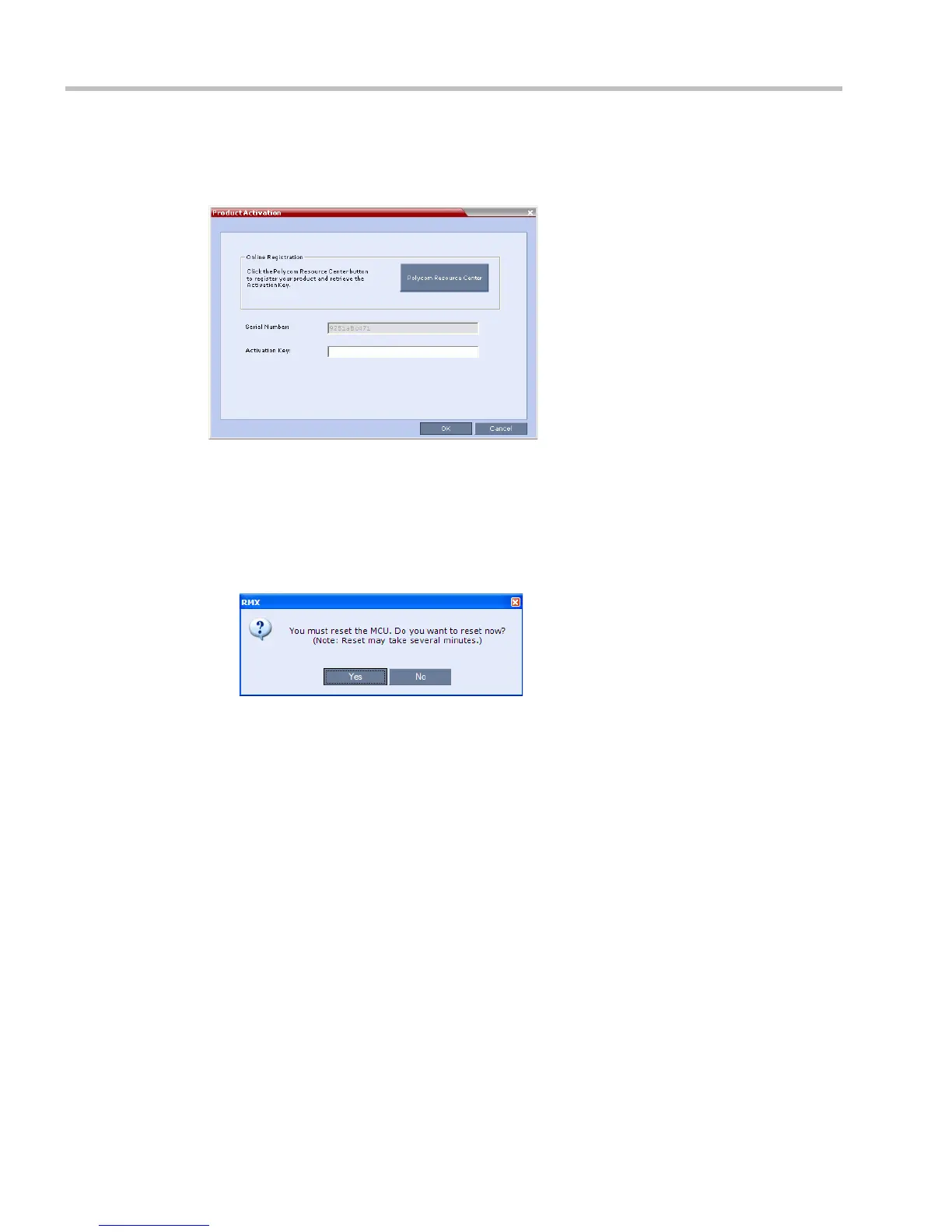
The RMX Web Client opens and the Product Activation dialog box appears with the serial
number filled in:
18 In the Activation Key field, enter or paste the Product Activation Key obtained earlier.
19 Click OK.
If you do not have an Activation Key, click Polycom Resource Center to access the
Service & Support page of the Polycom website.
For more information, see "Obtaining the Activation Key” on page 1-23.
The system prompts with a restart dialog box:
20 In the dialog box, click No.














 To Next Page