Polycom RealPresence Collaboration Server (RMX)1500/2000/4000 Deployment Guide for Maximum Security Environments
2-24 Polycom, Inc.
ISDN and PSTN Participants
Up to two dial-in numbers can be allocated to an Entry Queue for use by ISDN and PSTN
participants.
Calls to numbers within the ISDN and PSTN Dial-in Range that are not allocated to an Entry
Queue are routed to the Transit Entry Queue.
Dial-in ISDN and PSTN participants dial one of the dial-in numbers assigned to the Entry
Queue, including the country and area code (if needed). They are routed to their conference
according to the conference ID.
Example:
Entry Queue ID 1000
Assigned Dial-in number 9251000
>> ISDN/PSTN participants dial
9251000
Once connected to the Entry Queue, they enter the conference Numeric ID or password
to be routed to the appropriate conference.
Dial-out Participants
Dial-out participants are defined with their dial-out number. Once they are added to the
ongoing conference, the MCU automatically calls them at a rate of 1 dial-out per second,
using the default H.323 or ISDN/PSTN Network Service defined for them.
Text Indication in the Video Layout
Endpoint Names
During conferences you can view the names of the endpoints that are connected to the
conference in your endpoint’s video layout windows. The MCU can display up to 33
characters of the endpoint’s name, depending on the window’s layout (size).
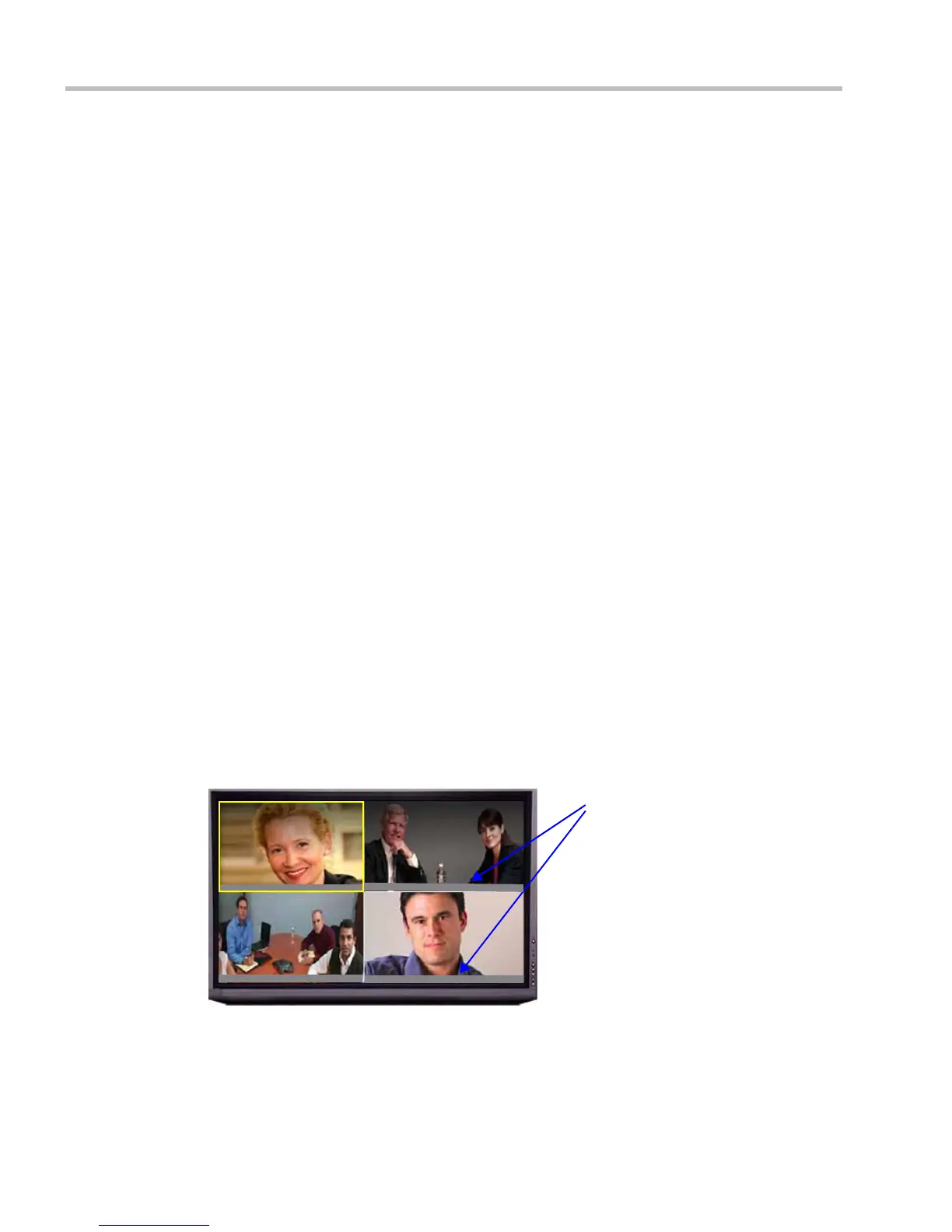
The following is an example of endpoint name display in the endpoint screen:
The displayed name is determined as follows:
• The system displays the name that is defined at the endpoint.
• If the endpoint does not send its name:
Endpoint names (in
Unicode or ASCII)
in 2 x 2 video layout
Orion Room
Saturn Room
Ta rn ey
Adam














 To Next Page