Chapter 1-First Time Installation and Configuration
Polycom, Inc. 1-17
Mounting the RMX 4000 in a Rack
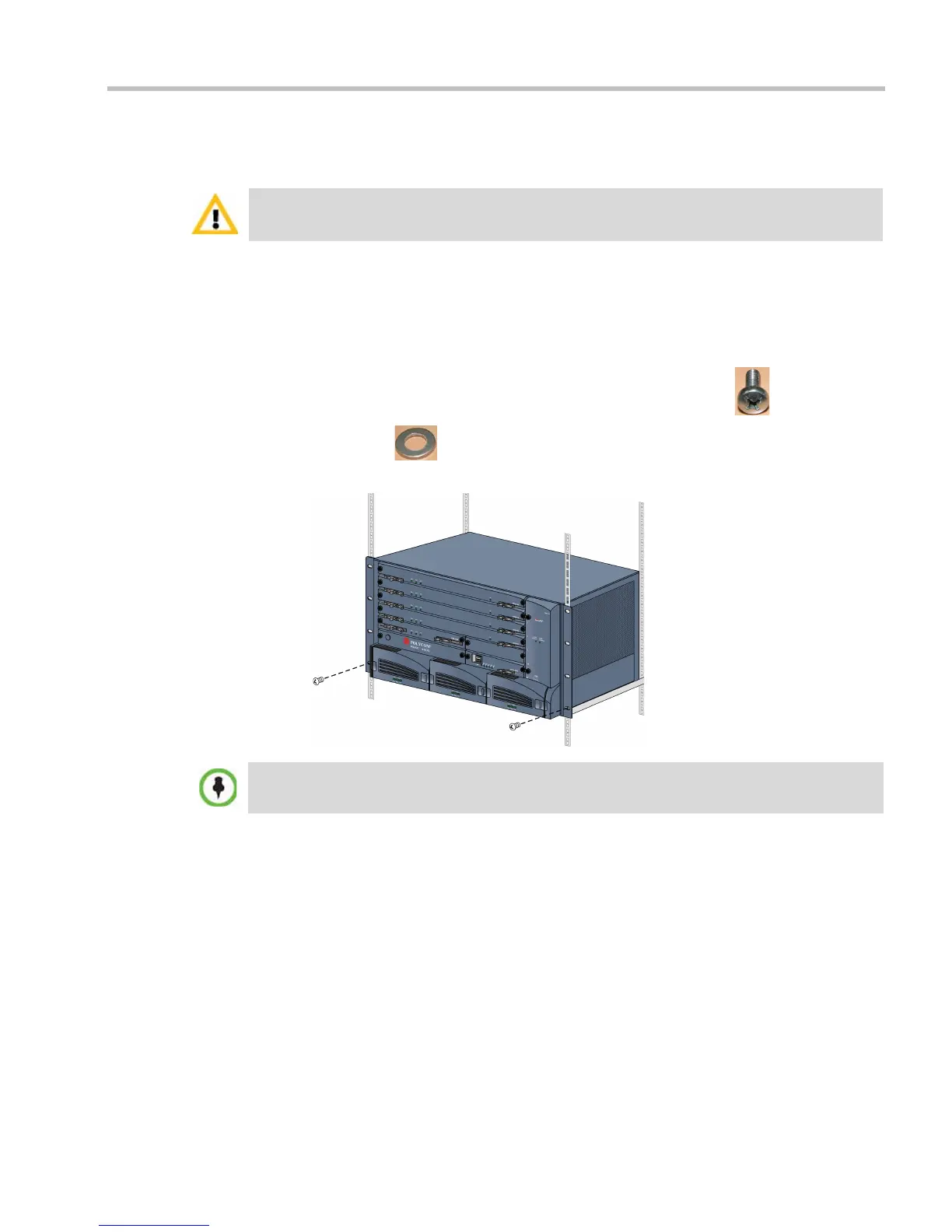
Either place the RMX 4000 on a hard, flat surface such as a desktop or mount it on a 19” rack.
To install the RMX 4000 in a 19”rack:
• Using rack rail runners on the RMX 4000
— Install the telescopic rail runners, as described in "Installing the Telescopic Rail
Runners on the Rack” on page 1-5.
— Mount the RMX 2000 on top of the rail runners.
— Fasten the RMX to the rack spacers using the flat head screw
(item 8) with
flat washer
(item 9) through the two holes in the RMX’s front mounting
brackets.
• Using a shelf
— Install the shelf, supplied by the rack manufacturer, in the rack.
— Mount the RMX on the shelf.
For a detailed description of the safety requirements and precautions and the installation of the
RMX 4000 as a standalone, or reverse mounting the RMX 4000 on a 19” rack, see the RMX 4000
Hardware Guide.
Refer to Figure 1-2, "Detail of Front Rack Spacer Assembly (left rail runner is shown here) for all
RMX types” on page 1-8 for installation instructions.














 To Next Page