Polycom RealPresence Collaboration Server (RMX)1500/2000/4000 Deployment Guide for Maximum Security Environments
5-8 Polycom, Inc.
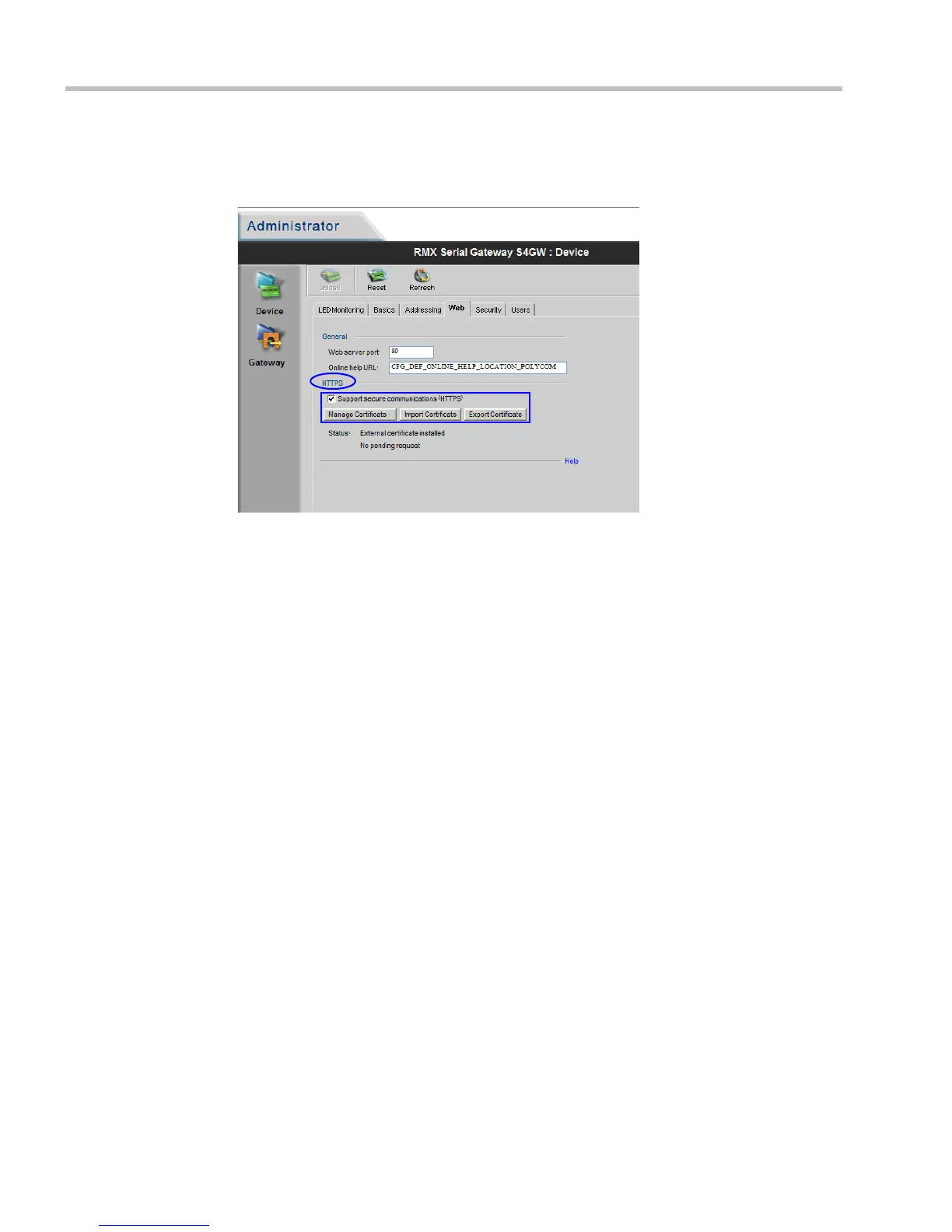
16 In the HTTPS section of the Administrator > Device > Web dialog box:
a Use the buttons to install a TLS Certificate.
b Select the Support Secure Communications (HTTPS) check box.
17 Save the changes to the Serial Gateway configuration.
The Serial Gateway will re-start.
18 Disconnect the Serial Gateway from the workstation.
Procedure 2: Configure a Network Service on the RMX for each of the
Serial Gateways and Connect the Serial Gateways to the RMX
1 In the RMX menu, click Setup > System Configuration.
2 Set the following System Flags:
— ULTRA_SECURE_MODE = YES
— SEPARATE_MANAGEMENT_NETWORK = YES
(RMX 2000 only)
— V35_ULTRA_SECURED_SUPPORT = YES
— ENABLE_EPC = NO (If this System Flag doesn’t exist it must be created)
3 Re-start the RMX.
4 For versions prior to Version 7.5.2.J, connect the LAN cable from the front of the Serial
Gateway to the LAN 1 port on the RTM LAN card.
If Version 7.5.2.J is being used, connect the Serial Gateway to any available RTM-LAN
port on the RMX that is associated with a Network Service.
5 In the RMX Management pane, click Rarely Used and click
IP Network Services.
6 In the IP Network Services list pane click the New IP Service icon.














 To Next Page