Chapter 5-Deploying a Polycom RMX™ Serial Gateway S4GW
Polycom, Inc. 5-9
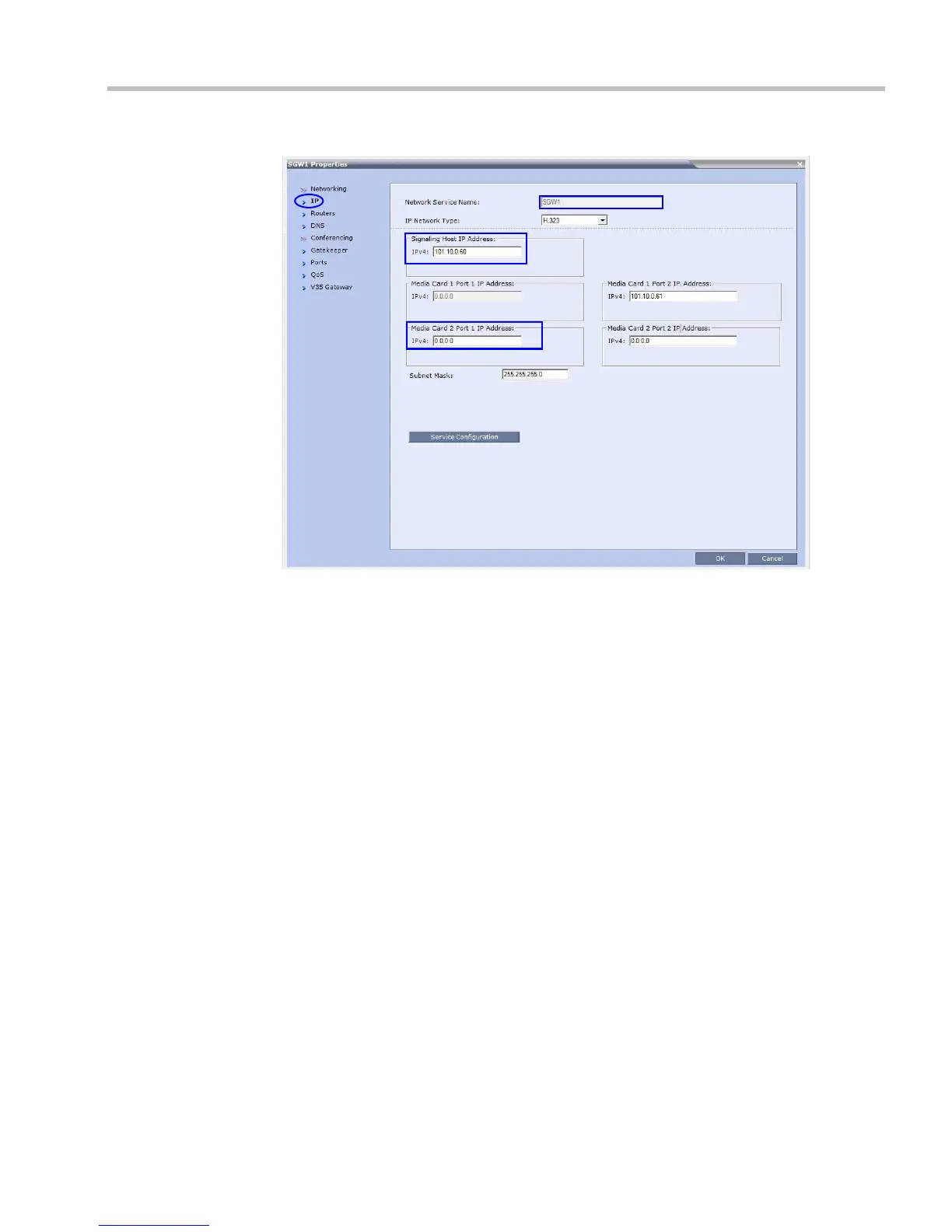
The New IP Service dialog box is displayed.
7 In the IP tab:
a Enter an IP Network Service Name.
b Enter a Signaling Host IP Address that is on the same VLAN as the Serial Gateway
Management address.
c Enter a Media Card 2 Port 1 IP Address that is on the same VLAN as the Serial
Gateway Management address.














 To Next Page