Polycom RealPresence Collaboration Server (RMX)1500/2000/4000 Deployment Guide for Maximum Security Environments
1-62 Polycom, Inc.
Customizing Login and Main Screen Banners
The Login and Main Screen banners can be customized when the RMX is in either Ultra
Secure Mode or non-Ultra Secure Mode.
To customize the banners:
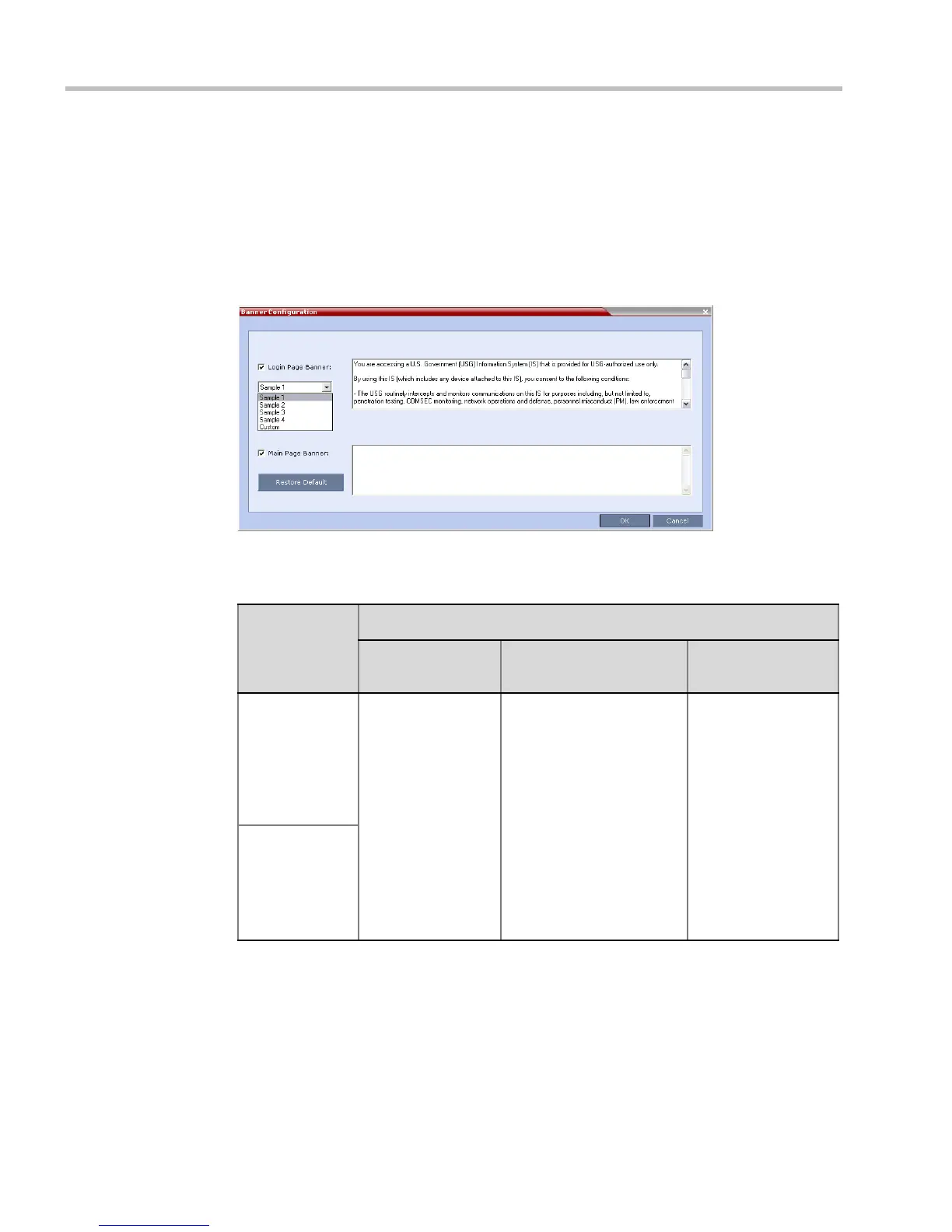
1 In the RMX menu, click Setup > Customize Display Settings > Banners
Configuration.
The Banners Configuration dialog box opens.
2 Customize the banners by modifying the following fields:
3 Click the OK button.
Table 1-16 Banner Configuration
Field
Description
Check Box Text Field
Restore Default
Button
Login Page
Banner
Select or clear the
check box to enable
or disable the
display of the
banner.
Banner display
cannot be disabled
in Ultra Secure
Mode.
Edit the text in this field to
meet local requirements:
• Banner content is
multilingual and uses
Unicode, UTF-8
encoding. All text and
special characters can
be used.
• Maximum banner size
is 100KB.
• The banner may not be
left blank in Ultra
Secure Mode.
Click the button to
restore the default
text to the banner.
Main Page
Banner














 To Next Page