Chapter 1-First Time Installation and Configuration
Polycom, Inc. 1-29
Modifying the Signaling Network Service and ISDN/PSTN Network Service
Settings
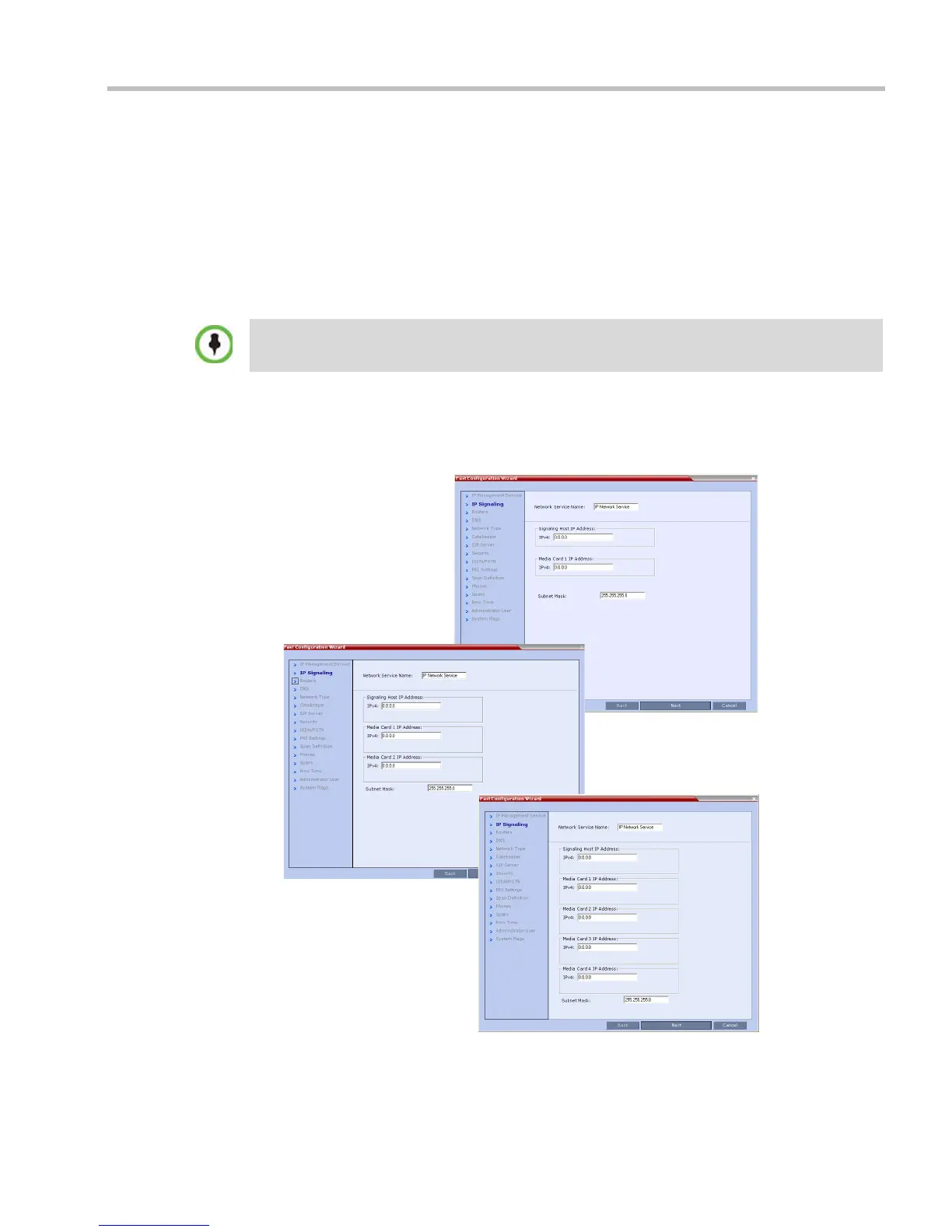
The Fast Configuration Wizard assists in configuring the Signaling Network Service. It starts
automatically if no Signaling Network Service is defined. This happens during First Time
Power-up, before the service has been defined or if the Signaling Service has been deleted,
followed by an RMX restart.
The IP Management Service tab in the Fast Configuration Wizard is enabled only if the factory
default Management IP addresses were not modified.
Fast Configuration Wizard
1 Enter the required IP Signaling information in the dialog box.
Both IPv4 and IPv6 are supported. For IPv6 addressing information see the RealPresence
Collaboration Server (RMX) 1500/2000/4000 Administrator’s Guide, "IP Network Services” on
page 16-1.














 To Next Page