Chapter 2-Basic Operation
Polycom, Inc. 2-19
If no participant connects within the time specified in the Conference Profiles > Auto
Terminate > Before First Joins field, the conference is automatically terminated by the
system.
Starting a Reservation
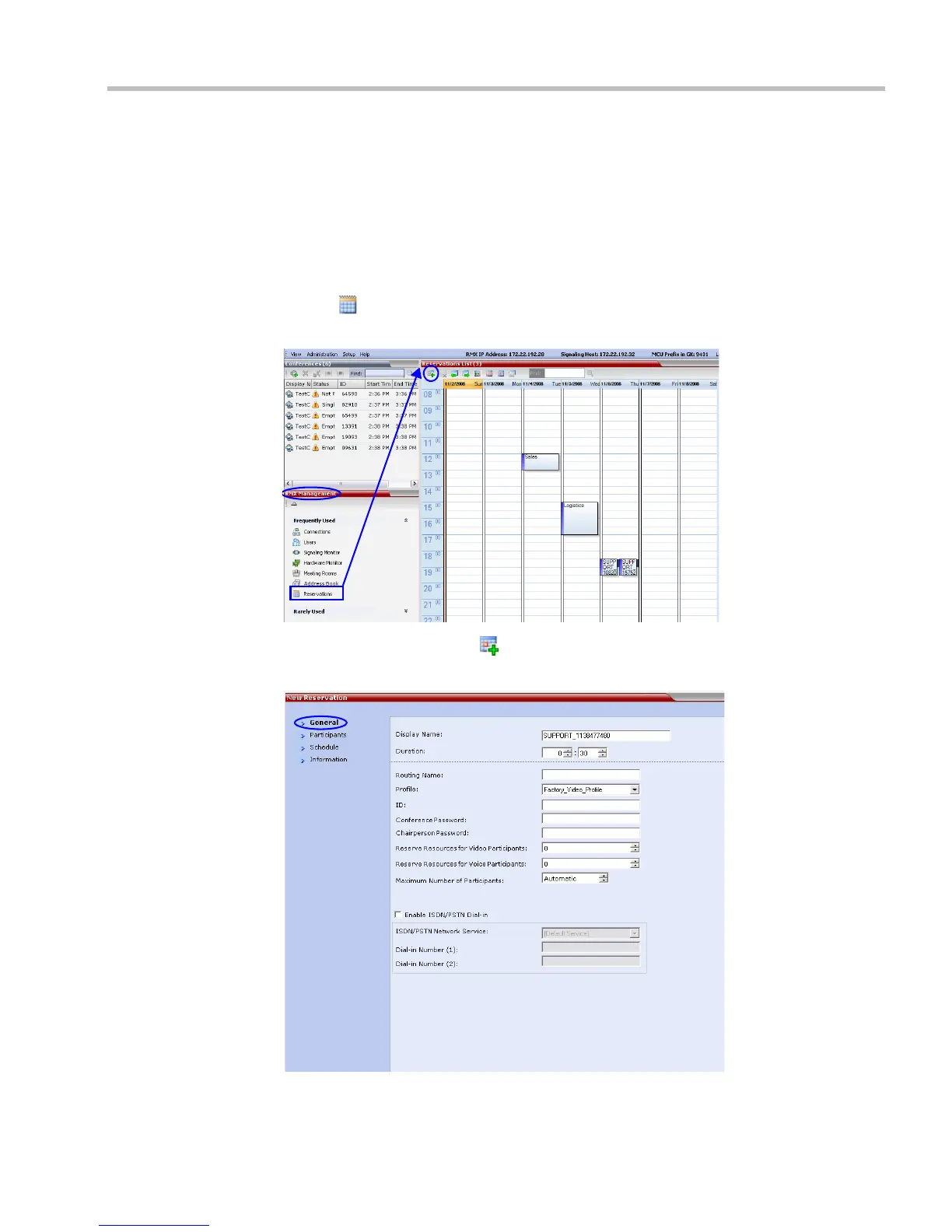
To start a conference from the Reservation Calendar:
1 In the RMX Management pane, click the Reservation Calendar
button ( ).
The Reservation Calendar is displayed.
2 Click the New Reservation () button.
The New Reservation – General tab dialog box opens.














 To Next Page