Chapter 1-First Time Installation and Configuration
Polycom, Inc. 1-47
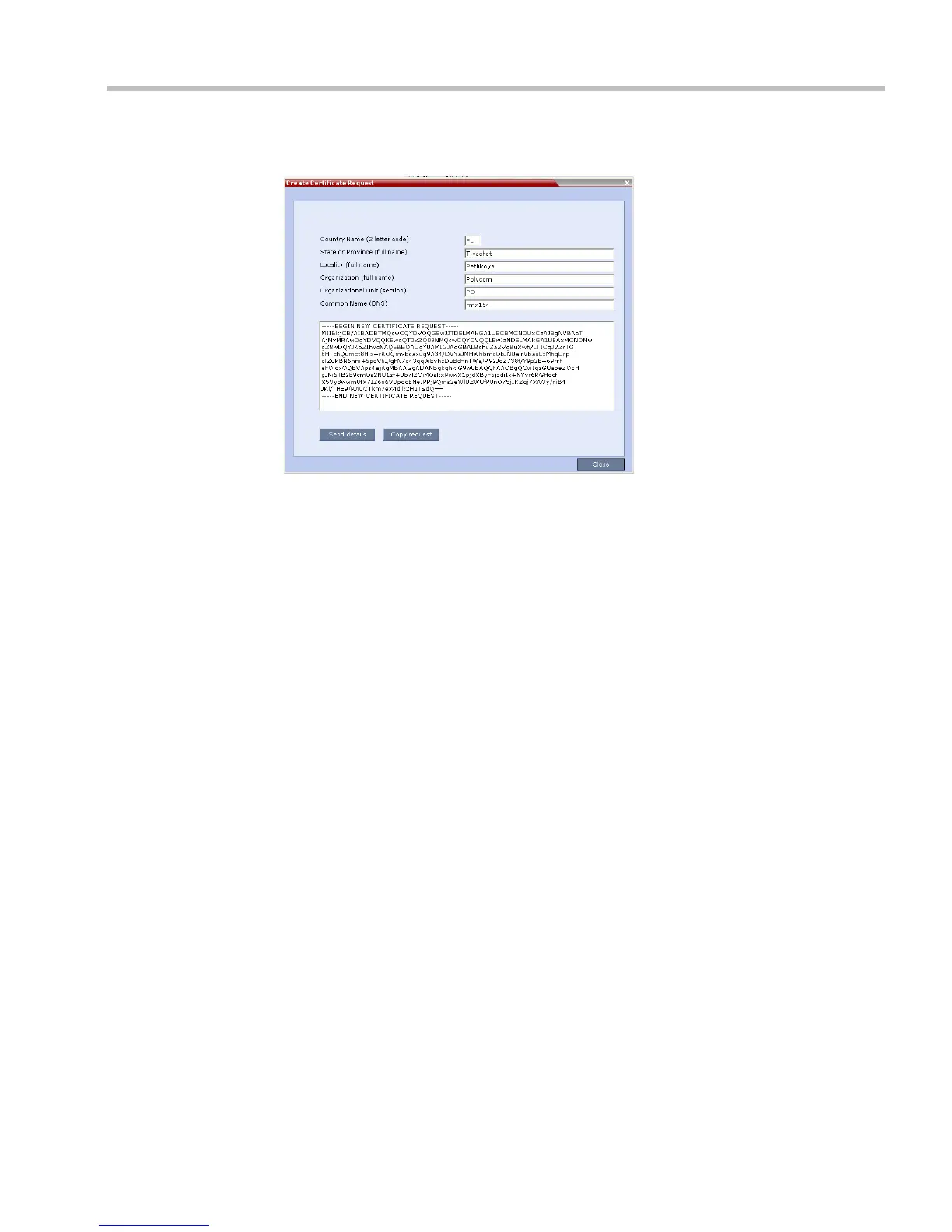
The RMX creates a New Certificate Request and returns it to the Create Certificate Request
dialog box along with the information the user submitted.
4 Click Copy Request to copy the New Certificate Request to the workstation’s clipboard.
5 Connect to your preferred Certificate Authority’s website using the web browser.
6 Follow the purchasing instructions at the Certificate Authority’s website.
Paste (Ctrl + V) the New Certificate Request as required by the Certificate Authority.
The Certificate Authority issues the TLS/SSL certificate, and sends the certificate to you
by e-mail.
Installing the Certificates
After you have received the RMX Certificate, CA Certificate(s) and CRL from the Certificate
Authority continue with he following installation procedures.
Installing the RMX Certificate
To install the certificate:
1 Copy (Ctrl + C) the certificate information from the Certificate Authority’s e-mail to the
clipboard.
2 In the RMX menu, click Setup > Secured RMX Communications > Send Certificate.














 To Next Page