Chapter 1-First Time Installation and Configuration
Polycom, Inc. 1-63
Procedure 10: Rename the Default POLYCOM User
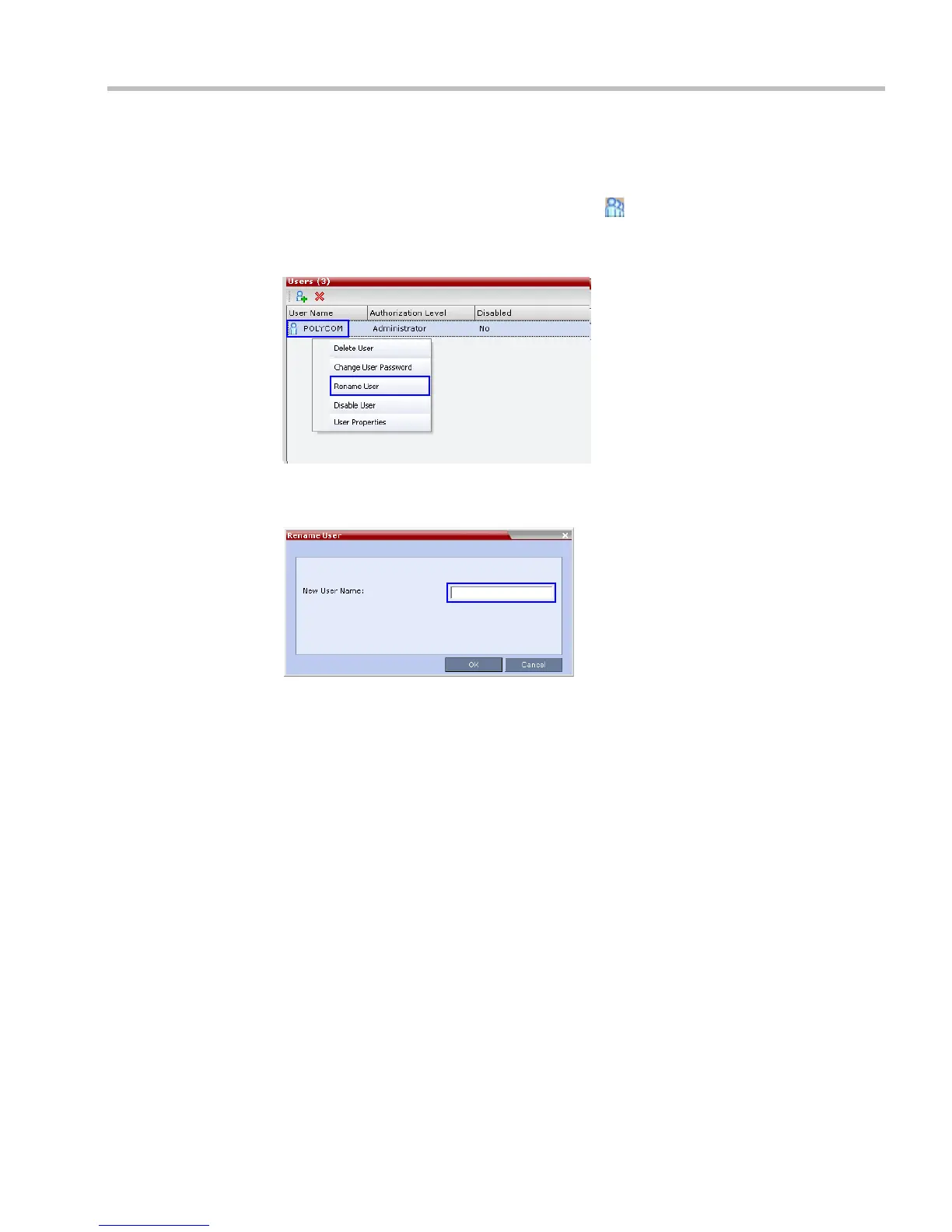
To rename the default POLYCOM user:
1 In the RMX Management pane, click the Users ( ) button.
2 The Users pane is displayed.
3 Select the POLYCOM user.
4 Select Rename User in the menu.
The Rename User dialog box is displayed.
5 Enter a new User Name in the New User Name field and click OK.
The user is renamed and is forced to change his/her password.














 To Next Page