Polycom RealPresence Collaboration Server (RMX)1500/2000/4000 Deployment Guide for Maximum Security Environments
2-26 Polycom, Inc.
Text Indication
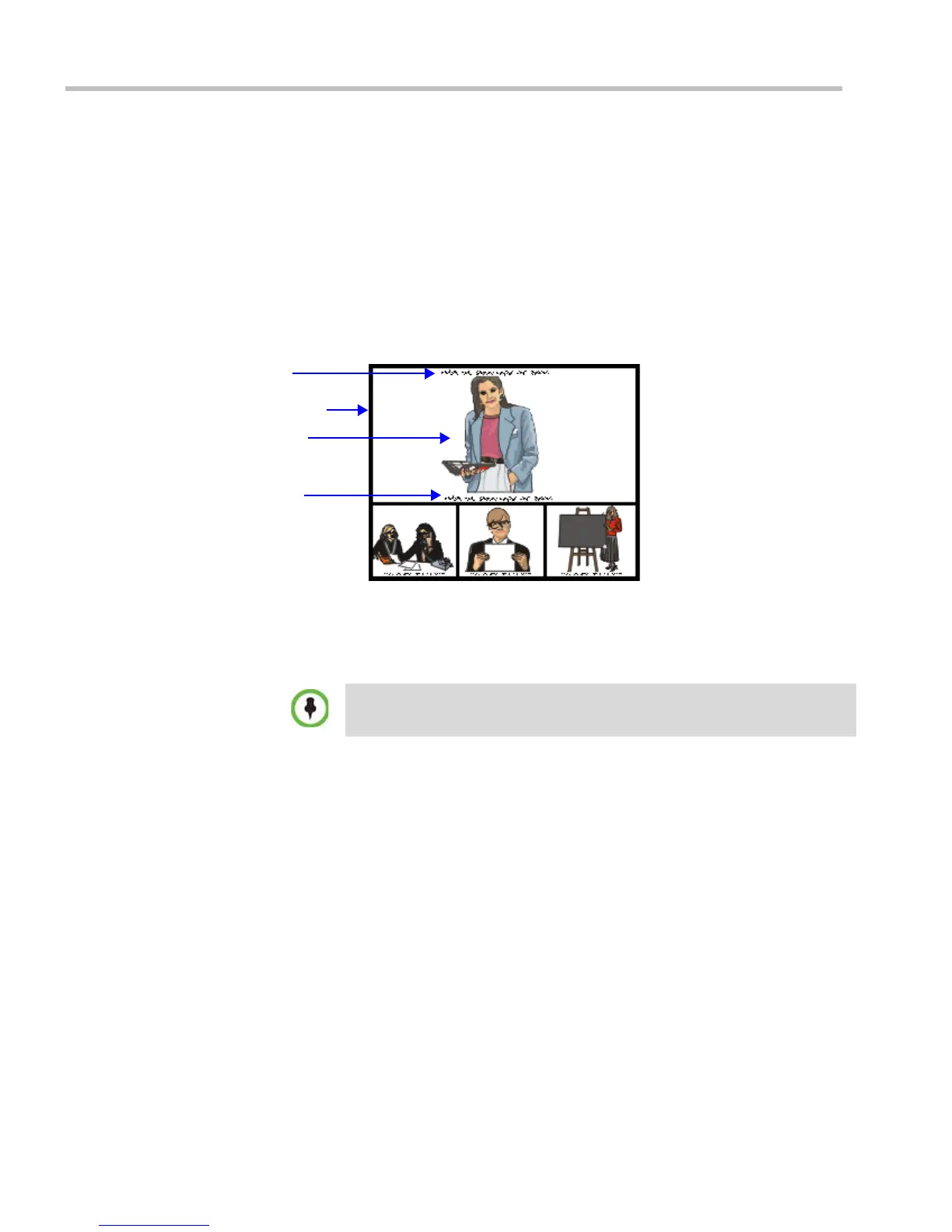
The Text Indication appears in the window of the current speaker in the participant’s layout
in addition to the endpoint name. It displays the conference Secure mode (on or off), total
number of connected participants, number of video participants and number of audio
participants.
The text indication is automatically displayed when there is a change in the conference
Secure state (when Secure is implemented or cancelled) and it appears only for a few
seconds (the same duration as the endpoint names).
The conference chairperson or participants can request the display of a Textual Indication of
the conference’s statistics by entering the DTMF code *88 on the endpoint’s DTMF input
device, such as remote control.
The Text Indication is displayed according to the permission set in the Conference IVR
Service:
• Chairperson permission: Only the chairperson sees the indication
• Everyone permission: All participants see the indication.
Text Indication can be disabled by adding a new flag to the System Configuration and setting
its value to NO as follows
: ENABLE_TEXTUAL_CONFERENCE_STATUS=NO.
This setting is recommended for MCUs running Telepresence conferences.
For more information, see the RMX 1500/2000/4000 Administrator’s Guide, "System
Configuration” on page 14-22 .
Transparent Endpoint Names
Endpoint name backgrounds are 50% transparent, and while maintaining contrast, do not
completely obscure the overlaid video.
The Endpoint Name Transparency feature can be disabled by adding a new flag to the System
Configuration and setting its value to NO as follows
: SITE_NAME_TRANSPARENCY=NO.
For more information, see the RMX 1500/2000/4000 Administrator’s Guide, "System
Configuration” on page 14-22.
Participants connected as Secondary (no video) will be considered as audio
participants; defined participant which are not currently connected to the
conference (disconnected, redial, disconnecting, etc.) are not counted.
Endpoint Name
Current Speaker
Participant’s Layout
Text Indicator














 To Next Page