Chapter 2-Basic Operation
Polycom, Inc. 2-25
— For a defined H.323 participant:
• The system displays the name from the participant definition.
— For an undefined H.323 participant:
•Display the H.323 ID alias.
or
Display the E.164 alias.
or
Display nothing if all the fields are empty.
— For a defined H.320 participant:
• The system displays the name from the participant definition.
— For an undefined H.320 participant:
•Display the Terminal Command String (TCS-2) to identify the participant.
or
Display nothing if the string is not received or empty.
• If the endpoint’s Display Name is changed in the RMX Web Client, it overrides all the
above.
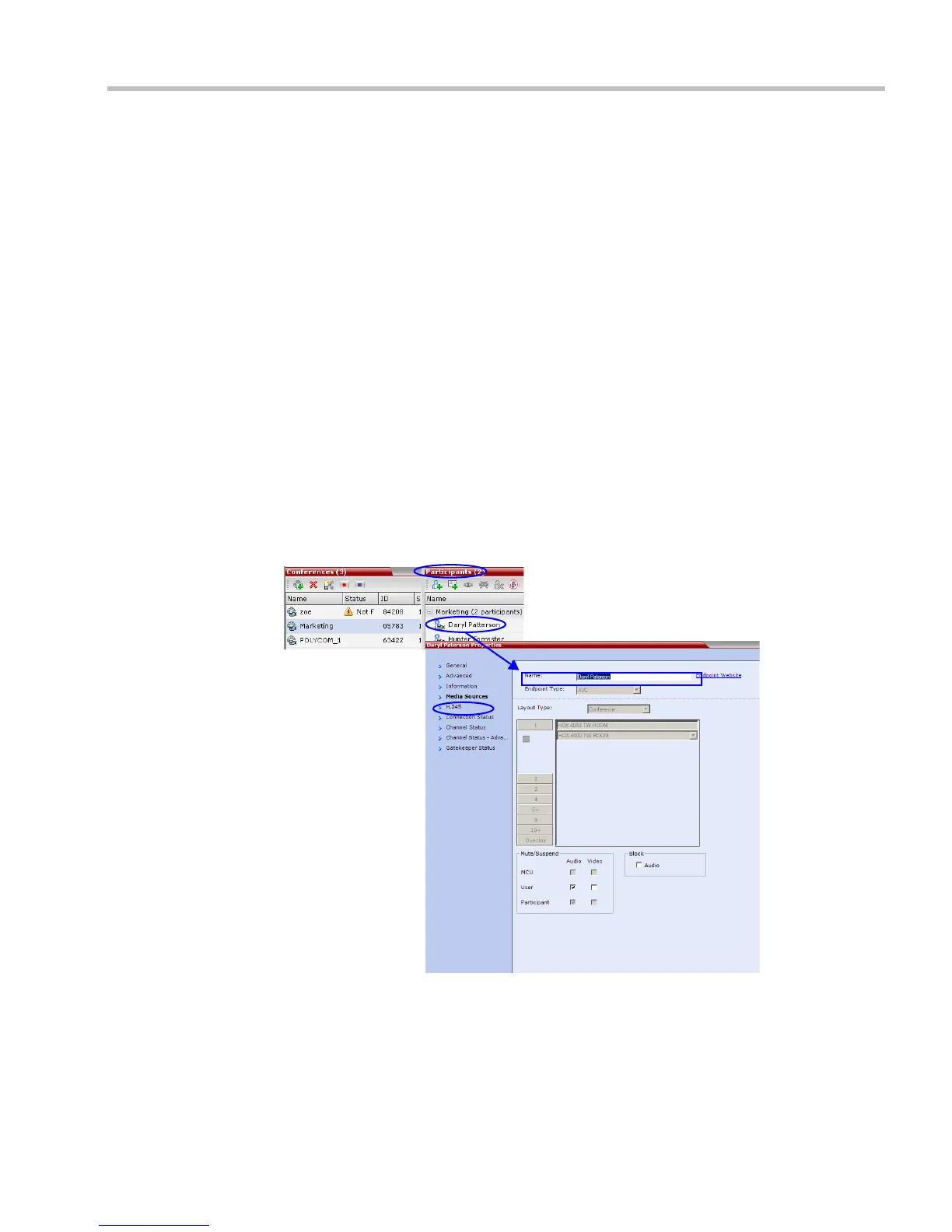
To change the Display Name:
1 In the Participants list, double-click the participant or right-click the participant and then
select Participant Properties.
The Participant Properties – Media Sources dialog box opens:
2 Enter the new Display Name in the Name field.
3 Click OK.














 To Next Page