Polycom, Inc. 2-1
2
Basic Operation
The most common operations performed via the RMX Web Client are:
• Starting, monitoring and managing conferences
• Monitoring and managing participants and endpoints as individuals or groups.
— Participant – A person using an endpoint to connect to a conference. When using a
Room System, several participants use a single endpoint.
— Endpoint – A hardware device, or set of devices, that can call, and be called by an
MCU or another endpoint. For example, an endpoint can be a phone, a camera and
microphone connected to a PC or an integrated Room System (conferencing system).
— Group – A group of participants or endpoints with a common name.
Starting the RMX Web Client
Before you begin, get the following information from your system administrator:
• Username
• Password
• MCU Control Unit IP Address
To start the RMX 2000 Web Client:
1 In the browser address line, enter
https://<Control Unit IP Address> and press the Enter key.
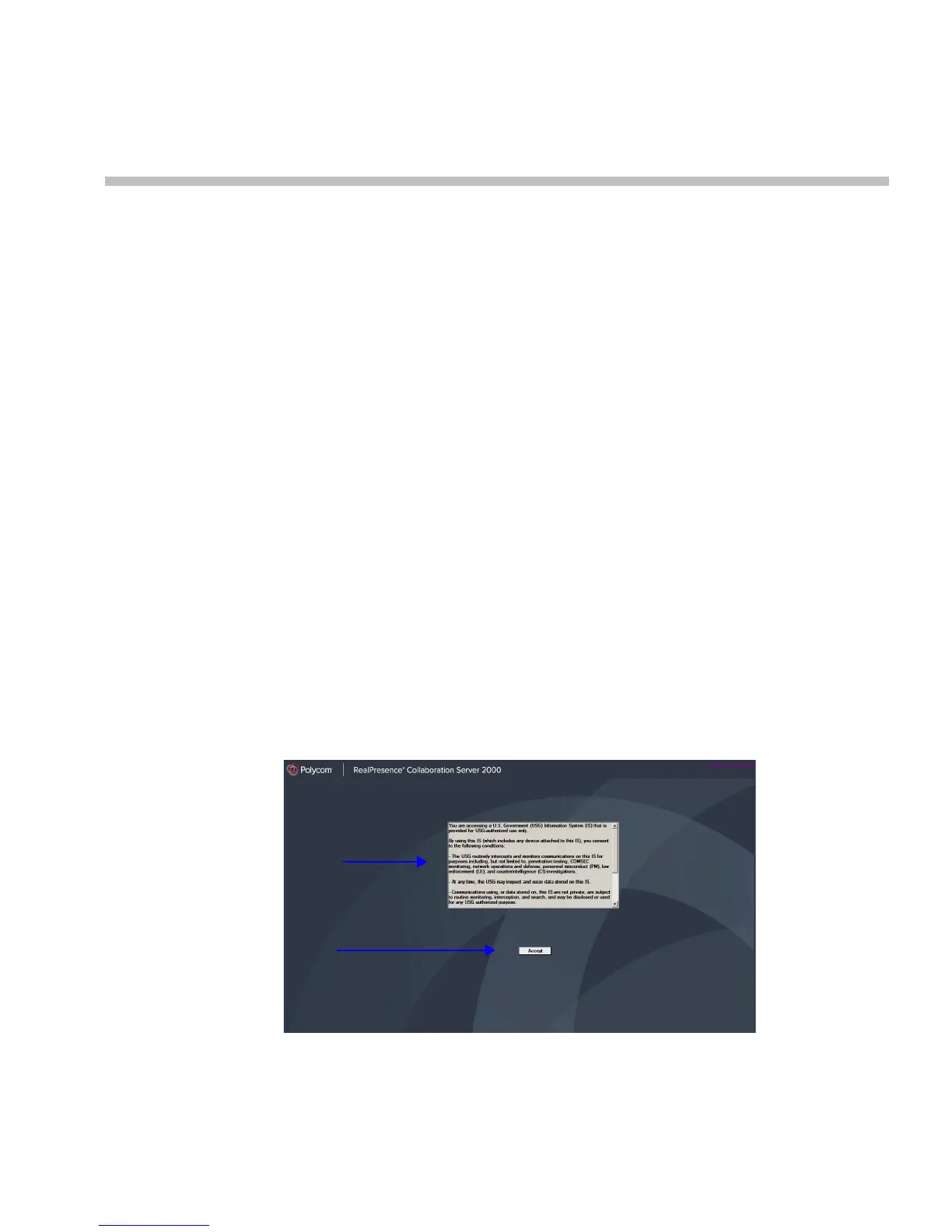
The RMX Web Client – Terms of Usage screen is displayed.
2 Click the Accept button to agree to the terms and conditions displayed in the banner.
Terms of Usage
Banner
Accept
Button














 To Next Page