Polycom RealPresence Collaboration Server (RMX)1500/2000/4000 Deployment Guide for Maximum Security Environments
2-2 Polycom, Inc.
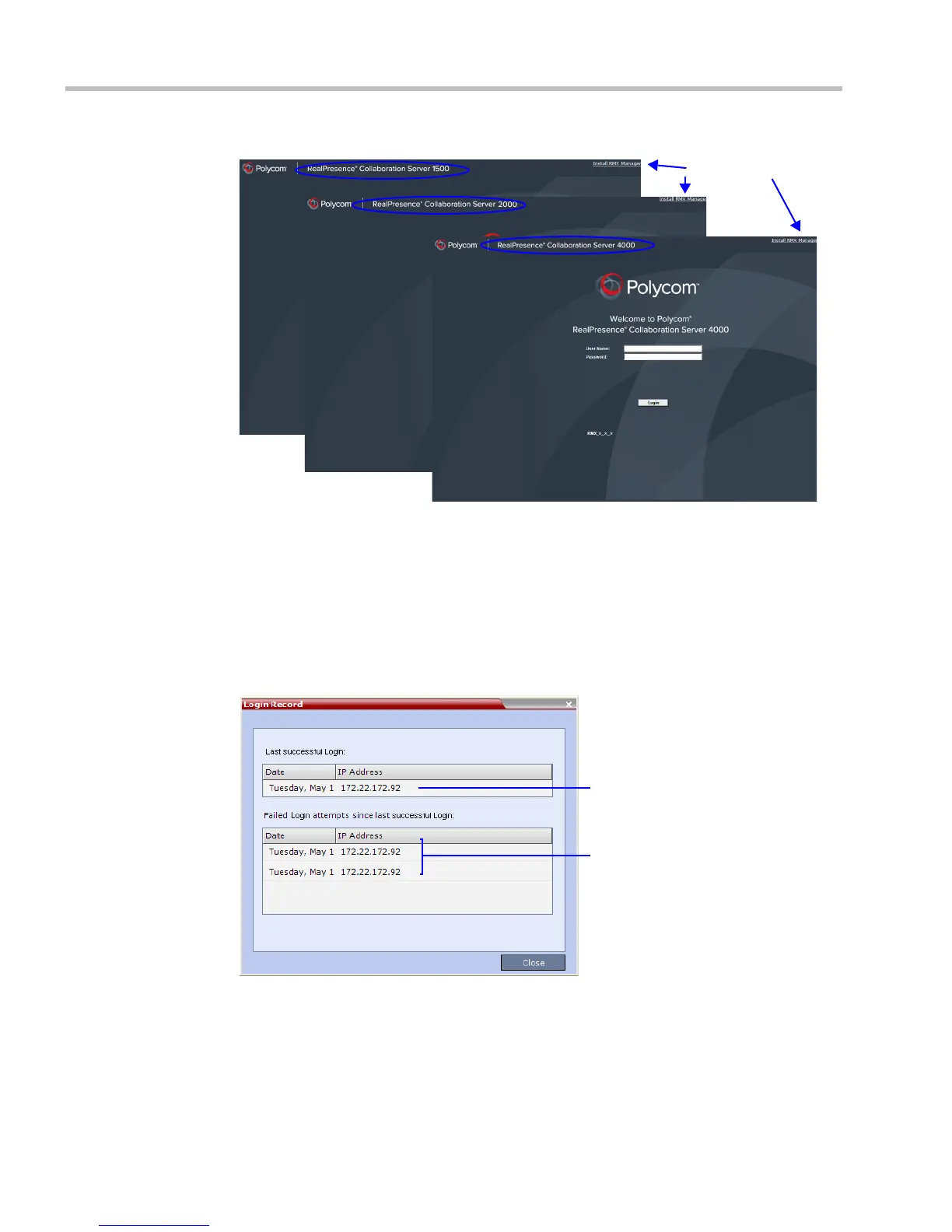
The Login - Welcome screen is displayed:
3 Enter your User Name.
4 Enter your Password.
5 Click Login.
The RMX Web Client - Main Screen is displayed.
The system can display a record of the last Login of the user. It is displayed in the Main
Screen of the RMX Web Client or RMX Manager. The user Login Record display is enabled
when the LAST_LOGIN _ATTEMPTS System Flag is set to YES, which is the default
when the ULTRA_SECURE_MODE System Flag is set to YES.
Both lists display the:
— Date and Time of the Login attempt.
— IP Address of the workstation initiating the Login attempt.
The list of unsuccessful Logins can contain up to ten records.
Link to RMX Manager
Installer
Last Successful Login
Unsuccessful Logins














 To Next Page