Polycom RealPresence Collaboration Server (RMX)1500/2000/4000 Deployment Guide for Maximum Security Environments
4-2 Polycom, Inc.
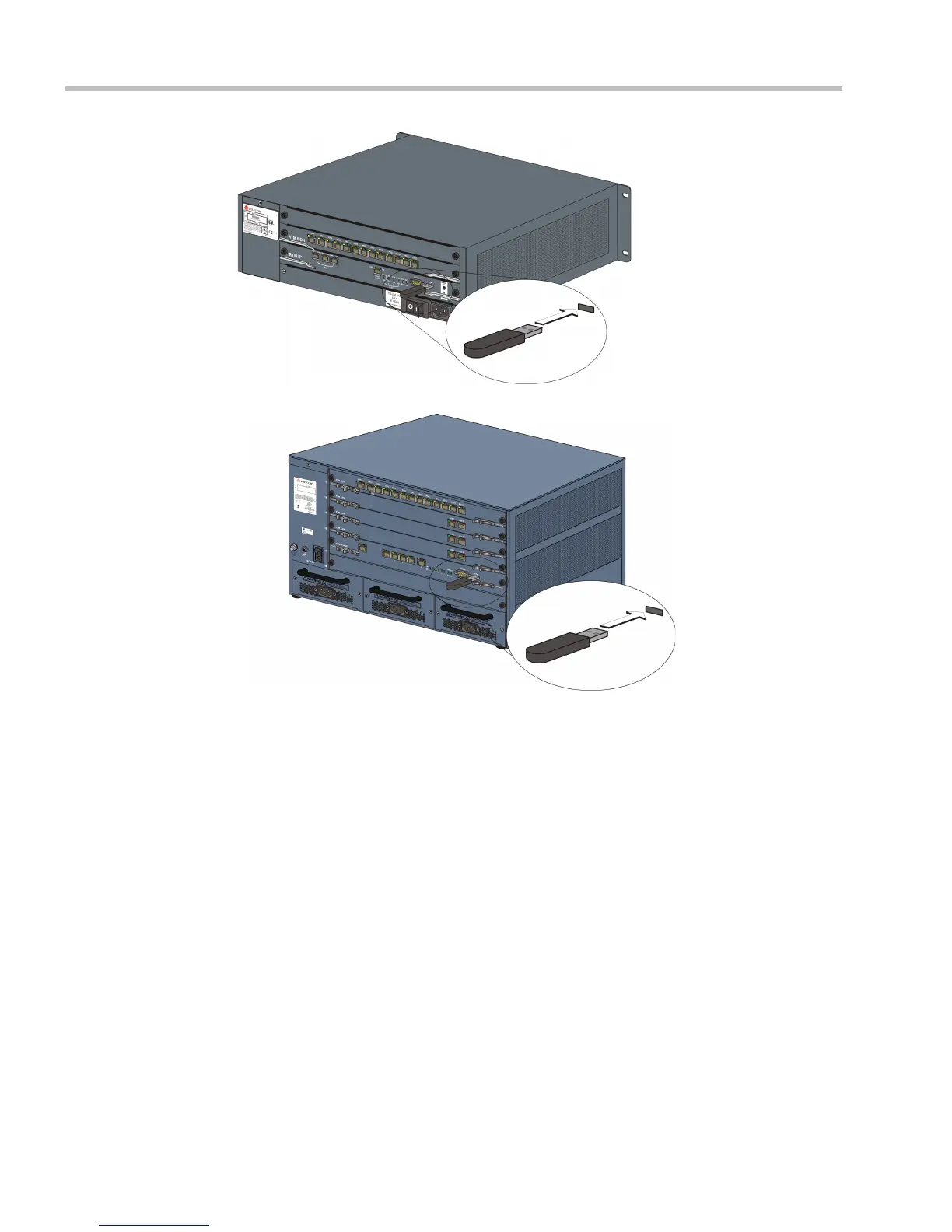
• RMX 4000 - at the bottom right corner of the RTM IP 4000 card on the back panel.
Operations Performed Using a USB Device
The USB port of an RMX in Ultra Secure Mode can be used to:
• Restore the RMX to Default (Normal) Security mode (https http).
•Perform a Comprehensive Restore to Factory Defaults
• Perform an Emergency CRL (Certificate Revocation List) Update
Restore to Default (Normal) Security Mode
Restore to Default (Normal) Security Mode can be performed by either:
• Inserting a USB device such as a mouse or a keyboard into the RMX’s USB Port causing
it to exit Ultra Secure Mode and return to Factory Security Defaults mode. After
performing this procedure, Logins to the RMX use the http command and not the https
command.
or














 To Next Page