Polycom RealPresence Collaboration Server (RMX)1500/2000/4000 Deployment Guide for Maximum Security Environments
1-46 Polycom, Inc.
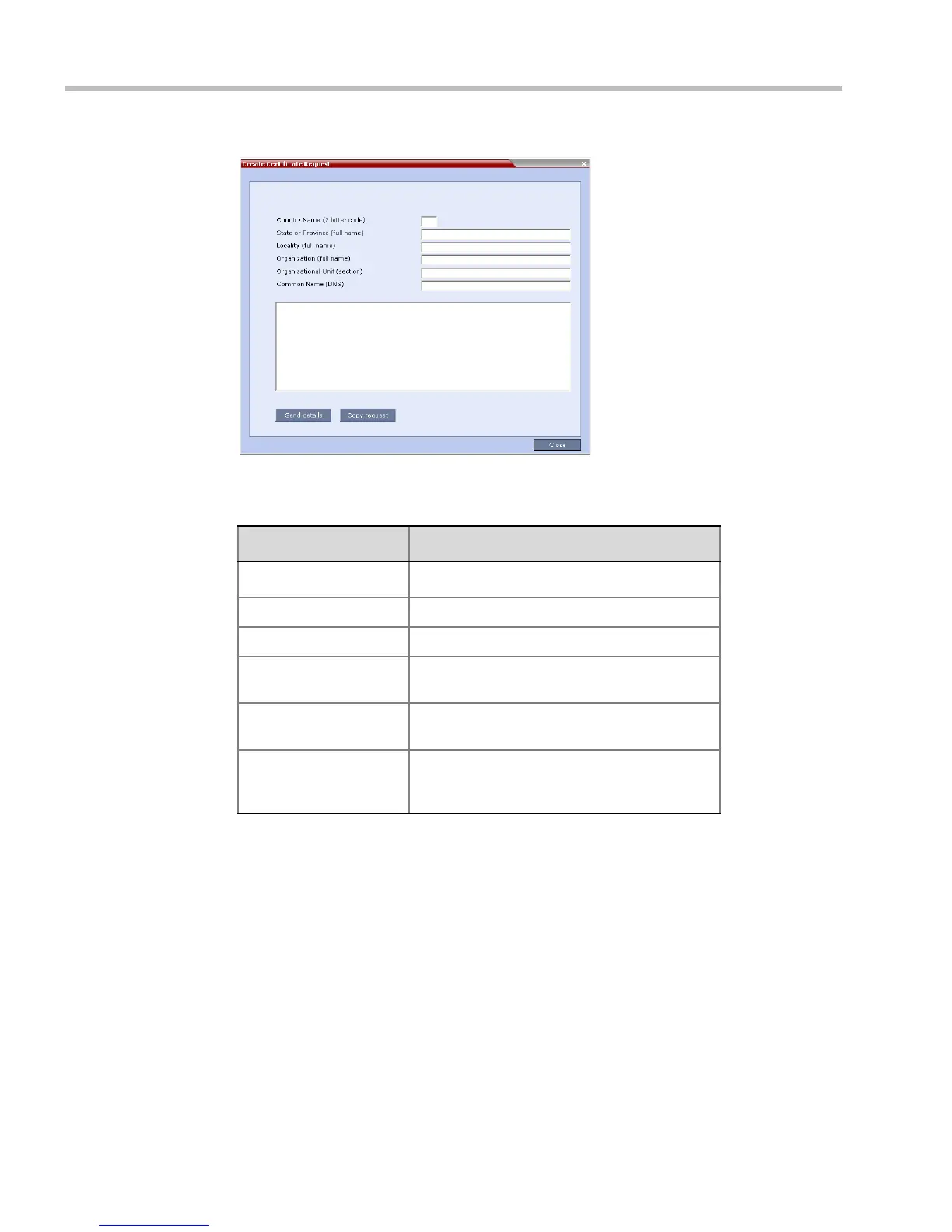
The Create Certificate Request dialog box is displayed.
2 Enter information in all the following fields:
3 Click Send Details.
Table 1-14 Create Certificate Request
Field Description
Country Name Enter any 2 letter code for the country name.
State or Province Enter the full name of the state or province.
Locality Enter the full name of the town/city/location.
Organization Enter the full name of your organization for
which the certificate will be issued.
Organizational Unit Enter the full name of the unit (group or
division) for which the certificate will be issued.
Common Name (DNS/
IP)
Enter the DNS MCU Host Name. This MCU
Host Name must also be configured in the
Management Network Properties dialog box.














 To Next Page