20
When a Wizard has been completed (all steps executed until the end), the user is required to save their
configurations per usual procedure (see Saving a Configuration page 48). The exception to this is the first
time the printer is powered up; in this case, the user is automatically taken into the Printer Setup Wizard
and the configuration is automatically saved to Config 1 when completed.
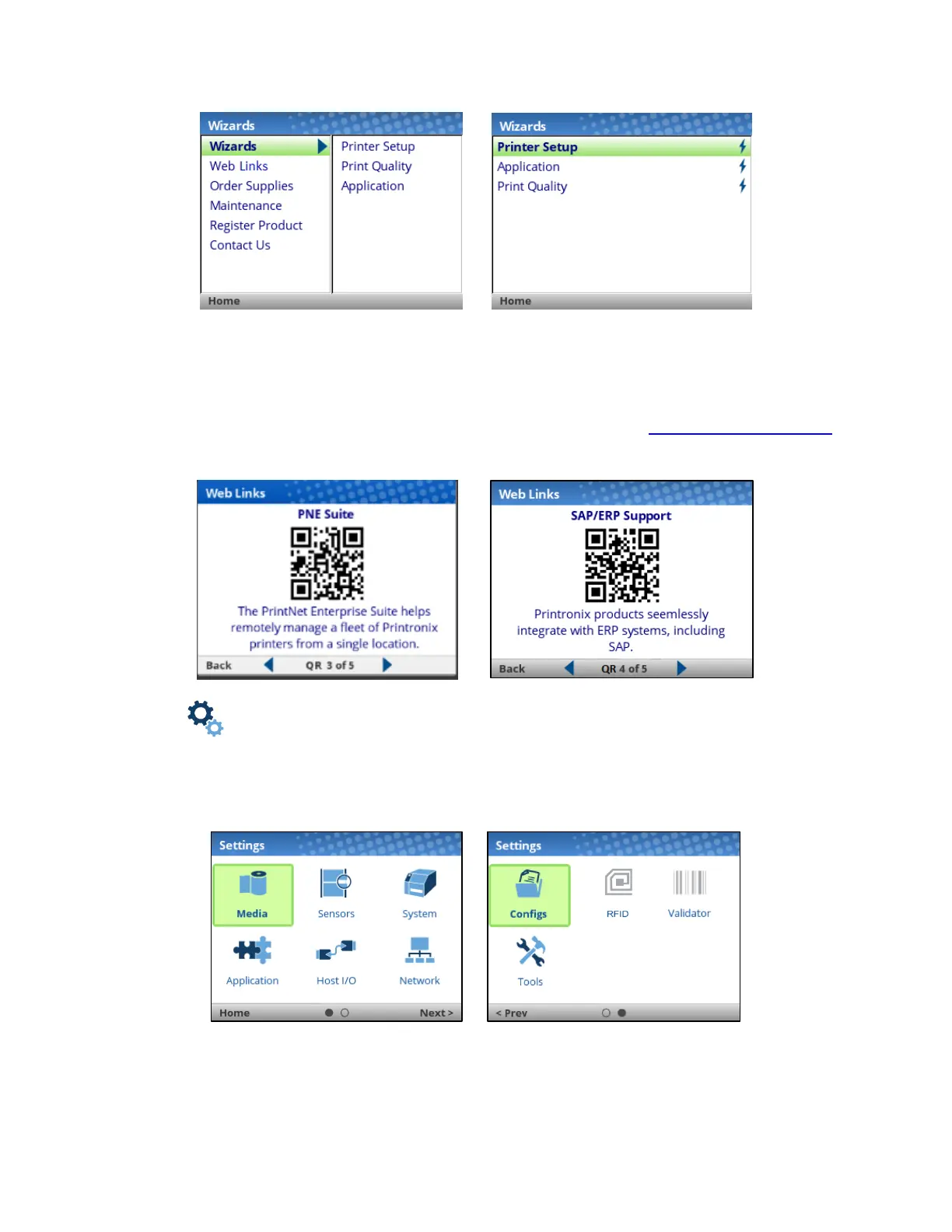
The Wizard also has support available in the form of QR barcodes for the other categories such as “Web
Links”, “Order Supplies”, etc. These QR barcodes provide links to the website www.PrintronixAutoID.com
to view online videos, manuals, drivers, including places where they can order supplies and register their
product.
Settings
The Settings section of the menu represents the heart of the OFFLINE process in which users will peruse
the full menu set, edit menus, run diagnostics, and save configurations. The Settings section begins with
two pages of ICONs that can be selected using the navigational keys and the ENTER button.












 To Next Page