235
If after performing all these tests you still see fixed vertical streaks, you must
replace the printhead.
Replacing the Printhead
1.
Set the printer power switch to O (Off).
WARNING Always unplug the printer power cord from the printer or power outlet
before
doing any installation procedure. Failure to remove power could
result in injury
to you and damage the equipment. When applicable, you
will be instructed to
apply power.
2.
Unplug the printer power cord from the printer or the AC power source.
3.
Remove the ribbon and media (e.g., paper, label, or tag stock material).
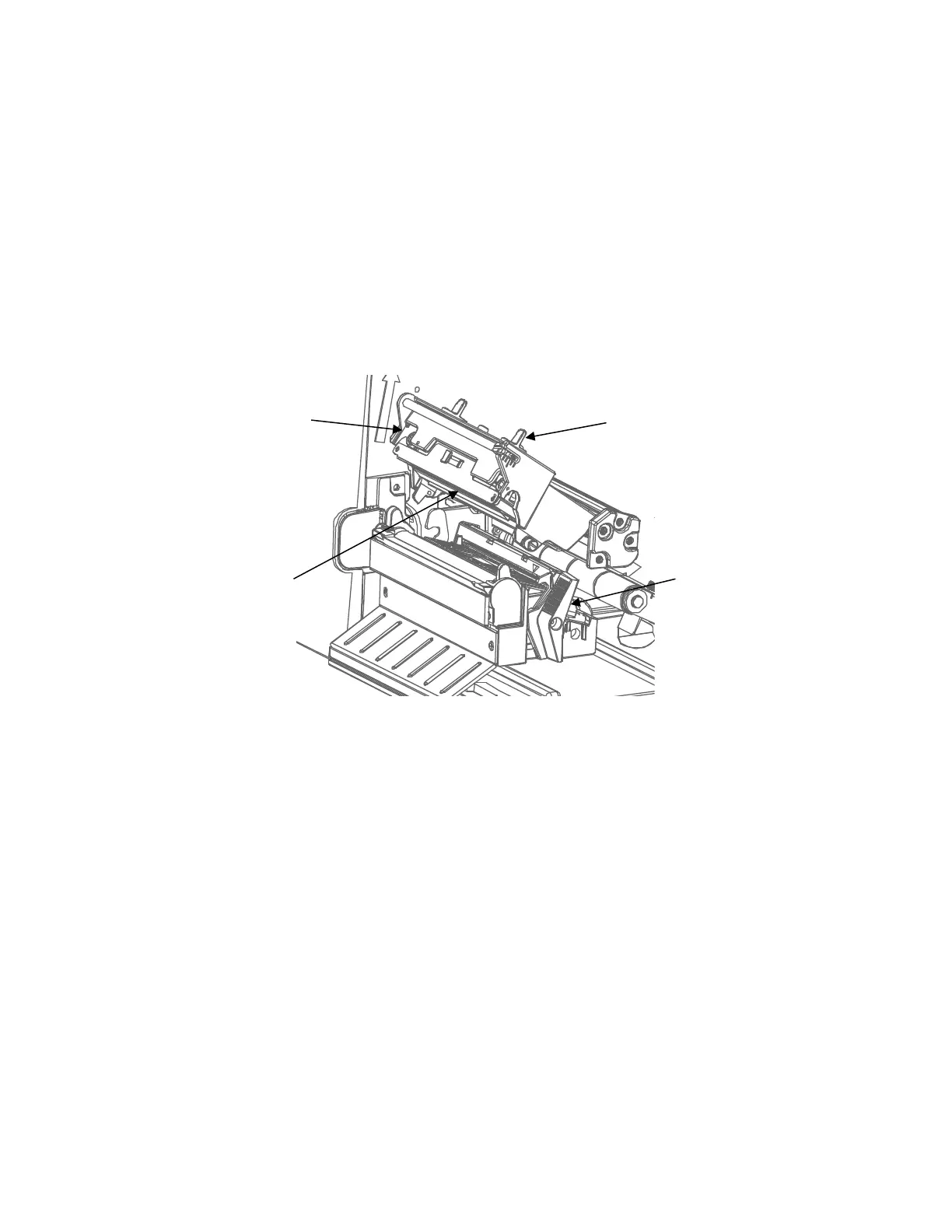
Figure 19 Opening the Pivoting Deck
CAUTION Oils from your hands can damage the light brown area (heating
elements) of the
printhead. Do not touch the light brown area when you
handle the printhead
assembly.
4.
Open the pivoting deck by pushing the deck lock lever until the deck swings upward.












 To Next Page