273
C
Media Cutter Installation
4 Inch Printer Media Cutter Installation
Preparing the Printer
1.
Set the printer power switch to O (Off).
2.
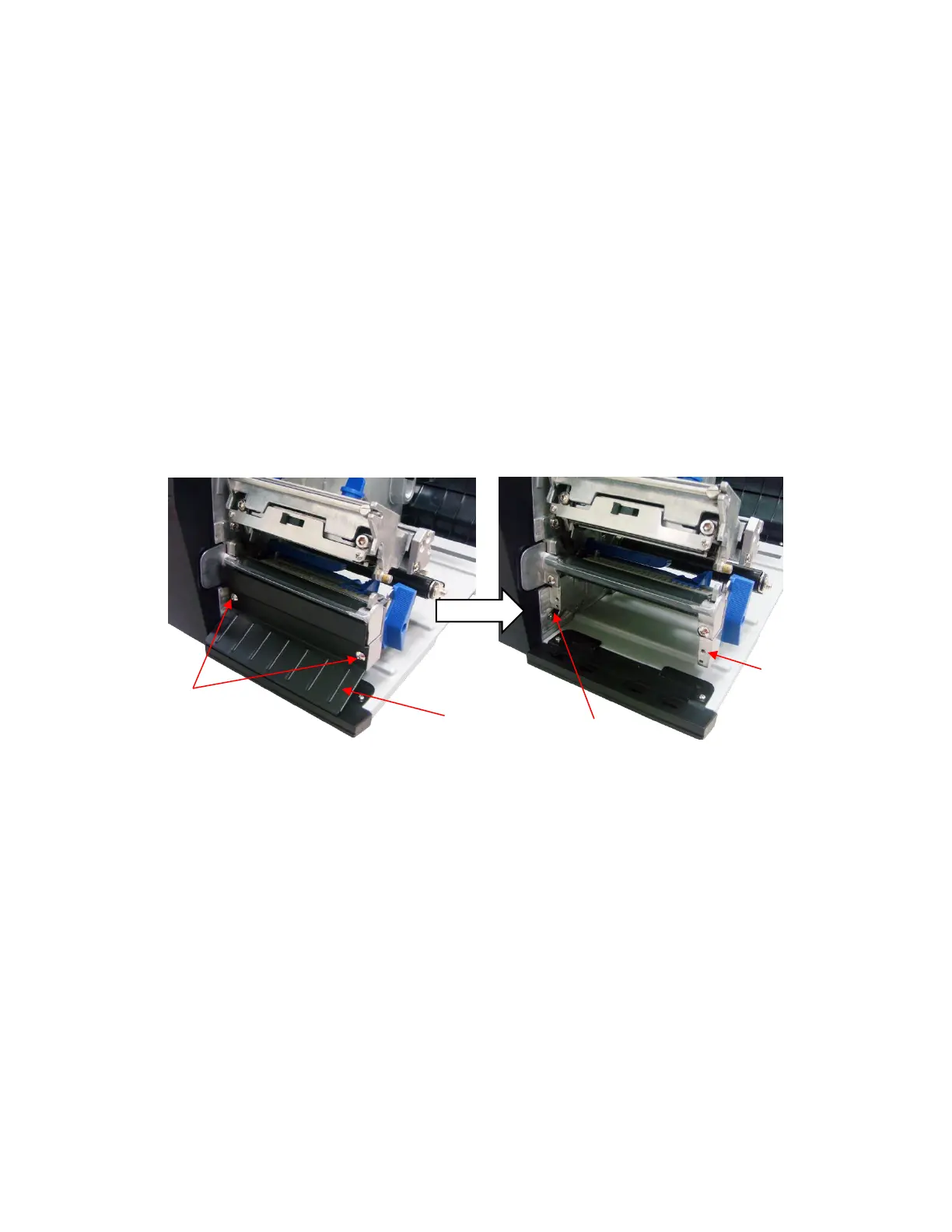
Remove the two screws that secure
the lower front cover to the lower support assembly.
3.
Set the two screws and front cover aside.












 To Next Page