276
6 Inch Printer Media Cutter Installation
(Picture forthcoming)
Preparing the Printer
1. Set the printer power switch to O (Off).
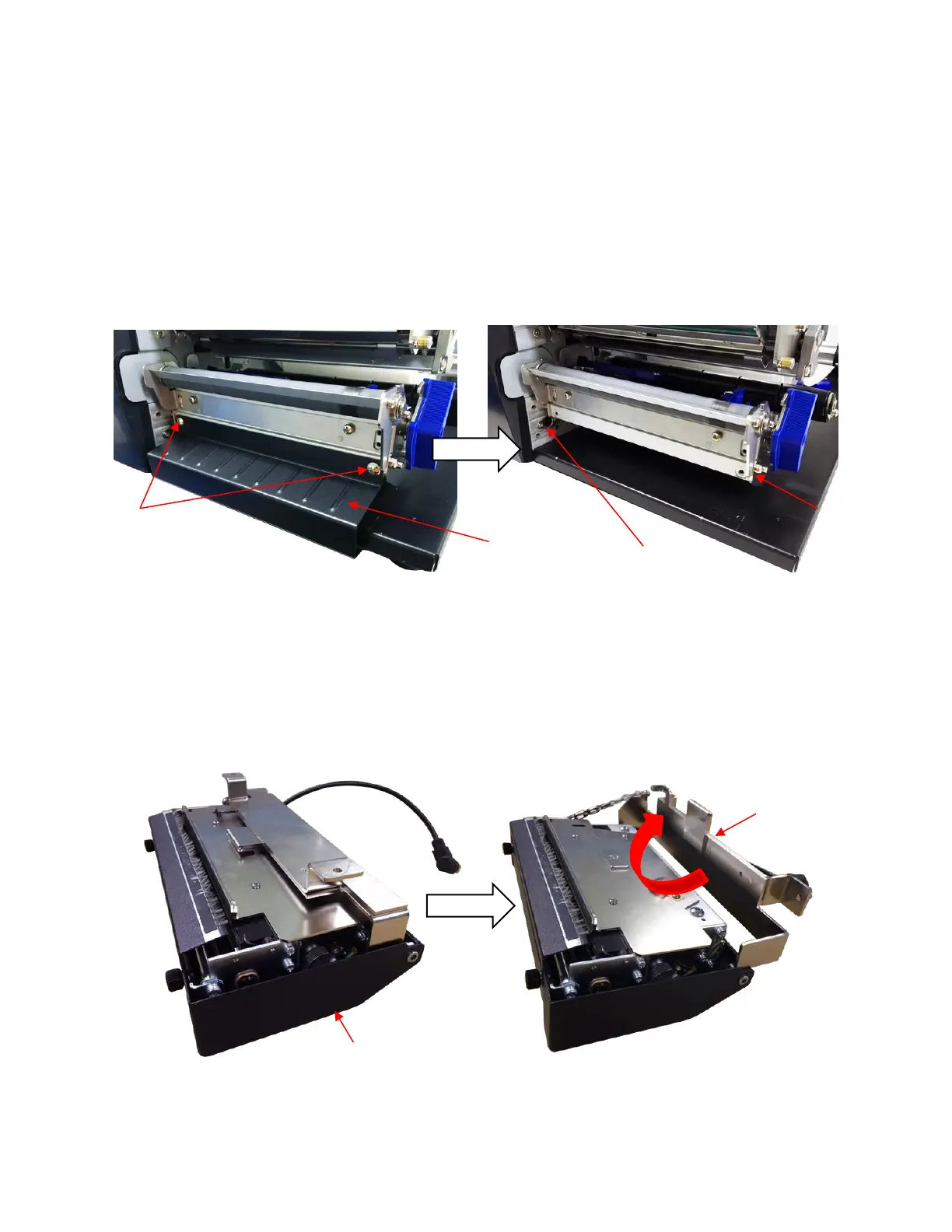
2. Remove the two screws that secure the lower front cover to the printer lower support assembly. Set
the two screws and front cover aside.
3. Set the two screws and front cover aside.
Installing the 6 Inch Media Cutter
WARNING The cutter blades are sharp. Keep your fingers away from the cutter
blades.
1. Open the cutter bracket as shown below.












 To Next Page