72
Printer Operation: The maximum Number Labels = (20”/12”) = 1.67 rounded up
to 2. The printer will
automatically reduce the Media > Auto Label Map > Number Labels to “2”.
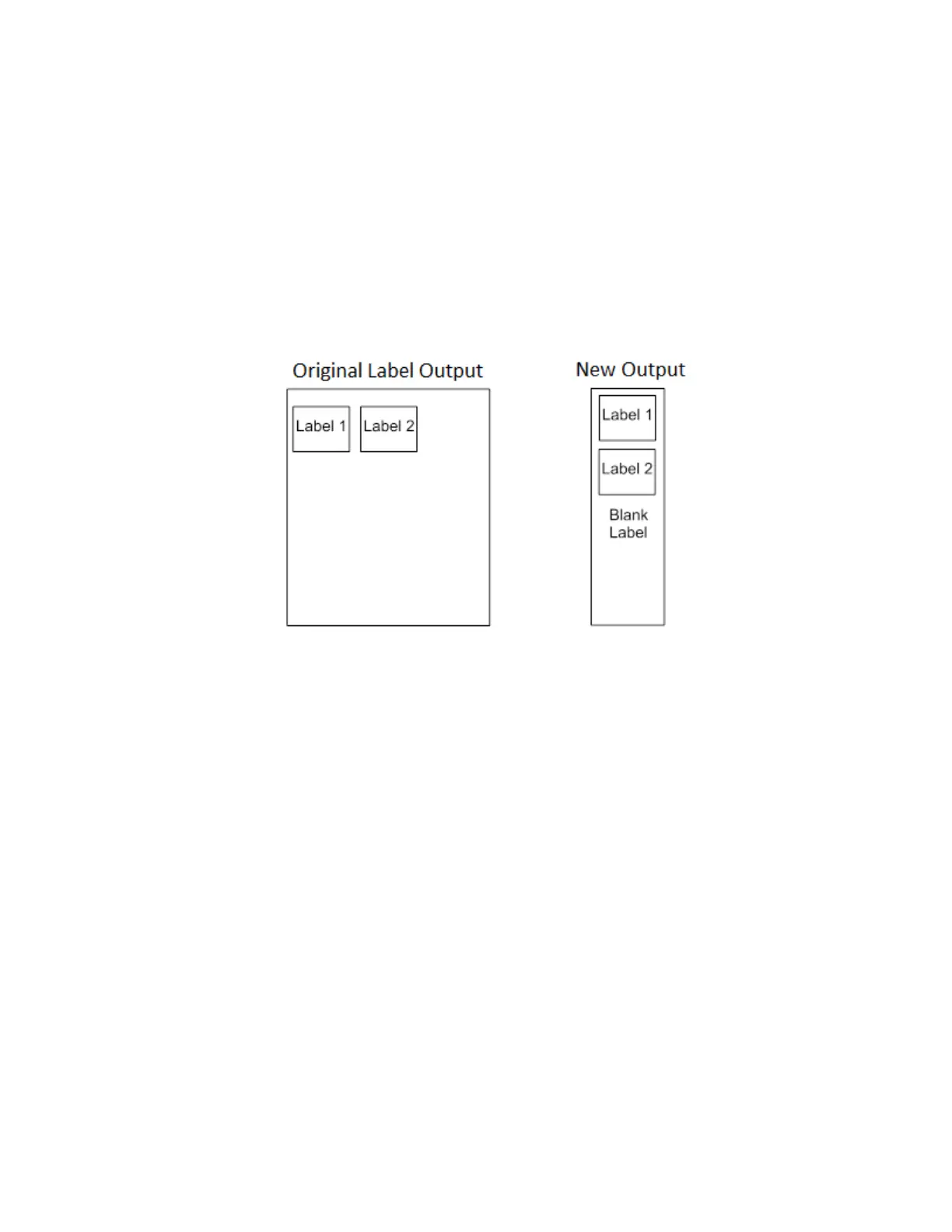
Example 4: Blank Label Case
Problem: A file exists with two horizontally adjacent 4.0” labels. The user now
wants to use this file with a
printer that has a 4.0” physical width. The user
decides to set the Media > Auto Label Map > Number Labels
to “3” and the Media > Auto Label Map > Label Width to “4.0” despite the fact
that these values are not
optimum.
Printer Operation: The maximum Number Labels = (20”/4”) = 5. The
selected value of 3 is legal. After the
file is sent, the printer will begin by
printing the first 4.0” width label. Once that label is complete, it will print
the
second 4.0” width label. Finally, once both of those labels have been printed,
the printer will print a
blank 4.0” label.












 To Next Page