214
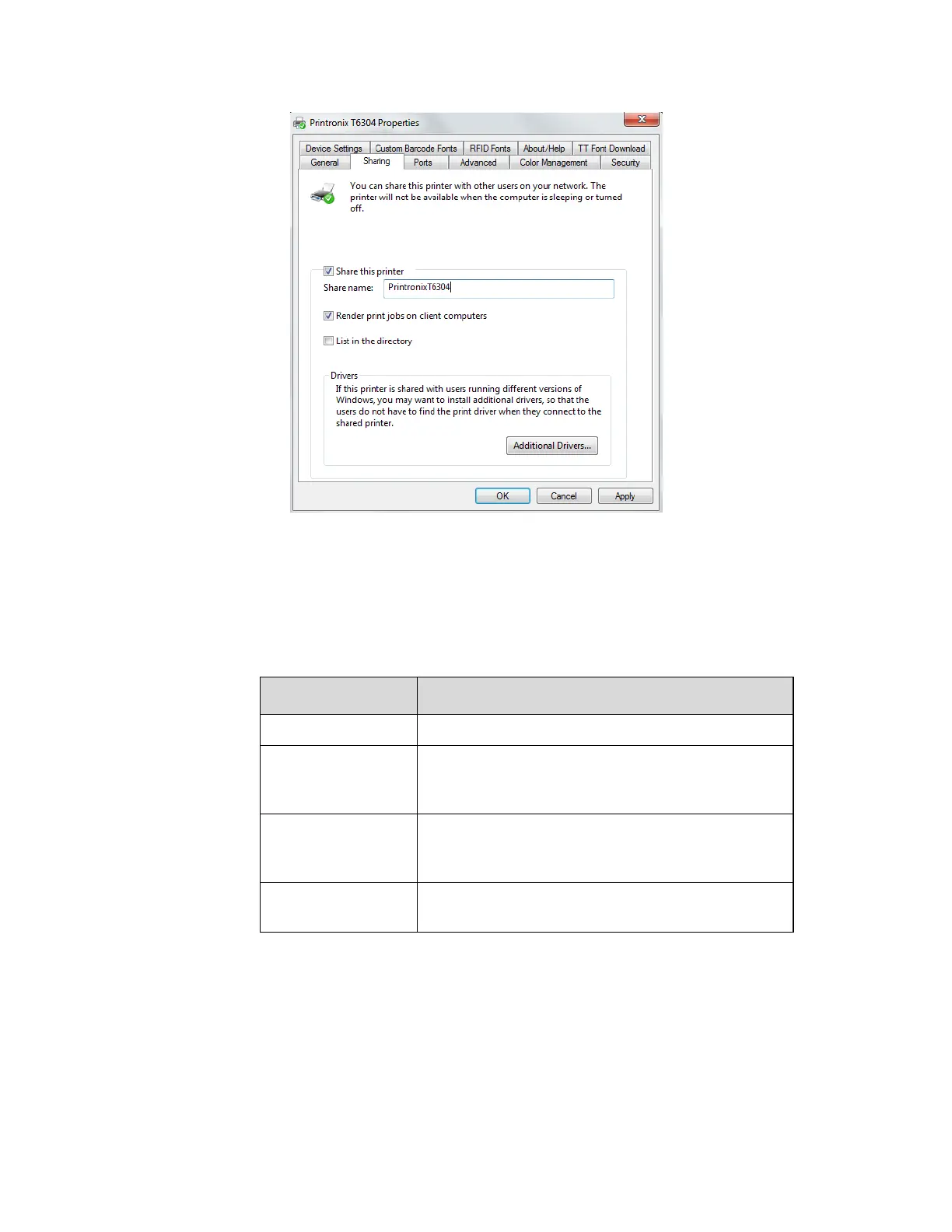
Figure 8 Setting Printer Properties Sharing Options
5. Start a Windows Command Prompt session.
6. Navigate to the directory with the target firmware (e.g., c:\download).
7. Execute FILENAME.exe as follows:
mode COM1:9600,N,8,1 <Enter>
mode LPT1=COM1 <Enter>
FILENAME –a -pb <Enter>
FILENAME –a –pbSharedName <Enter>
where SharedName of the printer is the ‘Share
name’ entered during installation.
FILENAME -n xxx.xxx.xxx.xxx <Enter>
where xxx.xxx.xxx.xxx represents the IP address.
WARNING DO NOT interrupt the downloading process once it has started. Interrupting a
download will leave the flash memory on the controller
PCBA incompletely
loaded, and the printer may not boot up.
8. When the new software has successfully loaded into flash memory and
the printer has reset
itself, the process is complete.












 To Next Page