292
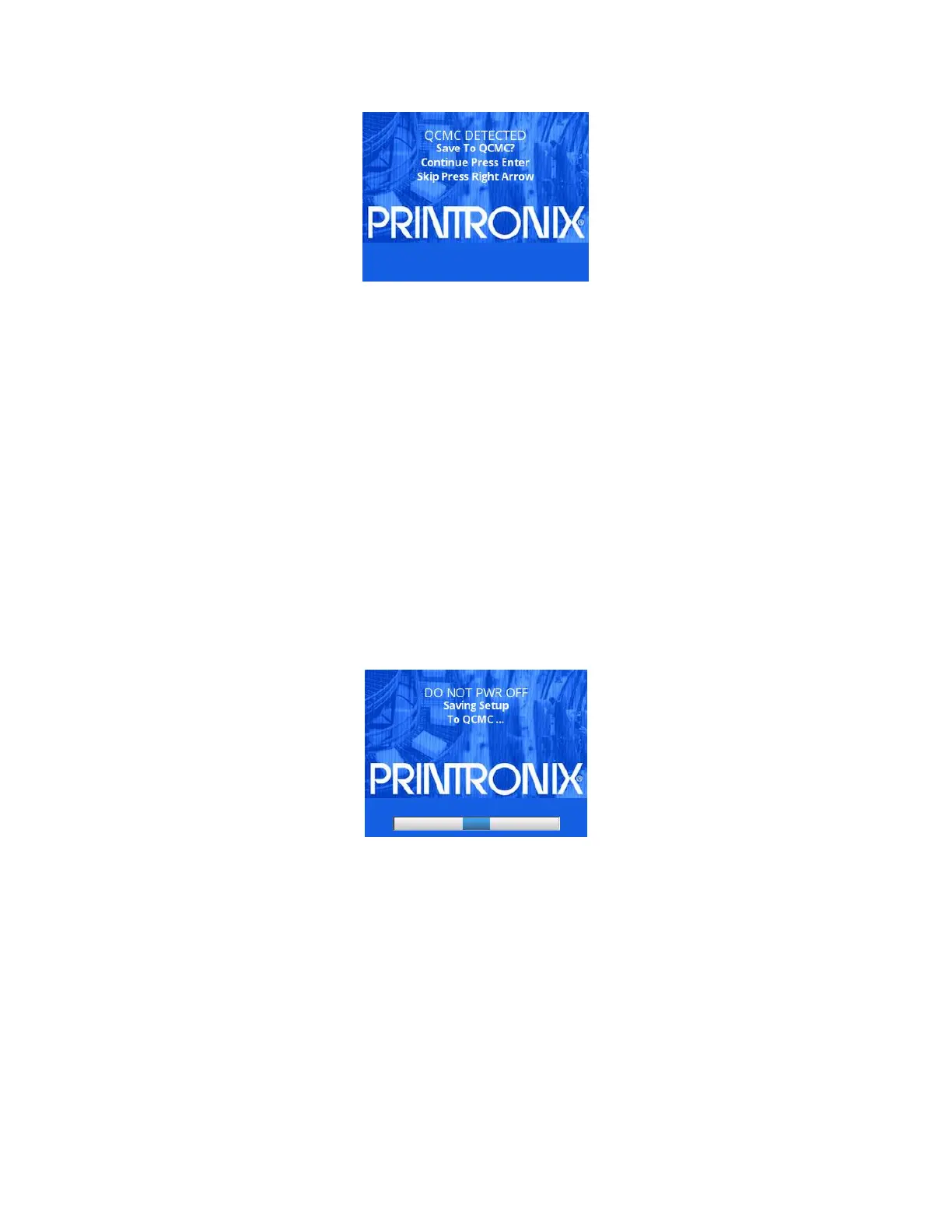
NOTE: This screen will appear every time at power-up until the printer’s flash
is saved to the QCMC.
If the RIGHT ARROW key is pressed, the printer will reboot into normal operation
and not save any
information to the QCMC. On subsequent power-ups the
Save message, shown above, will display again.
When the ENTER key is pressed, the printer will not go ONLINE, but instead
will copy the printer’s entire
flash image to the QCMC, creating a snapshot of
the printer’s memory.
Below is a list of items that will be saved to the QCMC:
Printer Program File (software)
Custom configurations (1–8)
Feature files or CST’s that have been downloaded on the printer.
All variable settings from the printer’s NVRAM
Network settings including IP Address
Other user files, such as fonts, bitmaps, or graphics files downloaded to
the printer.
While the printer is saving its QCMC settings to the SD card, the following
message will display. This could
take a few minutes to complete.
WARNING During this process, do not turn off the power. The time it takes to complete the
process depends on the amount of information in flash and may take longer
when large user files are included.
Upon successful completion of saving a flash image to the QCMC, the printer
will display a message
indicating the operation is complete as shown in the following figure. The printer will
then reboot into normal
operation.












 To Next Page