294
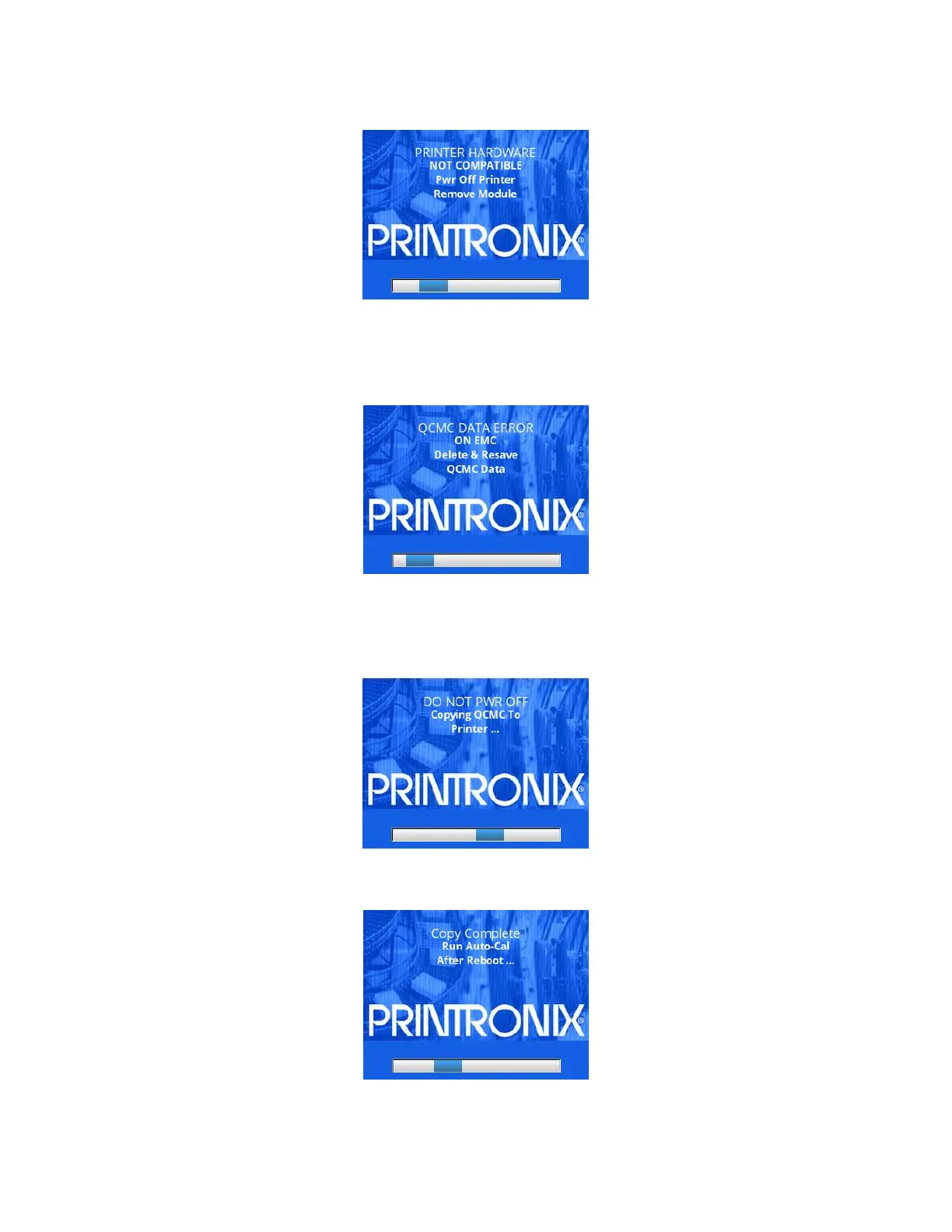
This means that the QCMC is not compatible with the printer’s software or hardware. A
software upgrade is
required, or a different configured QCMC will be needed.
A QCMC validation check will also be performed to ensure the data stored on the
SD is not corrupted. If the
test fails the following fault message will display.
This means that the data on the QCMC was not saved properly, and must be
deleted then resaved. Follow
the instructions for deleting files, and then repeat the
copying process.
If all the checks pass, then the printer will copy the files from the QCMC to the
target printer. While this copy
is in progress, the following message will be displayed.
Upon successful completion, the printer will display the following message on
the front panel and reboot
into normal operation.












 To Next Page