299
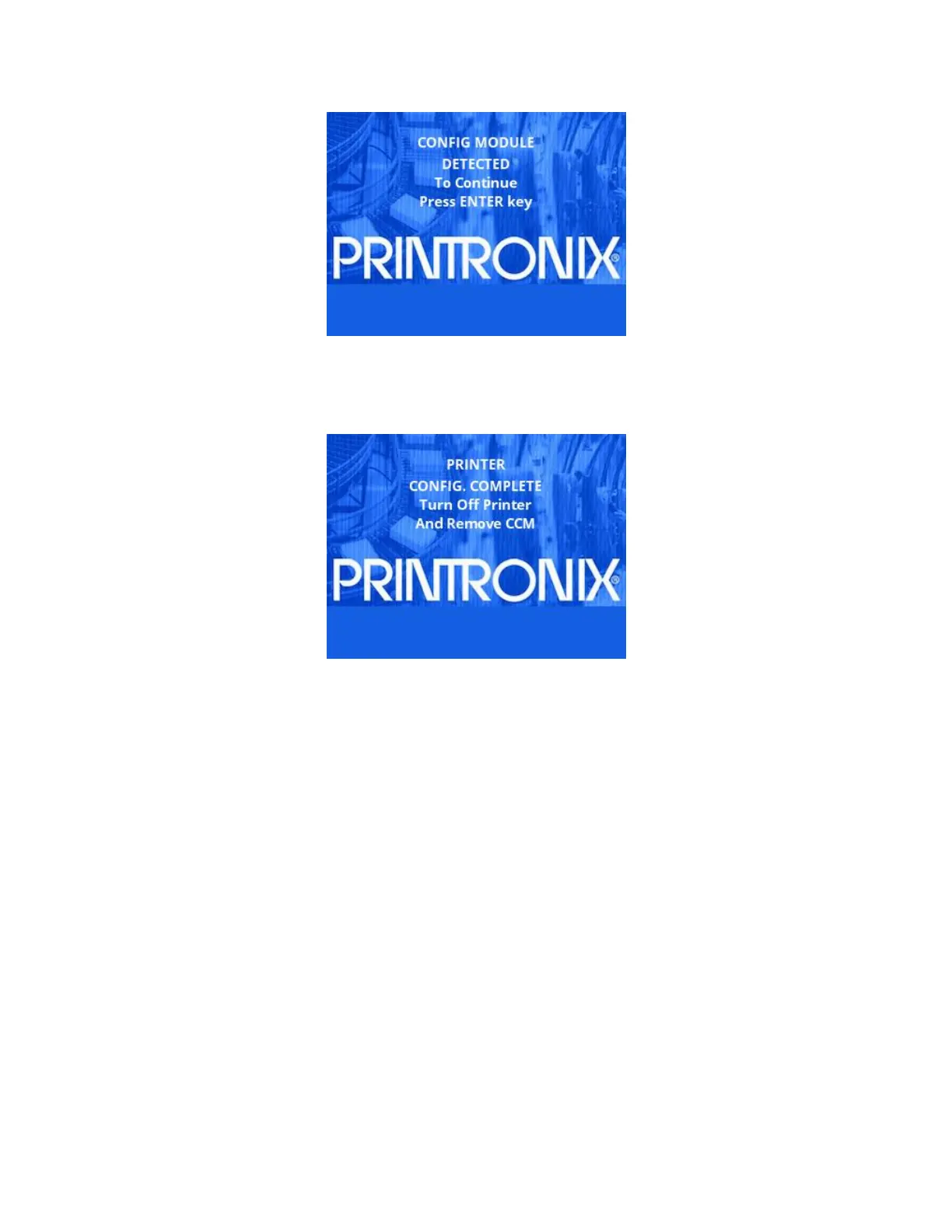
4. When the ENTER key is pressed, the printer will start the configuration process. Do NOT power off the
printer until the process is complete. When the process completes the printer will display the following
message on the front panel:
NOTE: The printer may reset during the configuration process, this is normal. Do NOT interrupt the
printer until it displays the message above.
5. Turn off the printer and remove the CCM. This process can be repeated on any number of printers.












 To Next Page