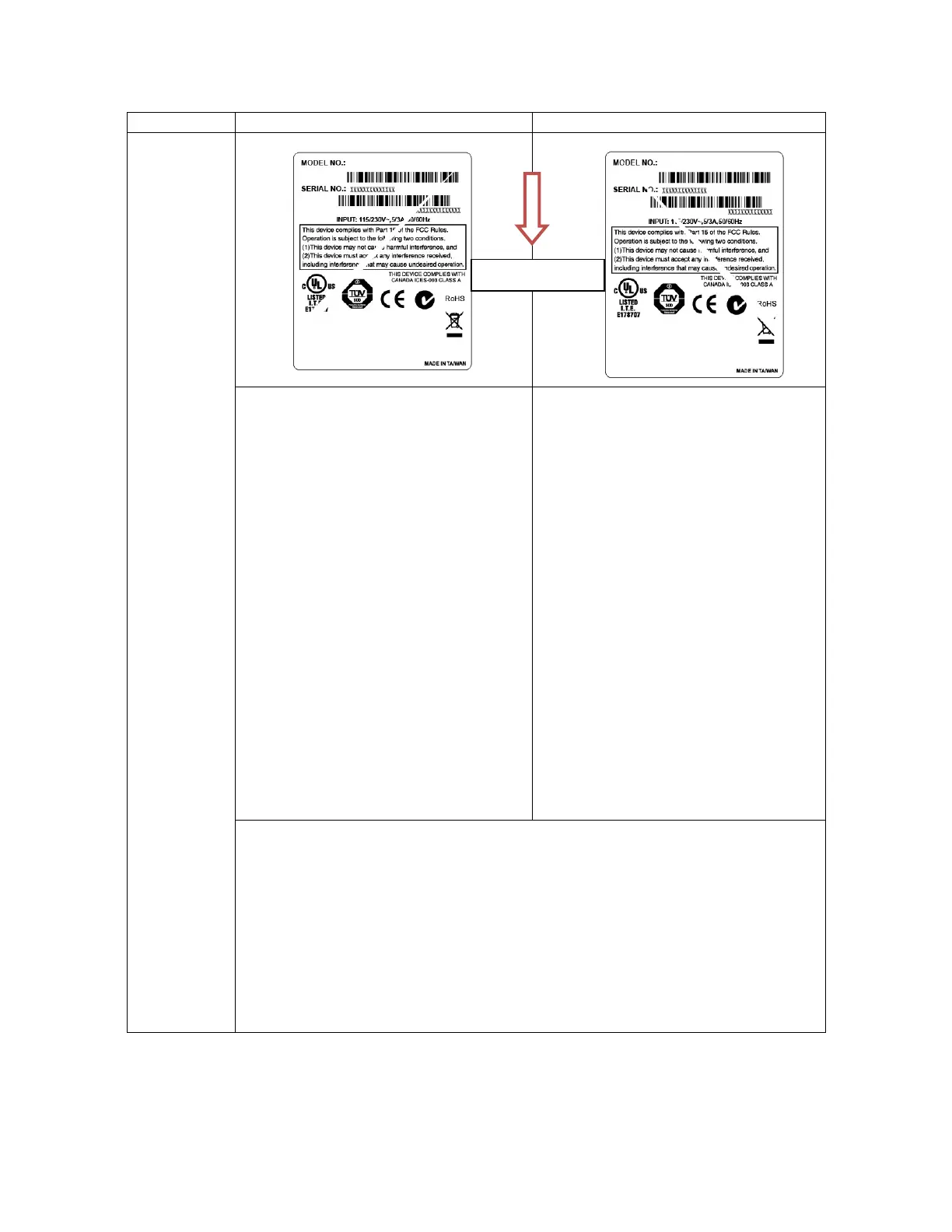
to upper right direction (“ / ”)
right to upper left direction (“ \ ”)
If the wrinkle on the label starts from the
lower left side to upper right side, please
do the following adjustment.
1. Clockwise direction adjust the ribbon
tension adjustment screw to “2” or “1”
position. Then check if wrinkle is gone.
2. Decrease the right side print head
pressure adjustment knob setting 1
level per each adjustment then print the
label again to check if wrinkle is gone.
3. If the right side print head pressure
adjustment knob setting has been set to
index 1 (the lowest pressure index),
please increase the left side print head
pressure.
4. If the left side print head pressure
adjustment knob setting has been set to
5 (the highest pressure index) and the
wrinkle can’t be avoided, please rotate
the both knobs back to setting 1 then
rotate the Z-axis mechanism
adjustment screw clockwise for a few
degrees and print again to fine tune the
print head pressure distribution.
If the wrinkle on the label starts from the
lower right side to upper left side, please
do the following adjustment.
1. Counter clockwise adjust the ribbon
tension adjustment screw to “4” or “5”
position. Then check if wrinkle is gone.
2. Decrease the left side print head
pressure adjustment knob setting 1
level per each adjustment then print the
label again to check if wrinkle is gone.
3. If the left side print head pressure
adjustment knob level has been set to
index 1 (the lowest index), please
increase the right side print head
pressure.
Note for Z-axis mechanism adjustment screw:
- Factory default setting, the Z-axis screw is rotated counter clockwise to the end of
thread.
- Turn the Z-axis mechanism adjustment screw clockwise until you feel the knob
touch the mechanism for the first adjustment.
- If the wrinkle is still there, please turn the Z-axis mechanism adjustment screw
clockwise about 1/4 circle each time for adjustment.
- If the winkled direction is change from “/” to “\” by adjusting the Z-axis mechanism
adjustment screw, please turn the Z axis mechanism adjustment screw counter
clockwise to avoid the wrinkle.












 To Next Page