47
When the right submenu is highlighted, the user can press
ENTER or the RIGHT ARROW key to move
into the Edit Level. Likewise, the user can use the LEFT ARROW key to move back to the ICON Level.
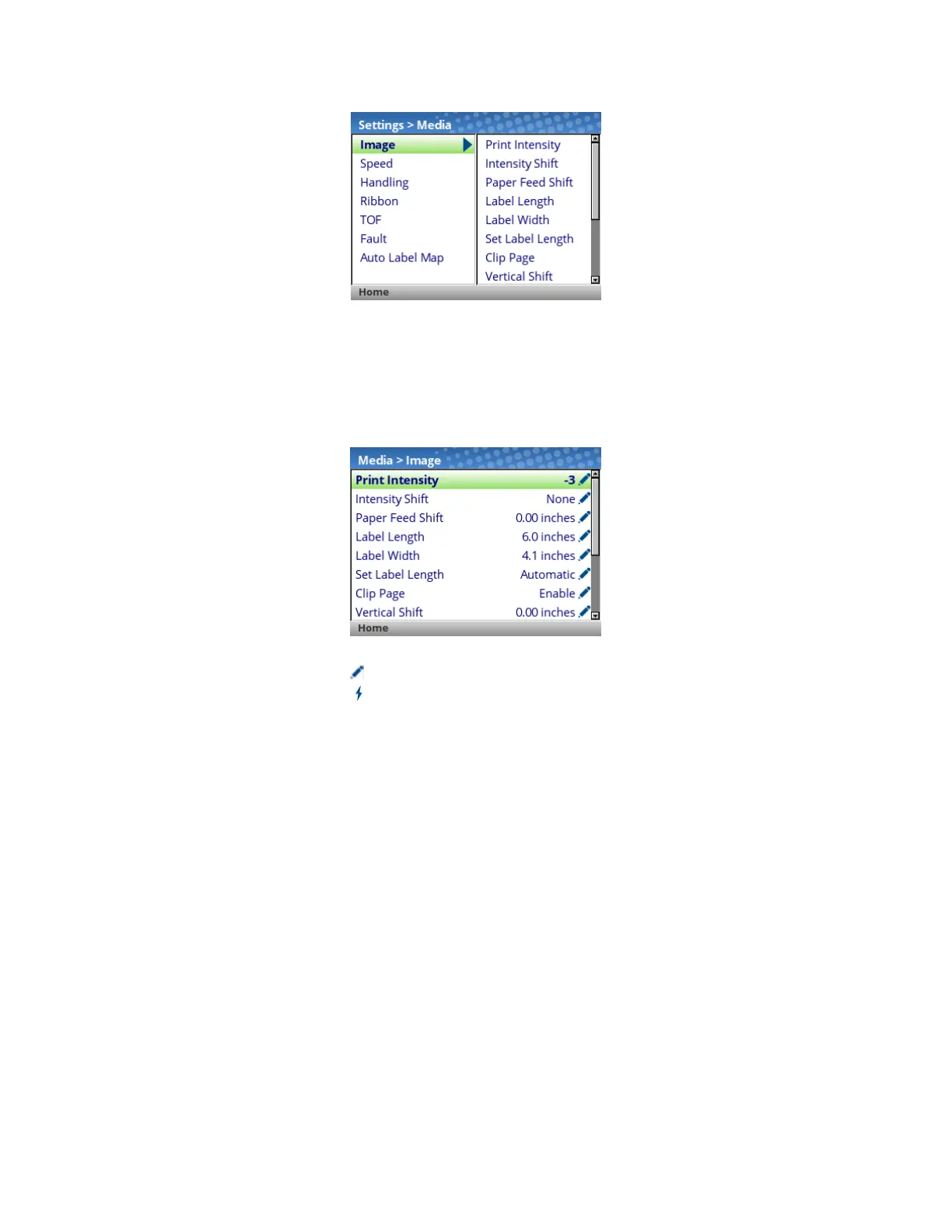
The Edit Level. The last level of the menu system is known as the Edit Level and contains all the
configuration parameters for a given submenu. The user can scroll through the menus using the up/down
arrow keys to view the current configuration values.
For menus that have the edit icon , the user can modify the value by pressing the
ENTER key to enter
Edit Mode. If the menu has a bolt icon, this is an executable menu and pressing the ENTER key will
result in a particular action (e.g., running a print test, clearing statistics). If the menu does not have any
icon, then it is a read-only menu and pressing ENTER key will not have any effect.
IMPORTANT When entering the Edit Mode, a message “ENTER SWITCH LOCKED” may
appear. In this case, the user will not be allowed to enter Edit Mode until the
panel is unlocked. To unlock the configuration, press the UP+DOWN arrow keys
simultaneously until you see the message “ENTER SWITCH UNLOCKED”.
In the Edit Mode, depending on the type of menu, the user may be given a pull-down menu of options or
cycle through a set of numbers with an asterisk next to the current value. In cases where large numbers,
strings, or network IP addresses must be entered, a virtual keyboard will be shown in which users can
navigate to different characters or numbers. The examples below show Edit Mode with a pull-down menu
and a virtual keyboard.












 To Next Page