ABL800 FLEX Operator's Manual 3. Installation and setup
Disk Functions setup, Continued
Automatic
Backup Setup
(continued)
Step Action
4.
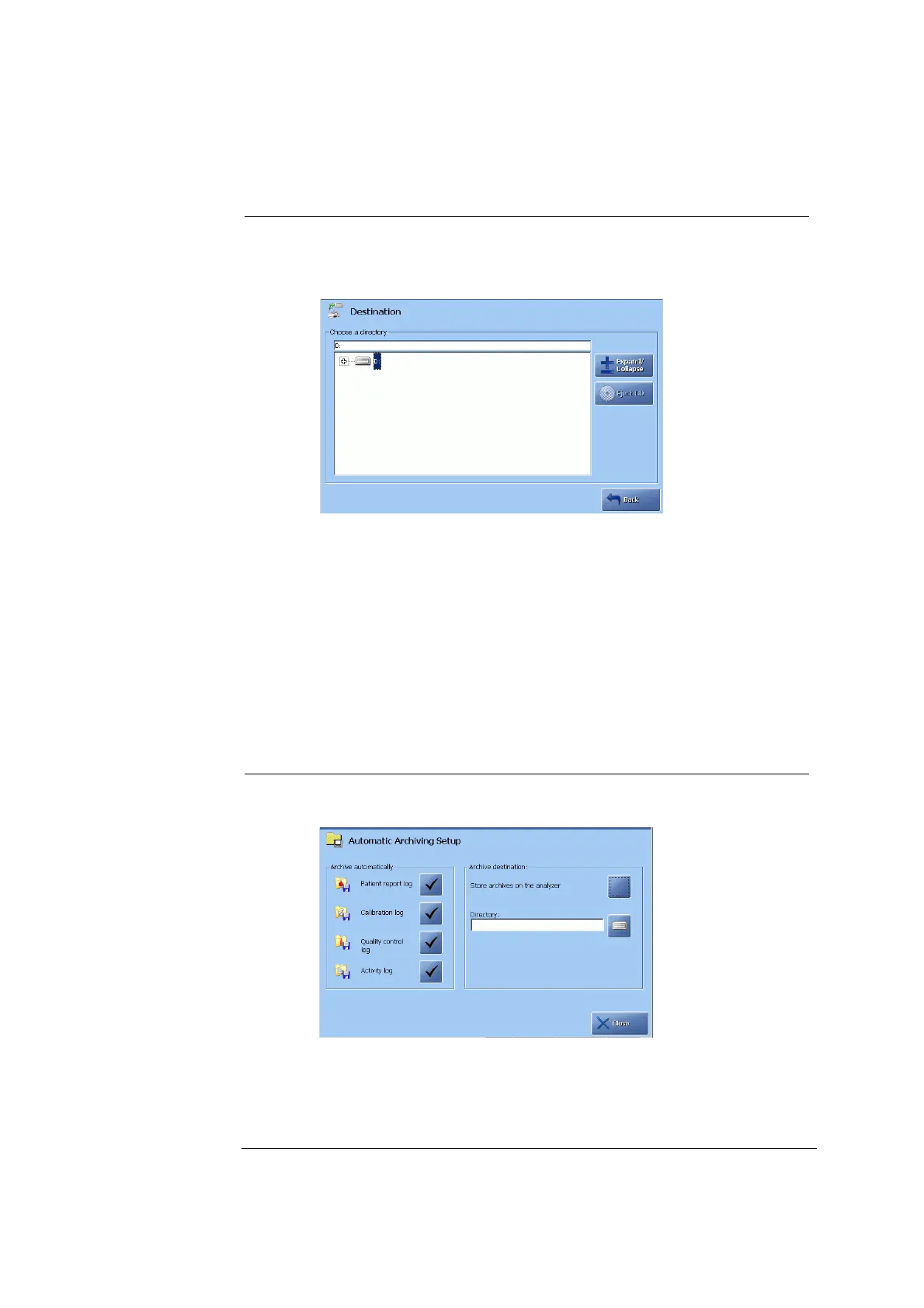
Press the drive icon in the “Destination” box to select destination.
5.
Highlight the drive or folder and press the Expand/Collapse button to
open a folder in a directory or within a folder.
Note that automatic backup can be selected for the internal hard disk
or the network.
When completed, the correct destination should appear in the upper
part of the box.
Automatic
Archiving Setup
This program allows you to select automatic archiving of the data logs by
activating the relevant check button.
Do the following:
Step Action
1.
To select automatic archiving on the analyzer's hard disk, activate the
check button.
2.
To select another destination, press the drive icon to select a directory
as described in step 5 for Automatic Backup Setup above.
Continued on next page
3-81



 To Next Page