6. Calibration ABL800 FLEX Operator's Manual
Calibration result messages
Press the Messages button on the Calibration Result screen to display the
Calibration Result Messages screen.
Access to the
screen
The following buttons are available:
Result
To return to the Calibration Result screen.
Troubleshoot
To display the interpretation and operator actions – see
Troubleshooting Messages, chapter 11.
Note
A Note can be selected from a list of Notes (made in the
User-defined Notes program), typed by pressing the
keyboard icon, edited by pressing the Edit Note button, or
deleted by pressing the Delete Note button.
Print
To print out the messages.
Back
To return to the previous screen.
Message levels
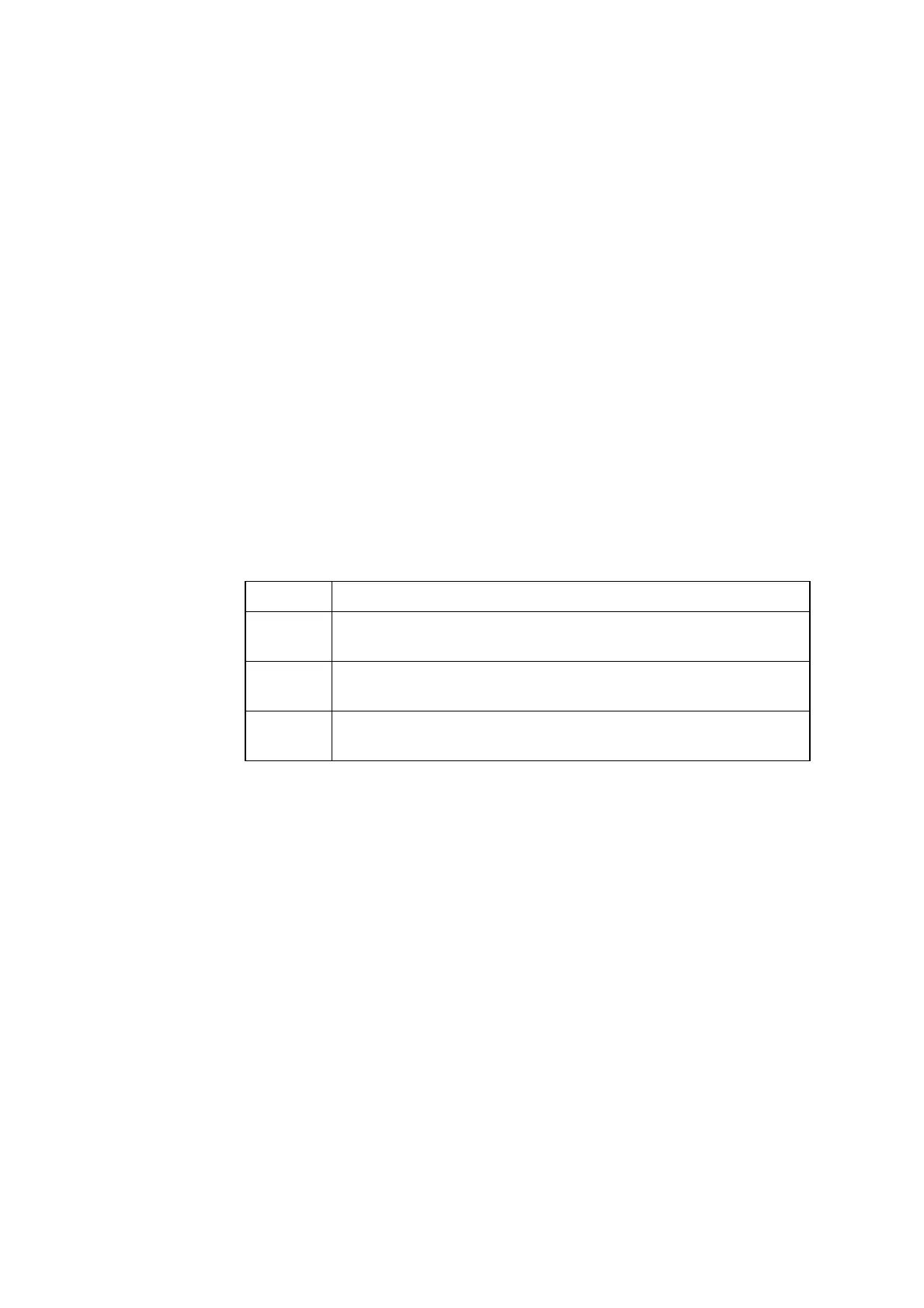
The message levels can be considered as a type of filter in which the messages
displayed are based on the following:
Level Explanation
User Messages for the user familiar with the basic daily operation of the
analyzer and primarily responsible for performing measurements.
Manager Messages for the user with deeper understanding the analyzer
functions and responsible for the analyzer's proper operation.
Service Messages for the service technician with thorough knowledge of
the operation and construction of the analyzer.
6-10



 To Next Page