ABL800 FLEX Operator's Manual 4. Sample measurements
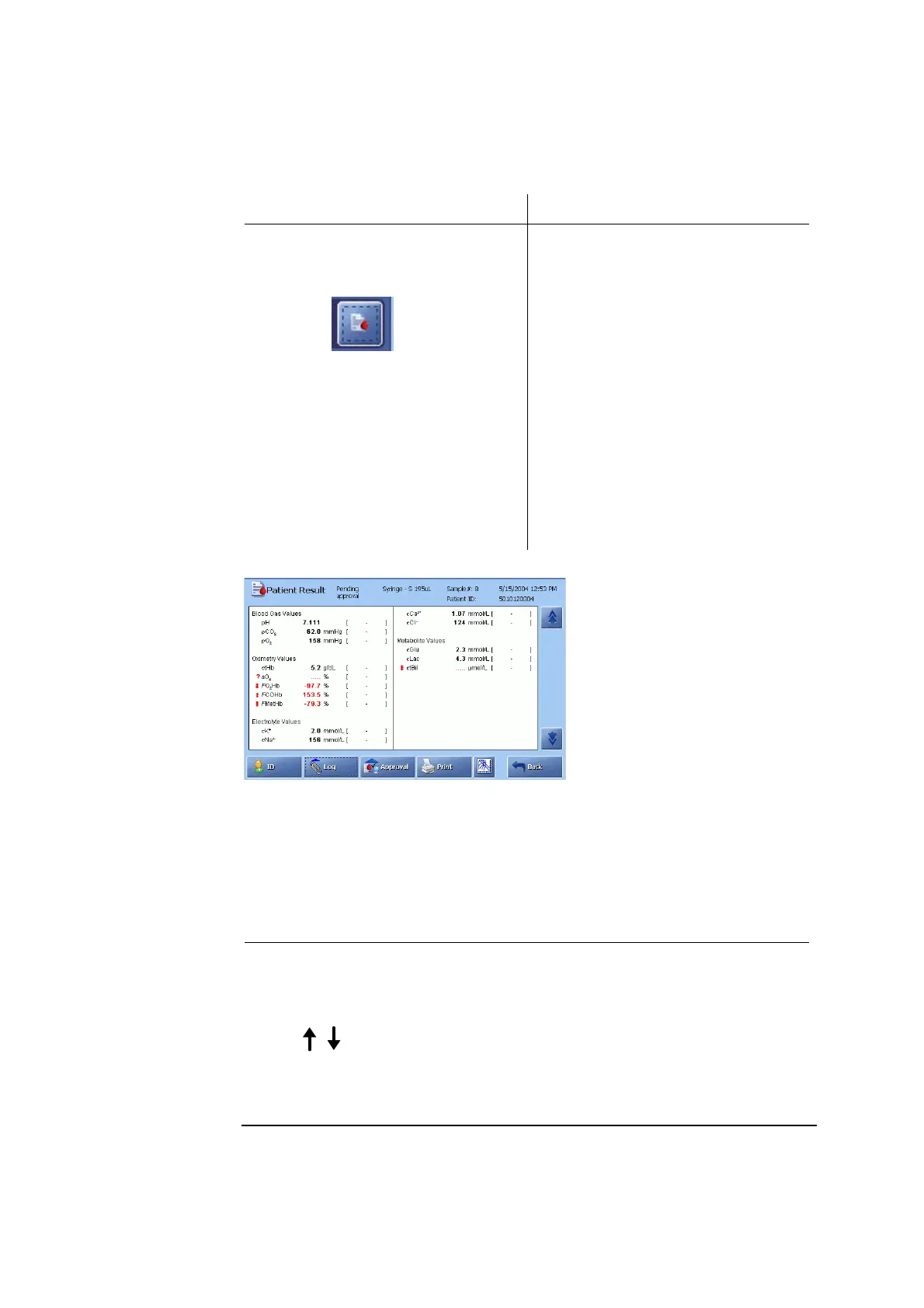
Patient result
The FLEXQ module is installed:
Retrieving
patient result
The FLEXQ module is not installed:
The measurement result will not be
displayed automatically. You can do
one of the following:
• Press the
button on the
Ready screen
• Scan the registration receipt
• Press Menu – Latest Result
• Press Menu – My Results
• Press Menu – Data Logs – Patient
Results Log, highlight the desired
result and press Result.
The Patient Result screen will be
displayed automatically when the
measurement has been completed.
However, if the patient identification
information took longer time to enter
than the measurement, you can do one
of the following:
• Press the Result button on the
Ready screen
• Press Menu – Latest Result
• Press Menu – My Results
Press Menu – Data Logs – Patient
Results Log, highlight the desired
result and press Result.
Press Print to print out the patient report.
Parameter
status
The absence of any markings next to a parameter indicates that the parameter was
measured without any fault.
The following markings may appear next to a parameter:
Marking Explanation
?
• Error in the last quality control measurement or
calibration, or due to sample problems
• Parameter has violated the sample age.
Parameter value is outside the reference range (the range
within which the parameter value is considered normal,
for the specific type of sample being measured), but
inside the critical limits.
Continued on next page
4-21



 To Next Page