Transmission Mode
6
1
❒ When canceling transmission
by user code, to delete the pro-
grammed user code, press the
{
{{
{Clear/Stop}
}}
} key, and then the
{
{{
{OK}
}}
} key.
E
EE
E
Press the {
{{
{OK}
}}
} key.
The display returns to that of step
C.
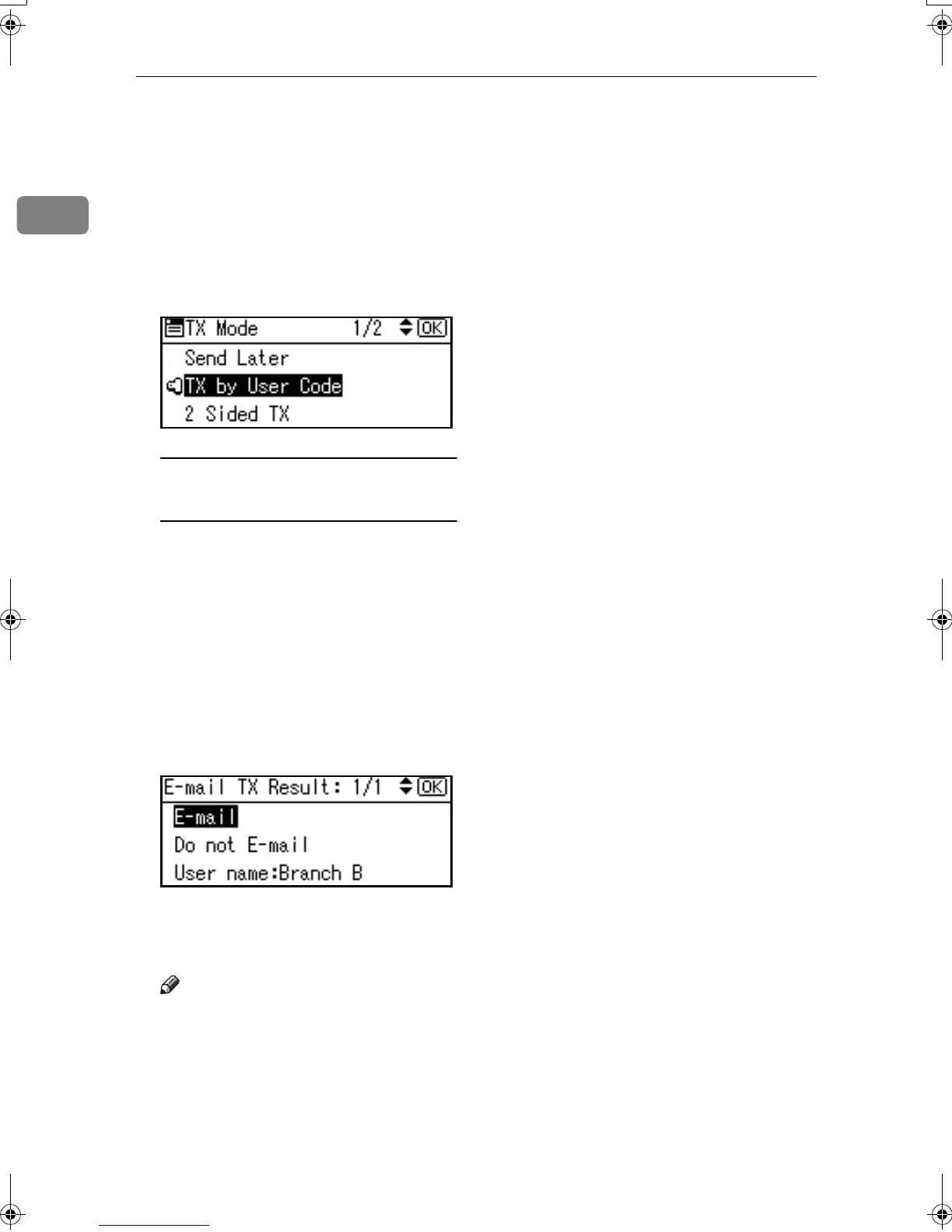
When your e-mail address is
programmed with the user code
If your e-mail address is pro-
grammed with the user code, you
can select whether the machine
sends transmission result by e-
mail.
A Select [E-mail] or [Do not E-mail]
using {
{{
{U
UU
U}
}}
} or {
{{
{T
TT
T}
}}
}, and then
press the {
{{
{OK}
}}
} key.
The display returns to that of
step C.
F
FF
F
Press the {
{{
{Cancel}
}}
} key.
The standby display appears.
Note
❒ To check the settings, press [TX
Mode].
G
GG
G
Specify a destination, and then
press the {
{{
{Start}
}}
} key.
Kir-C2-AEcombine_F_FM.book Page 6 Monday, September 29, 2003 11:39 AM


 To Next Page
 Loading...






