125
5. Sending Scan File by E-mail
This chapter explains how to send a scan file as an e-mail attachment.
Procedure Breakdown
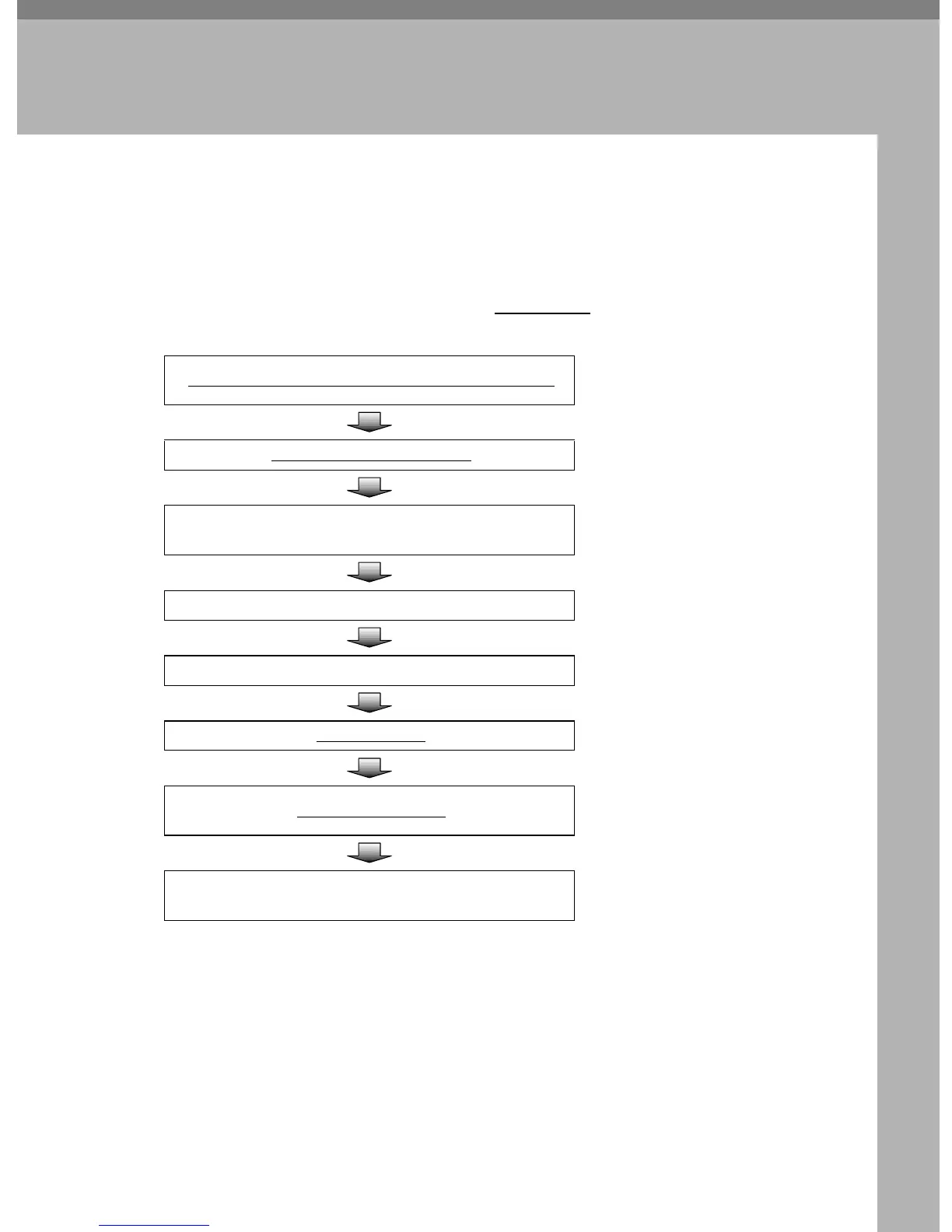
The following overview diagram shows the flow of the steps for sending scan
files as E-mail attachments. Note that the underlined
steps are essential.
Place originals in the ADF or on the exposure glass.
⇒ p.128 “Before Sending Scan
Data”
Select or enter a destination.
⇒ p.130 “Setting Destinations”
Select or enter a [Cc] destination.
⇒ p.134 “Setting Cc Destina-
tions”
Select or enter a subject. ⇒ p.135 “Setting a Subject”
Make scan settings. ⇒ p.136 “Making Scan Settings”
Select a sender.
⇒ p.139 “Selecting a Sender”
Press the
{
{{
{
Start
}
}}
}
key.
⇒ p.140 “Starting a Scan Opera-
tion”
Confirm the transmission results by using the Web Sta-
tus Monitor.
⇒ p.142 “Checking Transmis-
sion Results”



 To Next Page