Appendix
182
11
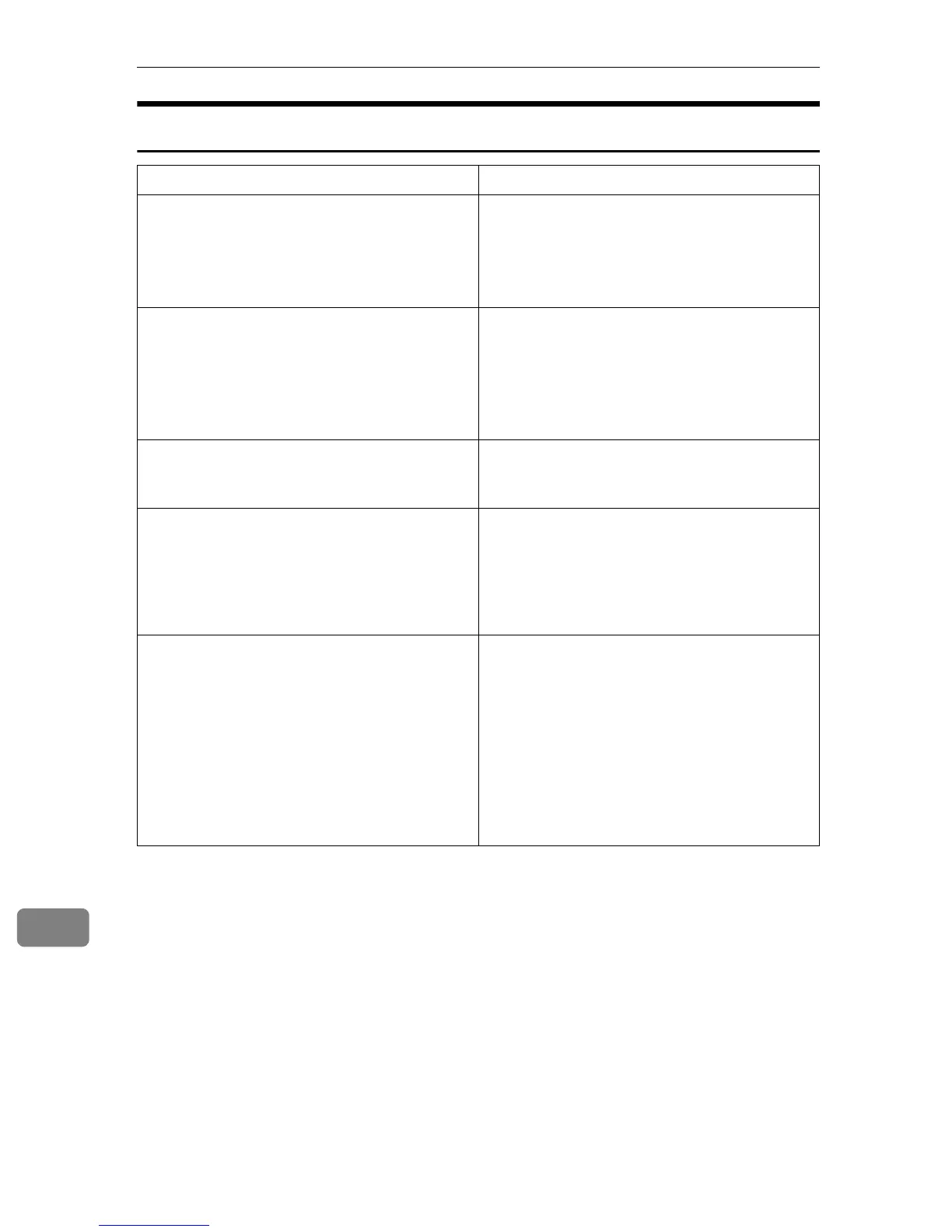
When Scanning is Not Performed as Expected
Condition Possible Cause and Required Action
The scanned image is dirty. • Exposure glass, the ADF exposure glass,
white sheet or original roller is dirty.
• Clean the exposure glass, the ADF expo-
sure glass, white sheet, or original roller ⇒
p.193 “Cleaning”
Image is distorted or out of position. • The original was moved while scanning.
Do not move the original while scanning.
• The original was not pressed flat against
the exposure glass. Make sure that the orig-
inal is pressed flat against the exposure
glass.
The scanned image is upside down. • The original was placed upside down.
Place the original in the correct orientation.
⇒ p.119 “Original Orientation”
No image results from scanning. • The original was placed with the front and
back reversed. When the original is placed
directly on the exposure glass, the side to
be scanned must face down. When the
original is fed via the ADF, the side to be
scanned must face up.
The printer that you have specified for print-
ing scanned data does not print after you per-
form a Print Scan operation.
• If an error message is shown on the display
of this machine, see p.183 “When an Error
Message Appears” to eliminate the error.
• If no error message is displayed on this ma-
chine, it means an error has occurred on the
printer, or the printer may not be config-
ured properly. Confirm that the printer op-
erates normally, and is properly
configured. See the manual that comes
with the printer.



 To Next Page