Moving and Transporting the Scanner
199
11
Moving and Transporting the Scanner
• Safety laws and regulations (in-
cluding those stipulating radio
wave regulations and material reg-
ulations) differ in each country.
Use of this product and its con-
sumable supplies, etc. in foreign
countries in violation of these reg-
ulations may be punishable by
law.
• Information regarding measures
for ensuring safe transport can be
obtained from an authorized deal-
er. However, packaging and trans-
port are to be performed by the
customer.
Moving Over Short Distance
A
AA
A
Turn off the power of the scanner
and unplug the power cord from
the outlet.
B
BB
B
Disconnect all cables connected
to the scanner.
C
CC
C
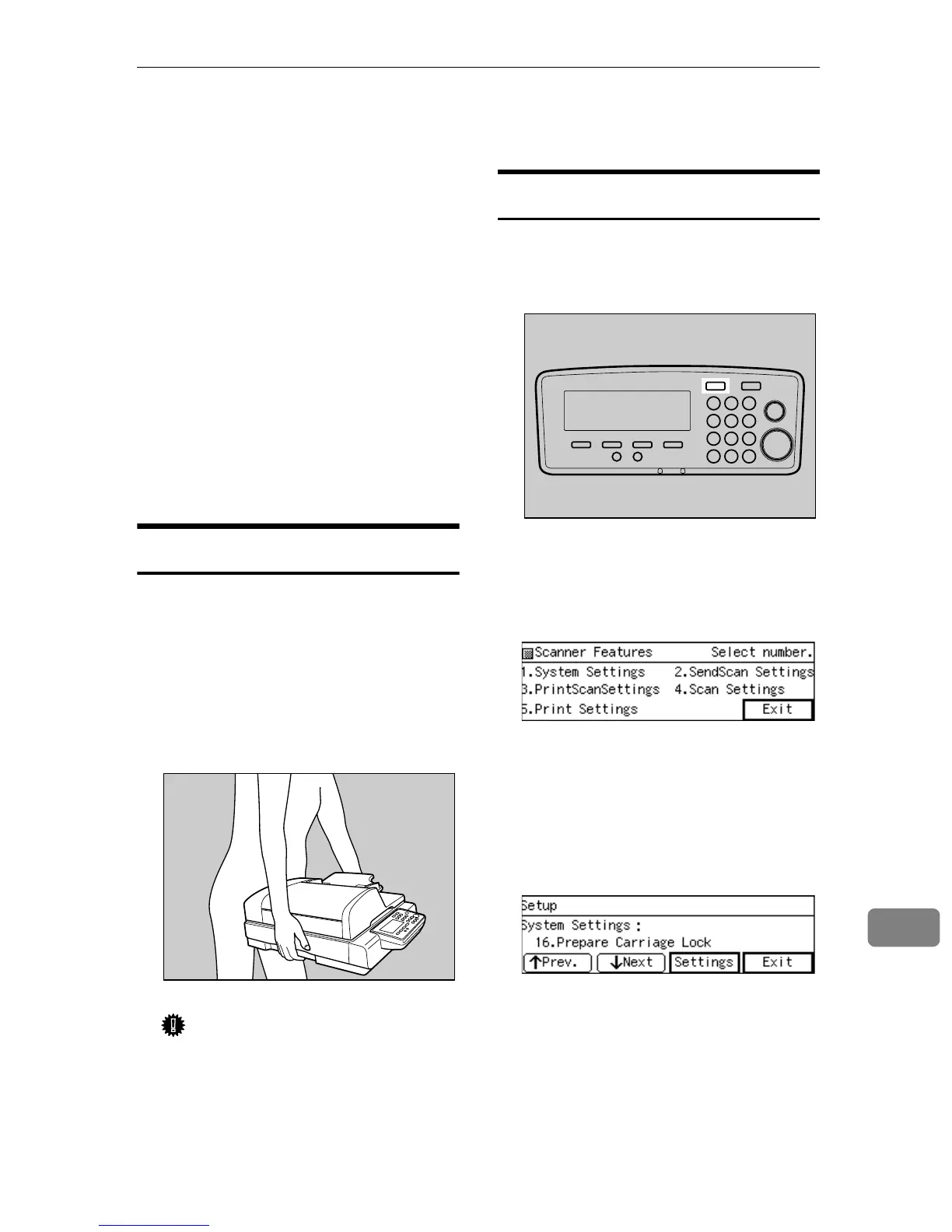
Carry the scanner.
Important
❒ Try to keep the scanner as level
as possible while carrying.
Transporting the Scanner
A
AA
A
Turn on the Power Switch.
B
BB
B
Press the {
{{
{User Tools}
}}
} key.
The scanner features menu is dis-
played.
C
CC
C
Press the {
{{
{1}
}}
} key.
The System Settings menu is dis-
played, and “1. Function Priority”
appears as the setup item currently
selected.
D
DD
D
Press [↓
↓↓
↓Next] till “16. Prepare Car-
riage Lock” is selected.
“Prepare Carriage Lock” screen
appears.
E
EE
E
Press [Settings].
“Do you want to lock the car-
riage?” appears.
AFJ051S
AFJ004S



 To Next Page