What You Can Do With This Machine
16
1
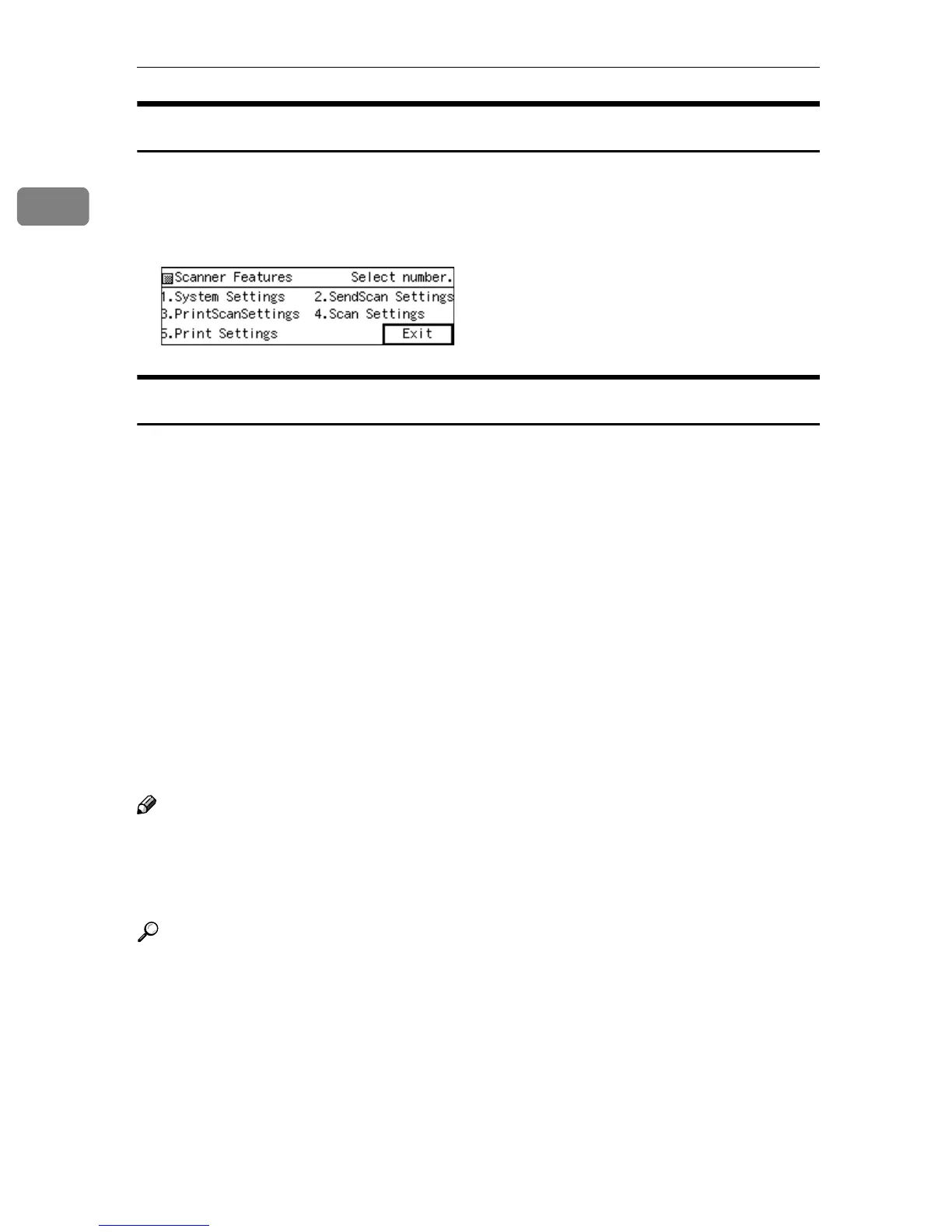
Scanner Features Menu
Pressing the {
{{
{User Tools}
}}
} key displays the Scanner Features menu. You can con-
figure settings for network, Send Scan, Print Scan, and Scan/Print conditions to
meet your requirements.
Function Settings and Standby Screens
You cannot use the following functions at the same time.
• E-mail (See p.5 “Scan to E-mail” )
• Send File (SMB) (See p.6 “Scan to Folder” )
• Send File (FTP) (See p.7 “Scan to FTP” )
• Print Scan (See p.8 “Scan to Print” )
• Delivery Server (See p.9 “Delivery Server” )
• TWAIN (See p.10 “TWAIN Scanner” )
To select the functions you use, you must configure the following settings in ad-
vance, referring to p.69 “Configuring [Send Scan Settings]”
• With the options in [6.Select Method], select a method that suits for the func-
tions you want to use.
• With the options in [Function Priority] and [1.Send File/TWAIN Priority], select the
initial screen that is displayed when you turn the machine's power on.
Note
❒ [1.Send File/TWAIN Priority] and [6.Select Method] are menu items that are includ-
ed in [2.Send Scan Settings] under Scanner Features menu, which is displayed
by pressing the {
{{
{User Tools}
}}
} key. [Function Priority] is a menu item that is in-
cluded in [1.System Settings] under Scanner Features menu.
Reference
p.63 “SendScan Settings” for details about how to configure the above set-
tings.



 To Next Page