Troubleshooting
191
11
Adjusting the position to start
reading the originals
Note
❒ Configure the positions of an orig-
inal at: {
{{
{User Tools}
}}
} -> [2. Send Scan
Settings] -> [16. Registration]; you
can configure the original posi-
tions to adjust the vertical and/or
horizontal values among: [1. Expo-
sure Glass], [2. ADF Front Side] and
[3. ADF Back Side].
With this function, you can adjust the
start position of where the originals
are read. If the image does not be read
from the correct position, or the black
line appears on the tips of the images,
use this function.
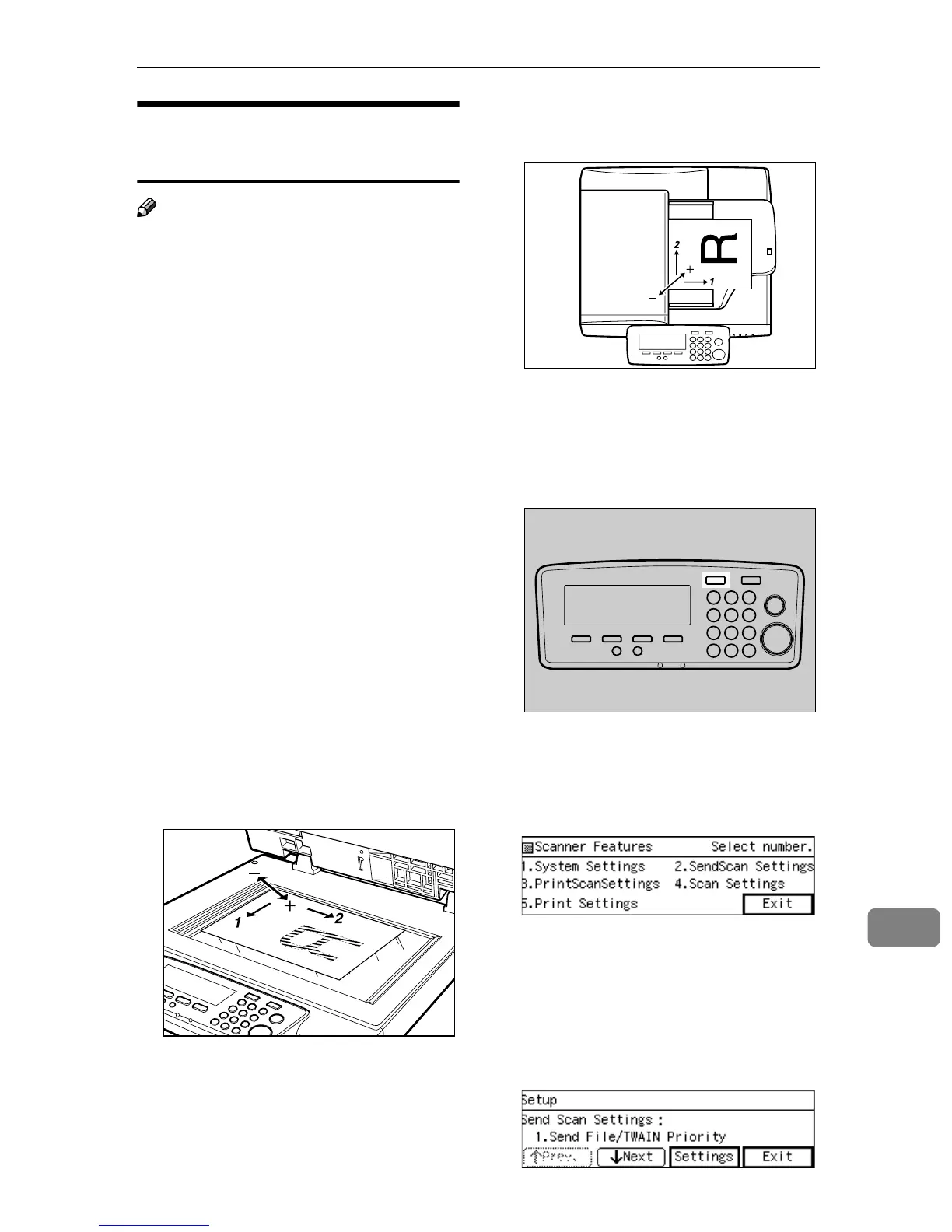
The following illustrations show the
relationship between the changes of
values and the starting position of
scanning. The maximum value that
you can set is 2 millimeters to both
negative and positive directions for
both Vertical and Horizontal direc-
tion.
❖
❖❖
❖ Originals on the Exposure Glass and
ADF Back Side
1. Vertical
2. Horizontal
❖
❖❖
❖ Originals on the ADF Front Side
1. Vertical
2. Horizontal
A
AA
A
Press the {
{{
{User Tools}
}}
} key.
The Scanner Features menu is dis-
played.
B
BB
B
Press the {
{{
{2}
}}
} key.
The Send Scan Settings menu is
displayed, and “ 1. Send
File/TWAIN Priority” appears as
the setup item currently selected.
C
CC
C
Press [↓
↓↓
↓Next] till “16. Registra-
tion” appears.
AFJ064S
AFJ061S
AFJ004S



 To Next Page