Appendix
192
11
D
DD
D
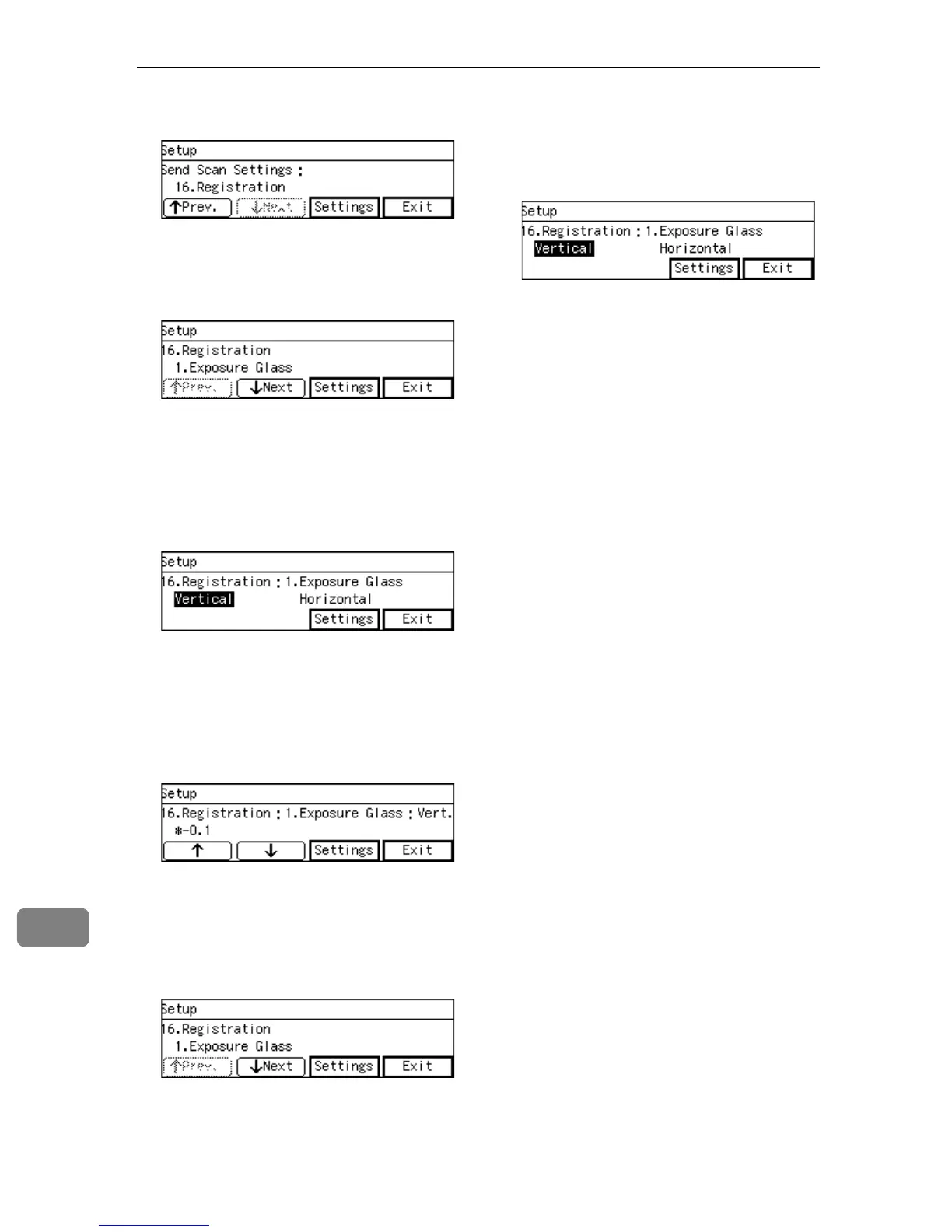
Press [Settings].
E
EE
E
Select the place you want to ad-
just with [↑
↑↑
↑Prev.] and [↓
↓↓
↓Next] and
press [Settings].
Press [Exit] to return to the previ-
ous page.
F
FF
F
Select the direction you want to
adjust with {
{{
{0
00
0}
}}
} and {
{{
{1
11
1}
}}
} and
press [Settings].
Press [Exit] to return to the previ-
ous page.
G
GG
G
Select the value you want to ad-
just with [↑
↑↑
↑] and [↓
↓↓
↓] and press
[Settings].
Press [Exit] to return to the previ-
ous page without adjusting.
Returns to the previous page.
H
HH
H
Press [Exit].
Returns to the “16. Registration”
screen.
I
II
I
Repeat from step
F
FF
F
to change the
value for the other direction.
J
JJ
J
Press [Exit].
K
KK
K
Repeat from step
E
EE
E
to change the
value for the other place.
L
LL
L
Press [Exit] three times.
This returns to the standby screen.



 To Next Page