Selecting a Sender
139
5
Selecting a Sender
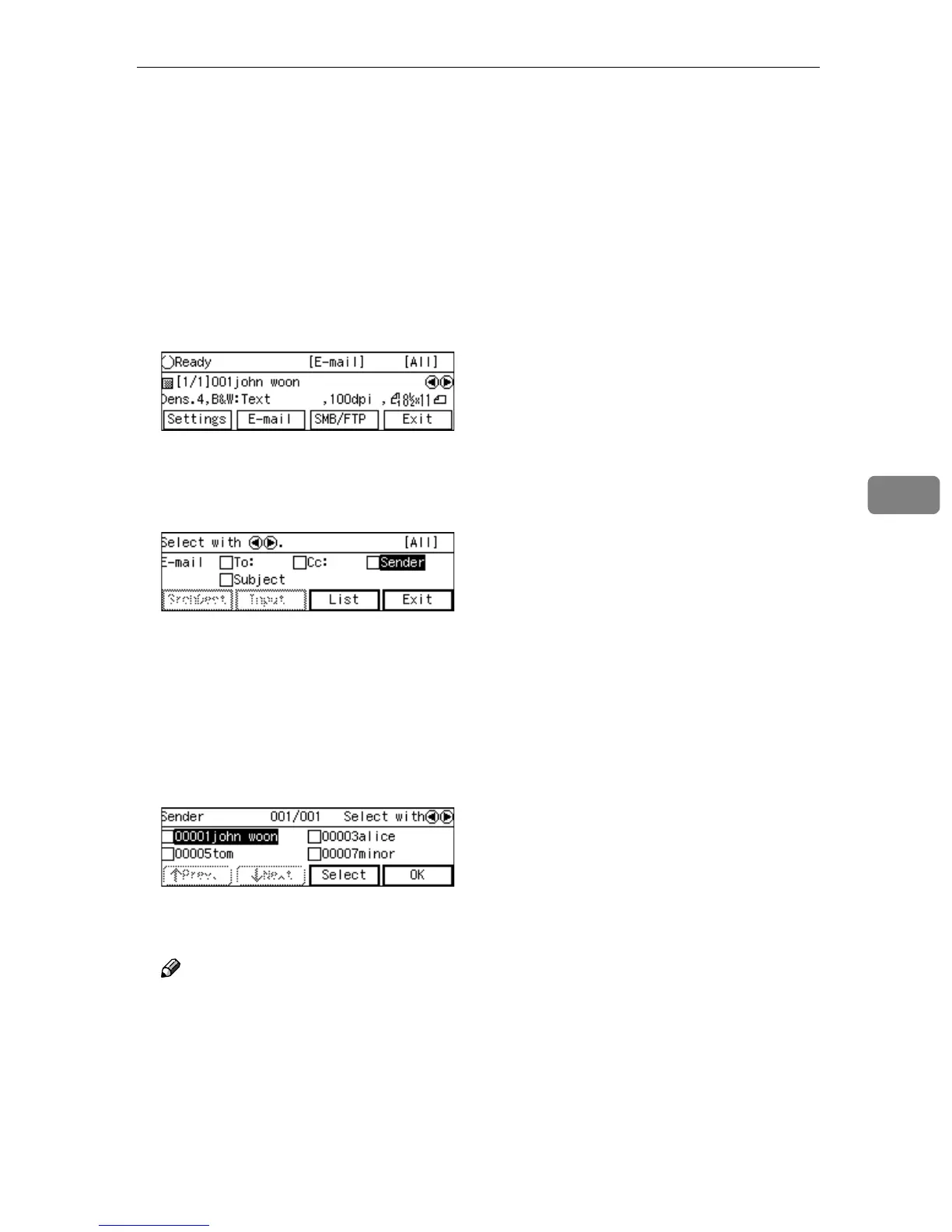
You can select a sender of an e-mail
using the [Sender] list on this machine.
The [Sender] list displays the regis-
tered users, whose [Register as Sender]
settings (included under [Configura-
tion] → [E-mail Settings] → [E-mail Ad-
dress] on the Web Status Monitor) are
set to “On”.
A
AA
A
At E-mail Ready screen, press [E-
mail], then select [Sender] by using
{
{{
{1
11
1}
}}
} or {
{{
{0
00
0}
}}
}, and press [List].
The list of the senders that are reg-
istered to this machine appears.
B
BB
B
Use [↓
↓↓
↓Next] and [↑
↑↑
↑Prev.] to scroll
through the pages, use the {
{{
{1
11
1}
}}
}
and {
{{
{0
00
0}
}}
} keys to highlight the
sender you want to select, and
then press [Select].
This selects the check box next to
the sender’s name.
Note
❒ Selecting another sender auto-
matically deselects the sender
currently selected (so the check
mark next to the sender’s name
is cleared).
❒ While highlighting a sender
with its check box selected,
press [Clear] to clear the check
box (this deselects the sender).
❒ When you select a user whose
[Sender's Password] setting (in-
cluded under [Configuration] →
[E-mail Settings] → [E-mail Ad-
dress] on the Web Status Moni-
tor) is set to “On”, a dialog box
for entering a password ap-
pears. Enter the registered pass-
word using the number keys.
❒ You can recall specific senders
by selecting a title. See p.133 “To
recall destinations using a title”.
C
CC
C
Press [Exit].
This returns to the E-mail Ready
screen.



 To Next Page