Setting Up the Scanner
28
2
Connecting to a Network
This section explains how to connect
this machine to a network.
Important
❒ Use a 100BASE-TX (category 5) or
10BASE-T network cable when
you connect this machine to a net-
work.
A
AA
A
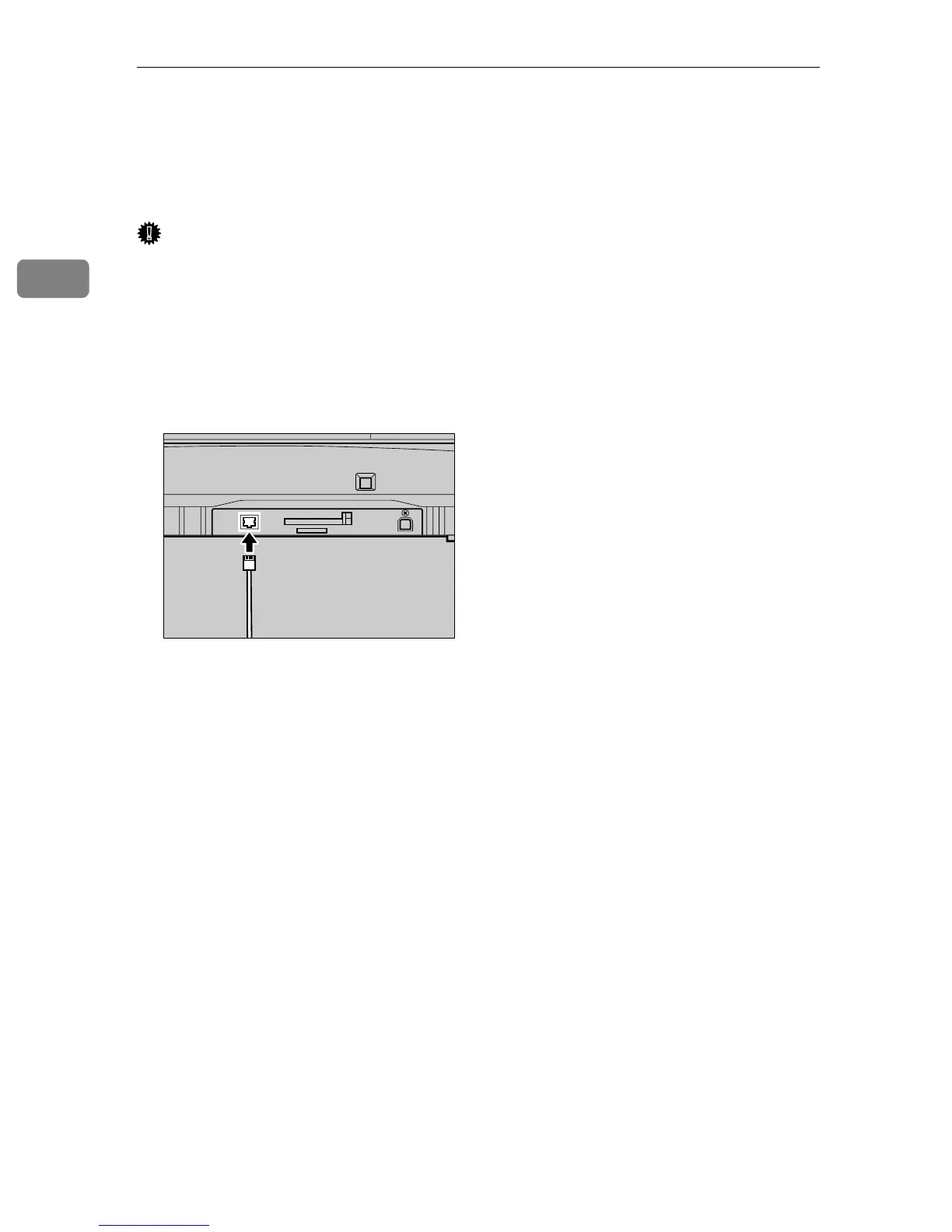
Insert the network cable’s end to
the network interface connector
of this machine.
B
BB
B
Insert the other end of the net-
work cable to an appropriate con-
nector of a network device, such
as an Ethernet hub.
AFJ202S



 To Next Page