Attaching the Card Slot Cover
29
2
Attaching the Card Slot Cover
A
AA
A
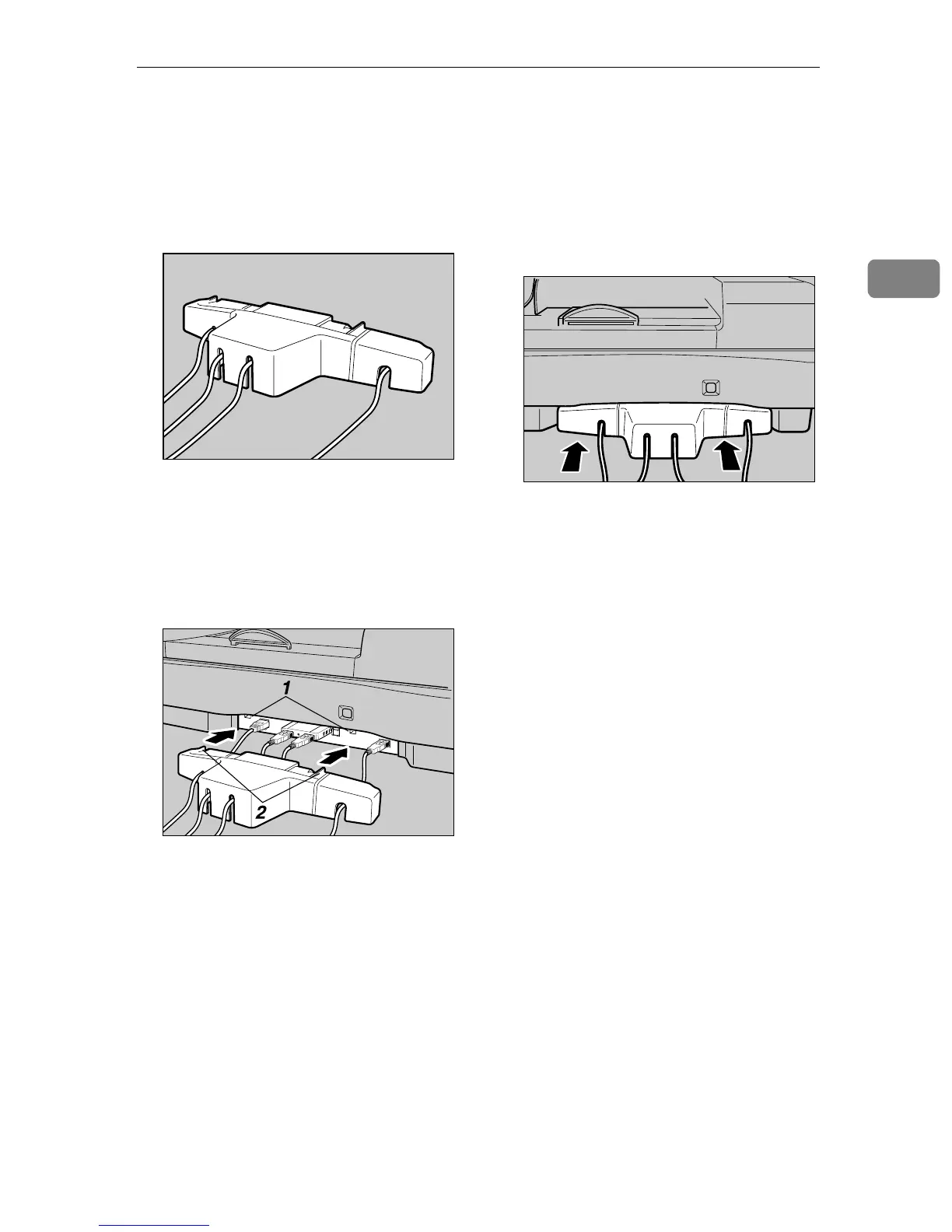
Reeve the USB and network ca-
bles through the slits of the card
slot cover.
B
BB
B
Align the two prongs of the card
slot cover with the two prong
holes located at the upper left and
right of the PC card slot.
1. Prong holes
2. Prongs
C
CC
C
Insert the prongs to the prong
holes, and then push both sides of
the card slot cover until it is se-
cured to the machine.
AFJ054S
AFJ055S
AFJ056S



 To Next Page