161
8. Printing Scanned Image
Files
This chapter explains how to use “Print Scan” function, which enables you to
print scan data directly by a printer.
Procedure Breakdown
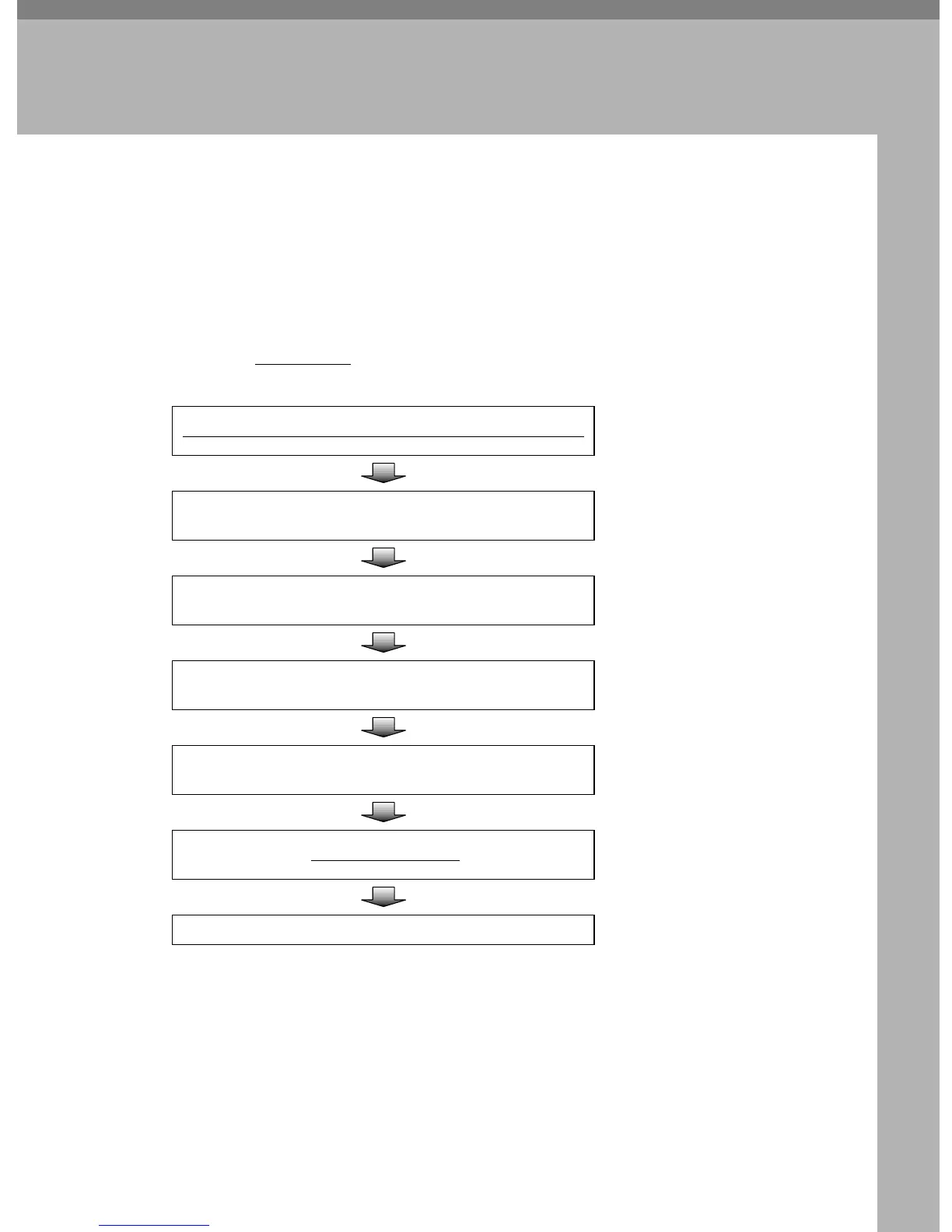
The following overview diagram shows the flow of the steps for printing scan
data using a registered printer.
Note that the underlined
steps are essential.
Place the original(s) on the Exposure glass or on the ADF
⇒ p.162 “Before Printing
Scan Data”
Specify the number of copies
⇒ p.165 “Specifying the
Number of Copies”
Configure print settings
⇒ p.165 “Configuring
Print Settings”
Select a printer
⇒ p.168 “Selecting a
Printer”
Select color or black and white for scanning
⇒ p.169 “Selecting Col-
or/Black and White”
Press the
{
{{
{
Start
}
}}
}
key.
⇒ p.164 “Printing Scan
Data”
Retrieve copies from the printer



 To Next Page