What You Can Do With This Machine
14
1
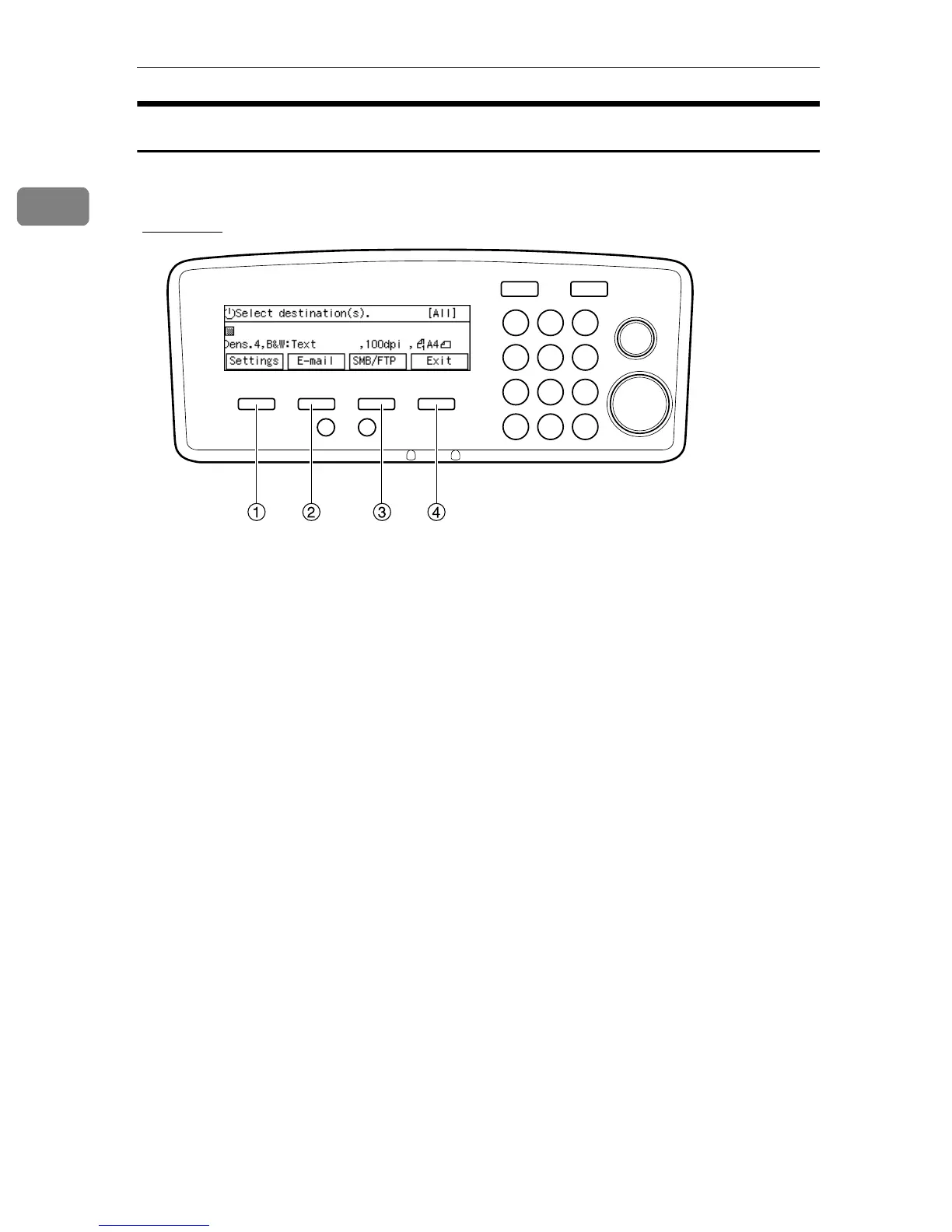
Using Keys Displayed on the Screen
You can use the function keys, located under the display panel, to operate keys
that appear on the display panel.
Example:
To execute a key operation on the display panel, press the relevant function key.
• Press A to select [Settings].
• Press B to select [E-mail].
• Press C to select [SMB/FTP].
• Press D to select [Exit].
AFJ005S



 To Next Page