33
3. Configuring the Scanner
Settings
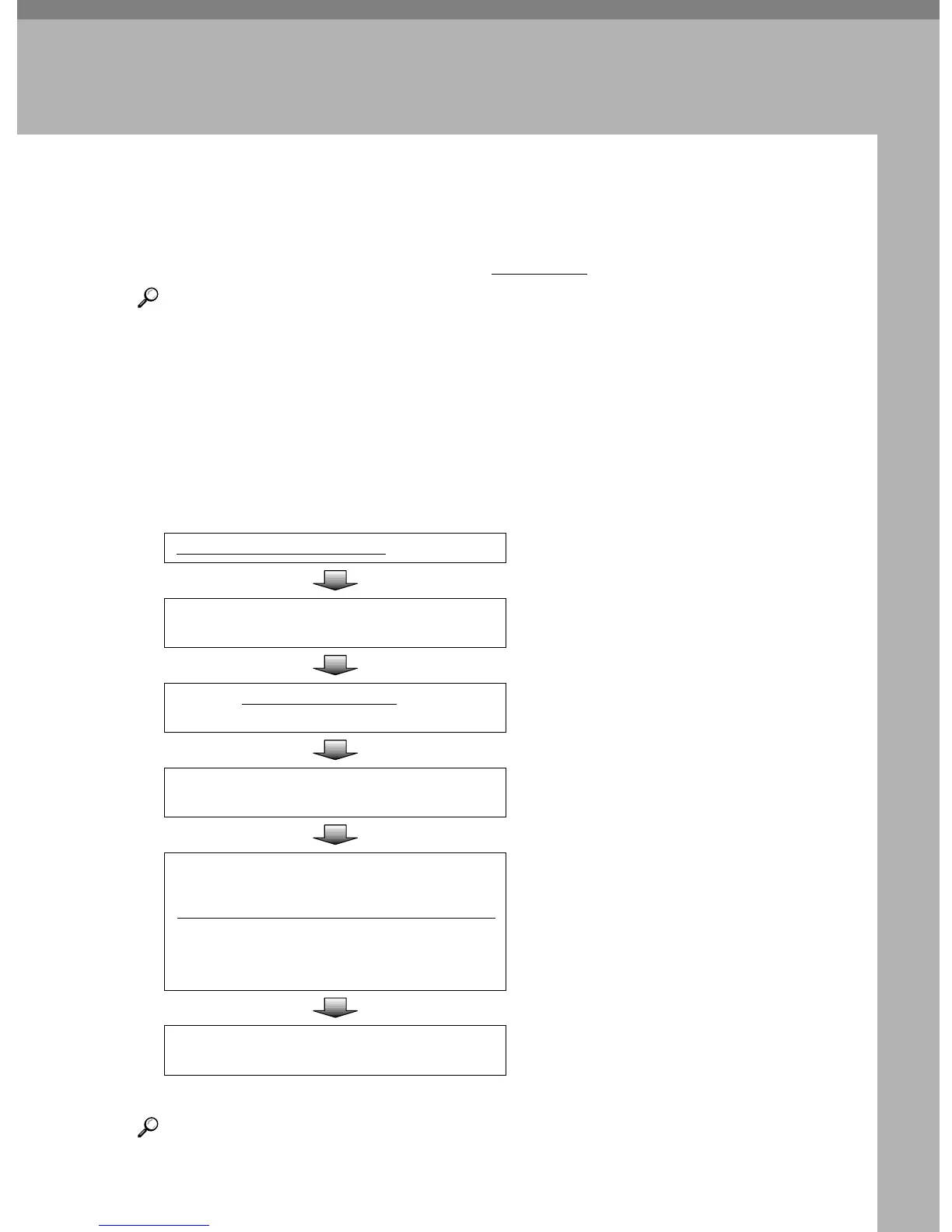
Outline to Use Scan to E-mail
The following overview diagram shows the preparation steps for sending scan
files as e-mail attachments. Note that the underlined
steps are essential.
Reference
There are three types of setup items: 1) items that you can configure settings
using the control panel of this machine, 2) items that you can configure set-
tings using a Web browser on a client computer, 3) items that you can config-
ure settings using both of the above. See p.41 “Initial Scanner Setup” for
details. This manual covers only the setting procedures that you can perform
using the control panel of this machine. For details about settings this manual
does not cover, see the Web Status Monitor Help. For information about how
to view the Web Status Monitor, see p.89 “Accessing the Scanner”
Reference
For configuration items, see p.41 “Initial Scanner Setup” and for operation of
configuration, see p.125 “Sending Scan File by E-mail”.
Configure
[1.
System Settings
]
on this machine See p.51 “System Settings”
Configure [General Settings] on the Web Status
Monitor
See the Web Status Monitor Help.
Configure
[
2.
Send Scan Settings
]
and [
4.Scan Set-
tings
] on this machine or on the Web Status Monitor
See p.63 “SendScan Settings”.
Configure [Custom Title] settings on the Web
Status Monitor.
See the Web Status Monitor Help.
Configure
[
E-mail
]
, register
[
E-mail Address
]
and [Subject] on the Web Status Monitor
See p.93 “Configuring [E-mail Ad-
dress]”
and p.103 “Information to register in
[E-mail Address]”
See the Web Status Monitor Help for
details about [E-mail] and [Subject].
Recall the Settings on the Web Status Monitor
See p.108 “Recalling the Settings” for
details.



 To Next Page