Print Scan Settings
73
3
Configuring [Print Scan
Settings
]
Follow the steps below to configure
Print Scan Settings using the control
panel of this machine.
Note
❒ You can also configure these set-
tings using the Web Status Moni-
tor.
Reference
See p.14 “Using Keys Displayed on
the Screen” for information about
how to select items displayed on
the screen.
A
AA
A
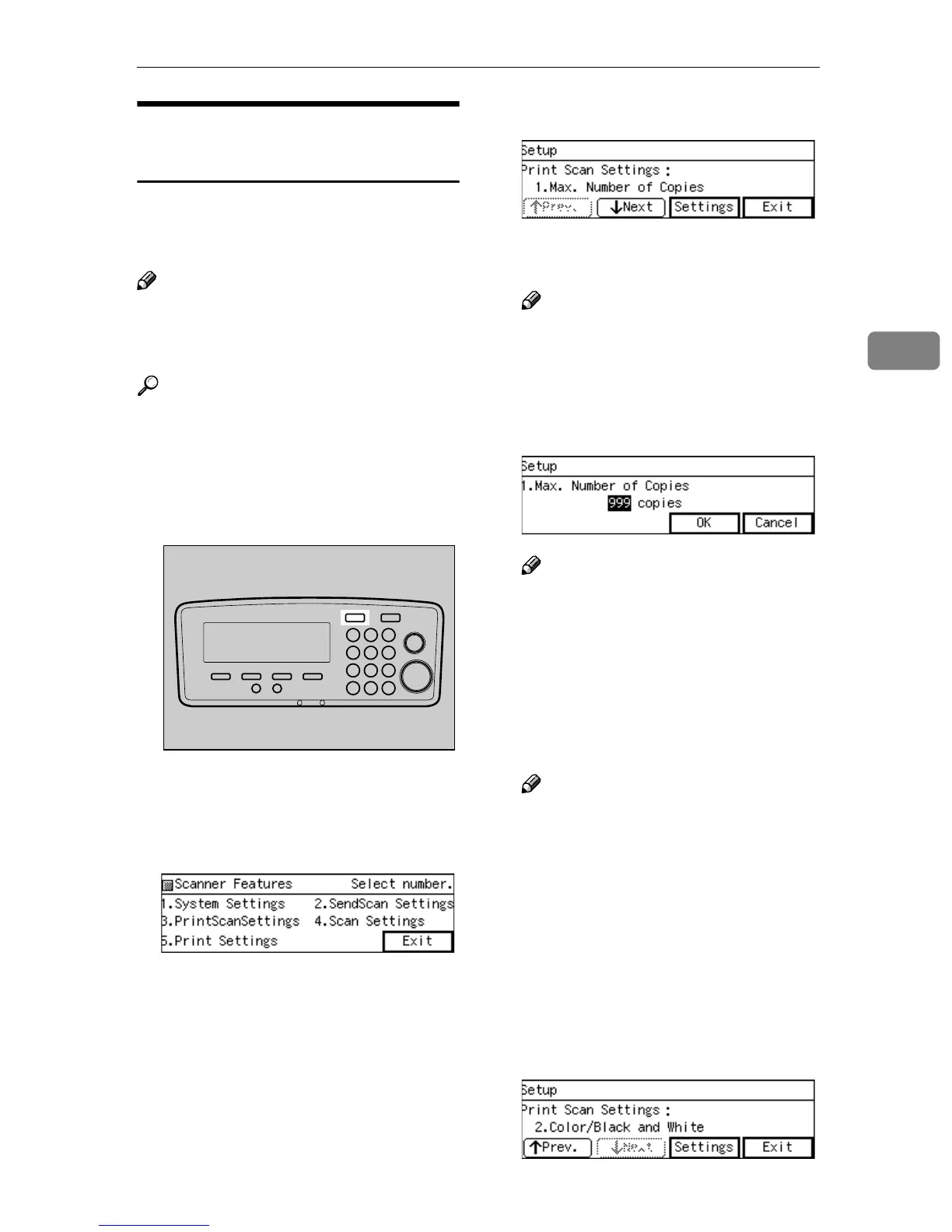
Press the {
{{
{User Tools}
}}
} key.
The Scanner Features menu is dis-
played.
B
BB
B
Press the {
{{
{3}
}}
} key.
The Print Scan Settings menu is
displayed, and “1. Max. Number
of Copies” appears as the setup
item currently selected.
C
CC
C
Press [Settings].
The setting screen for “1. Max.
Number of Copies” appears.
Note
❒ Pressing [Exit] returns to the
parent menu screen.
D
DD
D
Input maximum number of cop-
ies you want to set using the num-
ber keys.
Note
❒ To correct the number, press
{
{{
{Clear/Stop}
}}
} key to clear the
number you have entered.
E
EE
E
Press [OK].
This saves the setting you have
made, and returns to the Print Scan
Settings menu.
Note
❒ Pressing [Cancel] discards the
entered value, and returns to
the previous screen.
F
FF
F
Press [↓
↓↓
↓Next].
“2. Color/Black and White” ap-
pears as the setup item currently
selected.
G
GG
G
Press [Settings].
The setting screen for “2. Col-
or/Black and White” appears.
AFJ004S



 To Next Page