Performing Scan Operation
141
5
To start with an original on the exposure
glass
A
AA
A
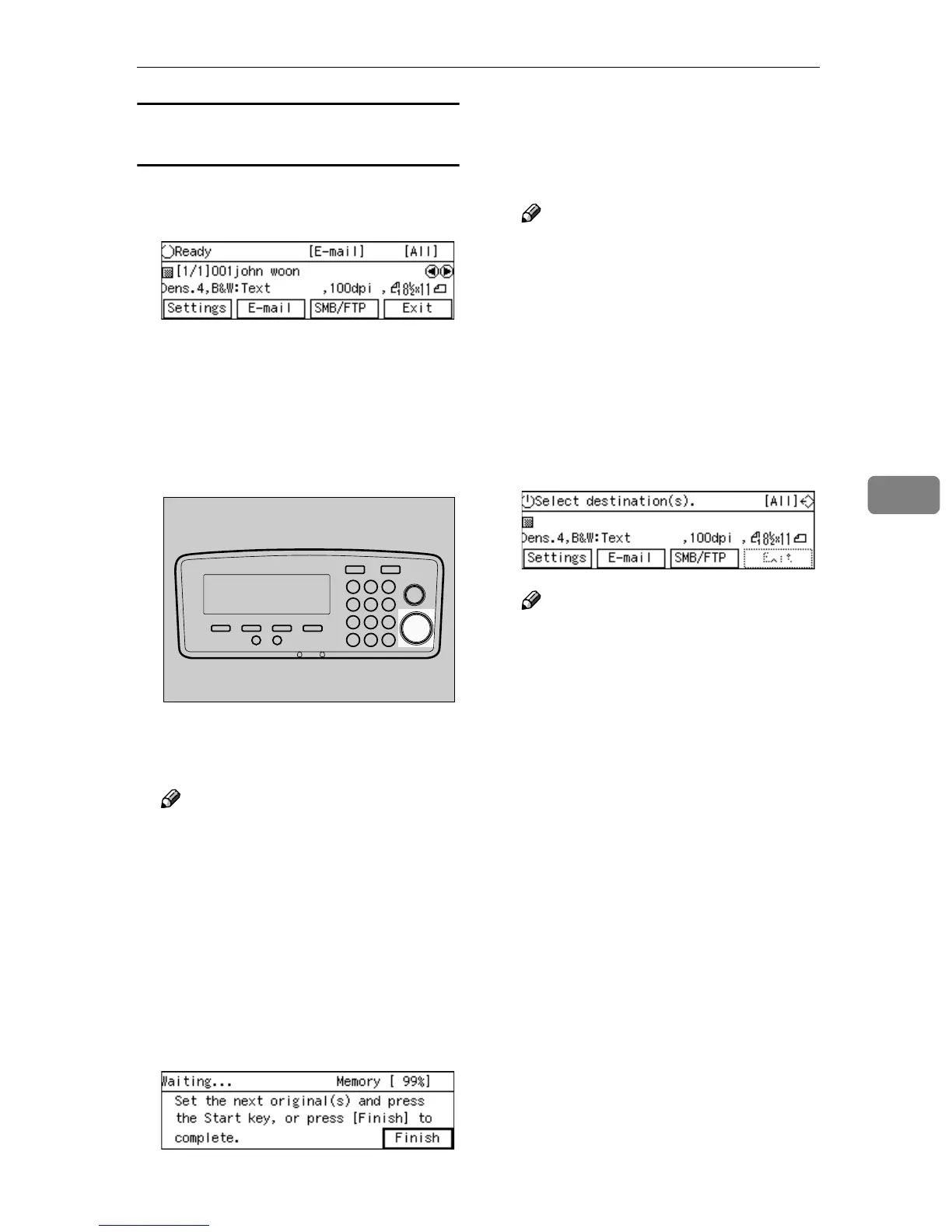
Confirm that the E-mail Ready
screen is displayed.
When “
Select destina-
tion(s).
” is displayed, no desti-
nation is selected. Select a
destination to display “
Ready
” on
the screen.
B
BB
B
Press the {
{{
{Start}
}}
} key.
Scanning the original on the expo-
sure glass starts.
Note
❒ To interrupt scanning, press the
{
{{
{Clear/Stop}
}}
} key.
After the original is scanned prop-
erly, the message “
Set the next
original(s) and press the
Start key, or press [Finish]
to complete.
” appears.
C
CC
C
Place the next original on the ex-
posure glass, and then press the
{
{{
{Start}
}}
} key.
D
DD
D
Repeat step
C
CC
C
as necessary.
E
EE
E
Press [Finish] when all the origi-
nals are scanned.
Note
❒ When “
Show Options after
Each Scan Job
” is selected for
[End of Scan Option] under
[2.Send Scan Settings], a screen
for selecting the next operation
appears after you press [Finish].
When scanning finishes properly,
the e-mail is sent to the e-mail
(SMTP) server. B appears at the
upper right corner of the screen
while the e-mail is sent.
Note
❒ You cannot perform any opera-
tions while B is displayed on
the screen.
❒ Do not turn the power of this
machine off while B is dis-
played on the screen.
B disappears when the e-mail has
been sent to the e-mail (SMTP)
server, and the E-mail standby
screen appears.
AFJ044S



 To Next Page