Sending Scan File by E-mail
128
5
Before Sending Scan Data
Reference
See p.117 “Setting Originals” for information about how to place the originals
in the ADF (Auto Document Feeder) or on the exposure glass, and about
available paper size and weight.
Original Location
When you perform a Send Scan (E-mail, Send File (SMB/FTP) or Delivery Serv-
er) operation, it is not necessary to select the location (ADF or exposure glass) for
scanning.
This machine automatically detects the originals placed in the ADF or on the ex-
posure glass, and scan is performed. Note, however, that the originals in the
ADF are scanned when the originals are set to on both of the ADF and the expo-
sure glass.
Original Orientation and Scanning Sides
When you perform a Send Scan (E-mail, Send File (SMB/FTP) or Delivery Serv-
er) operation, you can specify the original orientation and scanning sides manu-
ally, by pressing [Scan] on the E-mail/Send File standby screen, and then
selecting [Manual]. Instead of manually specifying these settings, you can also use
the settings you have registered to “Default”, “User 1”,“User 2”, or “User 3”. See
p.136 “Making Scan Settings” for details.
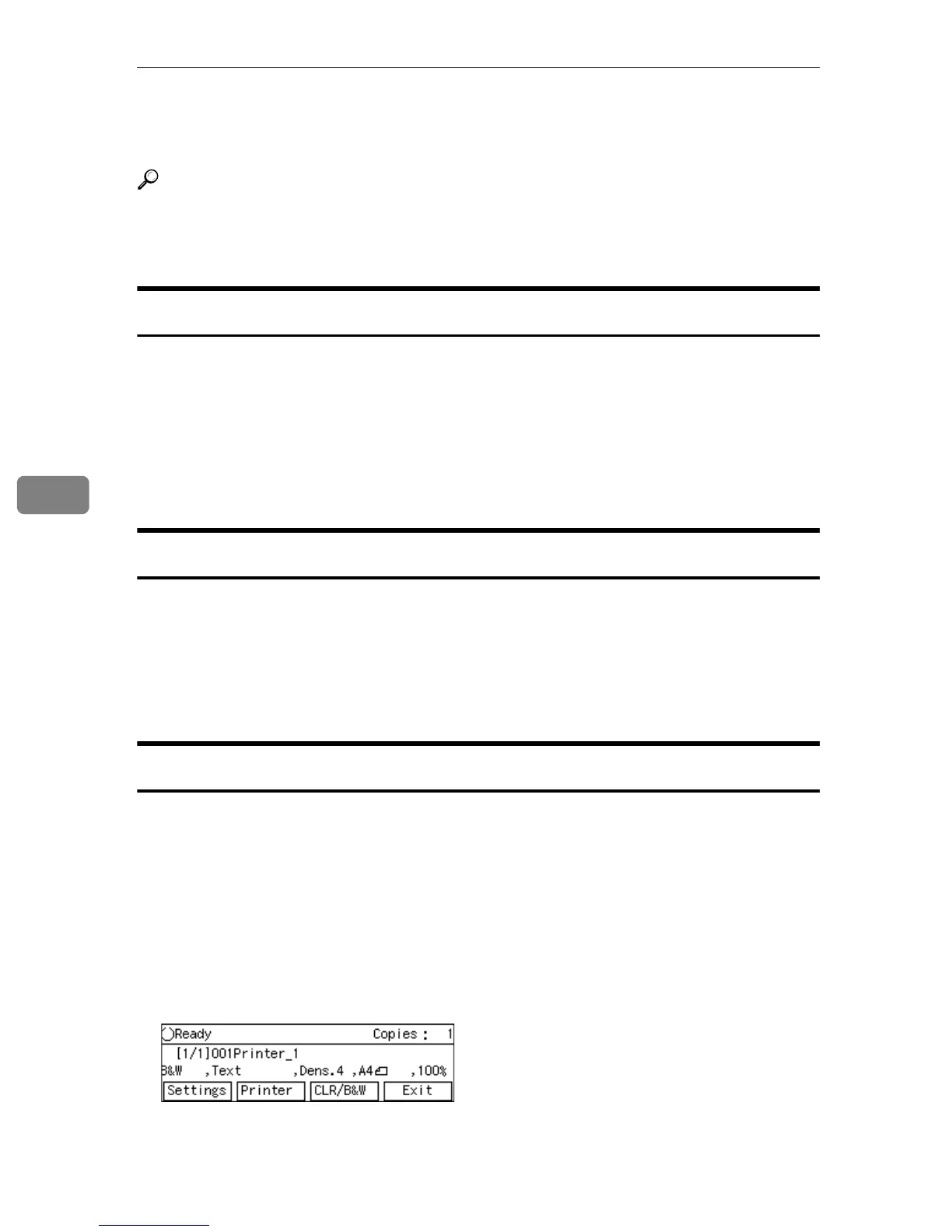
E-mail/Send File standby screen
Before performing a Send Scan operation, make sure that the E-mail/Send File
standby screen is displayed on the machine’s display panel.
The E-mail/Send File standby screen is displayed as the Send Scan initial screen
when [Select Method] (in [2.Send Scan Settings] under the Scanner Features menu)
is set to “Send File/TWAIN”, while the Delivery Server standby screen is dis-
played when [Select Method] is set to “Delivery Server/TWAIN”.
• When the message “
Ready
” and the number of copies are displayed on the
first line of the display panel, the machine is standing by for Print Scan. Press
[Exit] to return to the Select Method screen.



 To Next Page