Printing Scanned Image Files
162
8
Before Printing Scan Data
Important
❒ You need to register the printer with WebStatusMonitor before using Print
Scan function. See p.37 “Outline to Use Scan to Print” for the outline of pro-
cedures to use the function.
Reference
See p.117 “Setting Originals” for information about how to place the originals
on the ADF (Auto Document Feeder) or exposure glass, and about available
paper size and weight.
Original Locations
When you perform a Print Scan operation, it is not necessary to select the loca-
tion (ADF or exposure glass) for scanning. This machine automatically detects
the originals placed on the ADF or the exposure glass, and scan is performed.
Note, however, that the originals on the ADF are scanned when the originals are
placed on both of the ADF and the exposure glass.
About Paper Tray Settings
You can specify a certain paper tray of a printer by selecting [Configuration] →
[Print Scan Settings] → [Printer] → [Paper Source Tray] on the Web Status Monitor.
By using the control panel of this machine, you can select a specific printer, but
you cannot select a specific paper tray of a printer.
About Print Scan Ready screen
Before performing a Print Scan operation, make sure that the Select Method
screen or Print Scan initial screen is displayed on the machine's display panel.
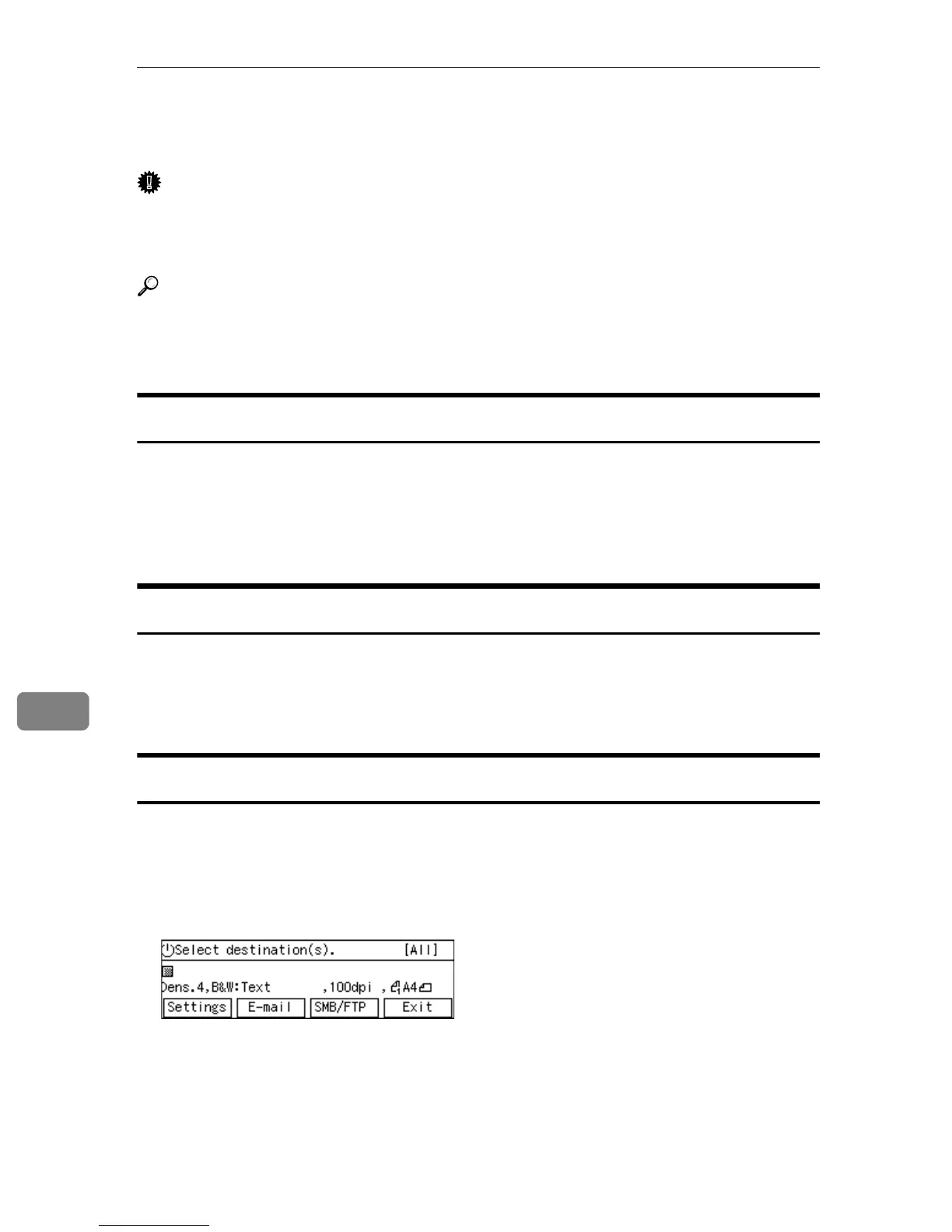
• When the message “Select destination(s).” is displayed on the display panel,
the machine is standing by for Send Scan. Press [Exit] to return to the Select
Method screen.



 To Next Page