23
2. Setting Up the Scanner
This section explains how to setup the scanner to get it ready for use, and how
to make necessary connections.
Checking the Scanner Location
Before setting up the scanner, take a few minutes to check the location where
you are going to install the scanner.
WARNING:
CAUTION:
• Place the scanner on a level, stable, vibrating-free surface. Allowable inclina-
tion of the surface for installation is within 5 mm (0.2”) (when measuring dif-
ference of heights between an end and the other end of this machine,
compared to a level surface).
❖
❖❖
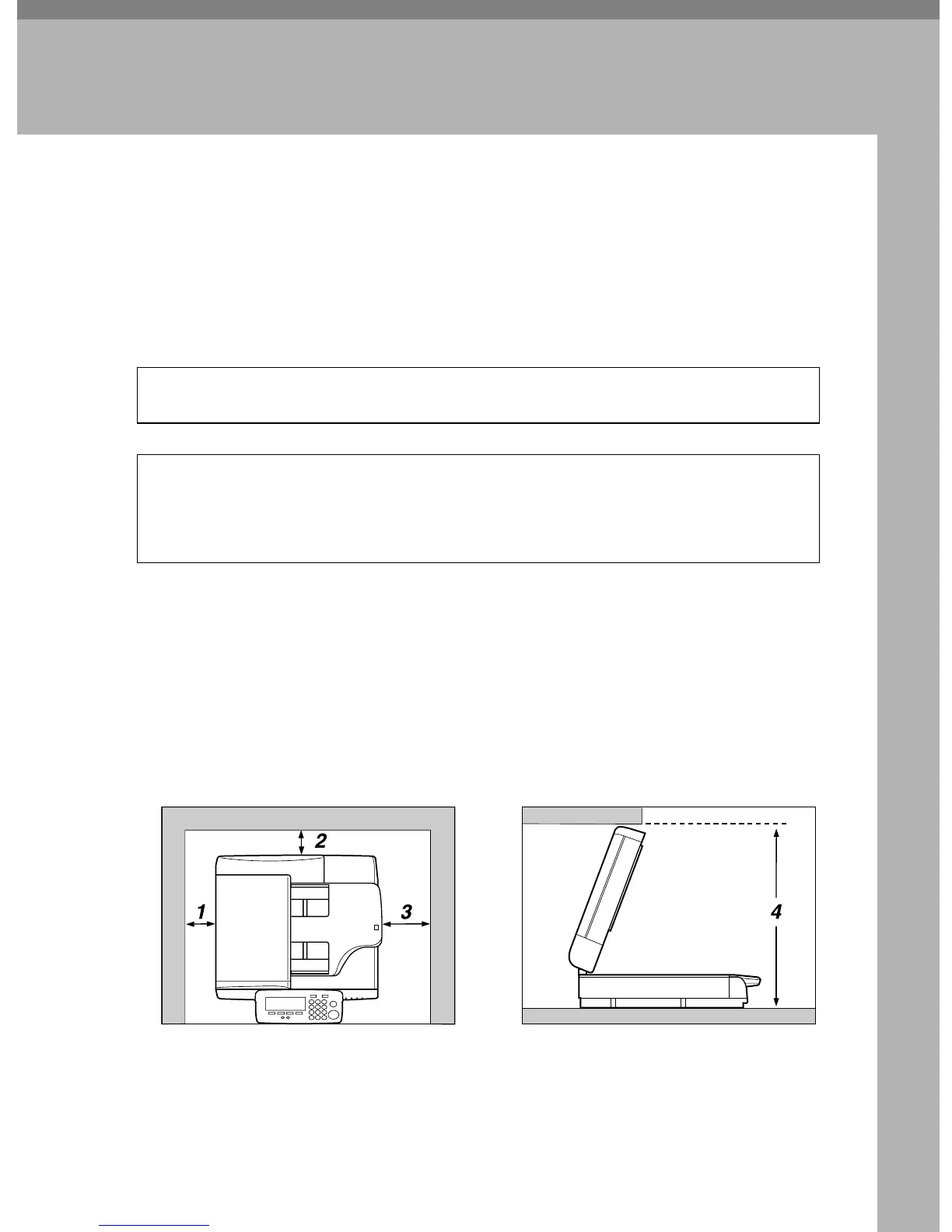
❖ Installation space
Make sure that the scanner is in a location where there is enough space to pro-
vide the clearance as illustrated below, and also provide a comfortable work-
ing area in the front.
• Make sure the wall outlet is near the machine and easily accessible so
that in event of an emergency it can be unplugged easily.
• Keep the machine away from humidity and dust. A fire or an electric shock
might occur.
• Do not place the machine on an unstable or tilted surface. If it topples over,
it could cause injury.
AFJ045S



 To Next Page