What You Can Do With This Machine
20
1
While Select Method screen, Delivery Server standby screen, E-mail/Send
File standby screen, or Print Scan standby screen is displayed, starting the
TWAIN driver from a TWAIN-compliant application on a client computer
will display the TWAIN standby screen. Press [Exit] to return to the previous
screen.
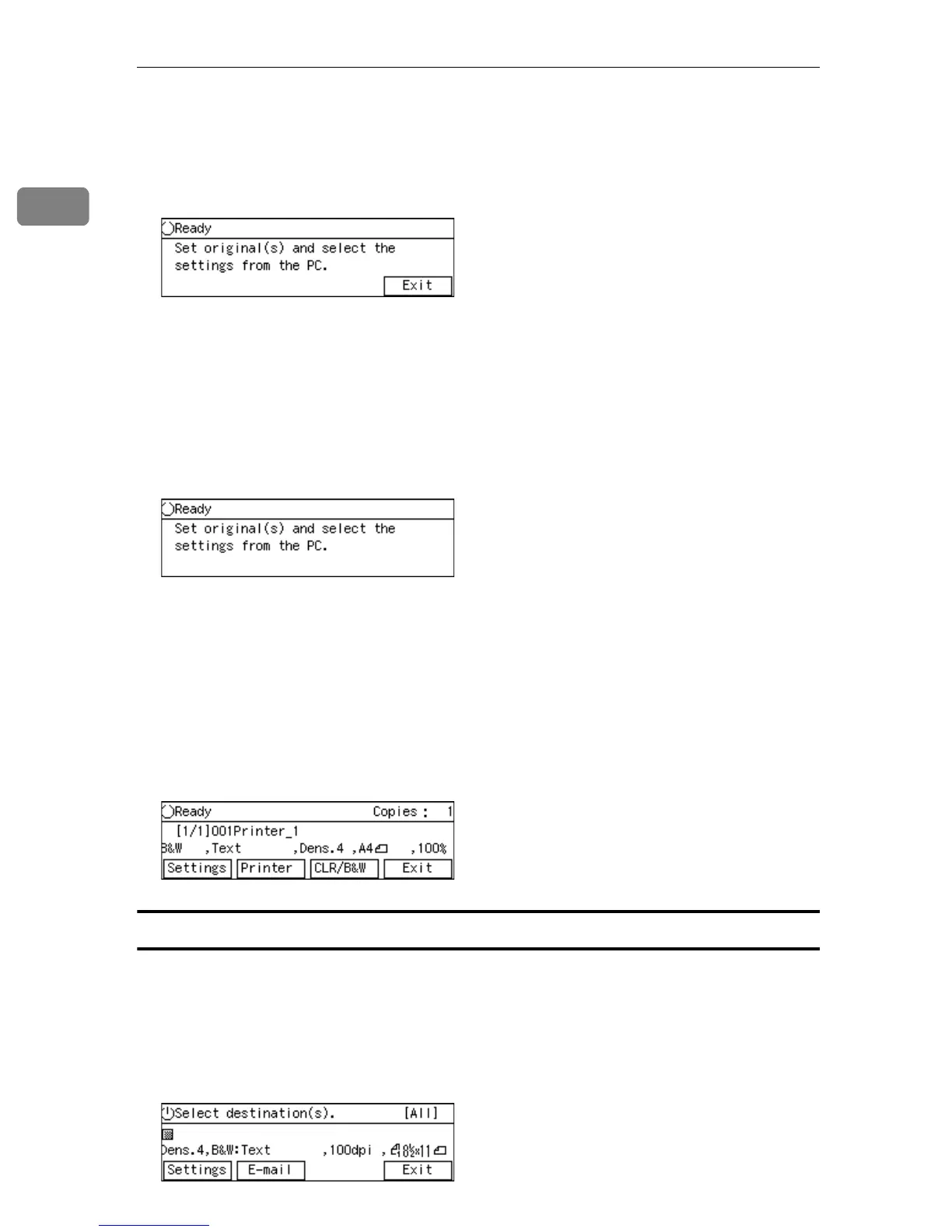
• TWAIN exclusive standby screen
While this screen is displayed, you can use this machine as a TWAIN scanner,
by starting the network TWAIN driver from a TWAIN-compliant application
on a client computer. You can also configure various settings using the con-
trol panel of this machine, or using a Web browser on a client computer.
However, you cannot use the following functions: Print Scan, Delivery Serv-
er, E-mail, Send File (SMB), Send File (FTP), sending custom file by using a
Web browser on a client computer.
• Print Scan standby screen
While this screen is displayed, you can print scan data.
If you want to use any other functions such as Delivery Server, e-mail or Send
File (SMB/FTP), press [Exit] and display the Select Method screen. At this
time, functions you can use changes depending on the settings in [1.Send
File/TWAIN Priority] and [6.Select Method].
When you start the TWAIN driver from a TWAIN-compliant application on
a client computer, TWAIN standby screen is displayed. Press [Exit] to return
to the Print Scan Ready screen.
When using [Send Function Permission]
When you have selected the mode [Send File/TWAIN] at [6.Select Method] in [Send
Scan Settings] from the User Tool, you can select a file send function among the
available send menu; [All Send Functions], [E-mail Only], [SMB Only (File Name
Changeable)], [SMB Only (File Name Unchangeable)], [FTP Only (File Name Changeable)],
[FTP Only (File Name Unchangeable)]. This example screen shows that the [E-mail
Only] is configured.



 To Next Page