Turning On the Power
31
2
Turning On the Power
A
AA
A
Make sure the power cord is firm-
ly plugged into the wall outlet.
B
BB
B
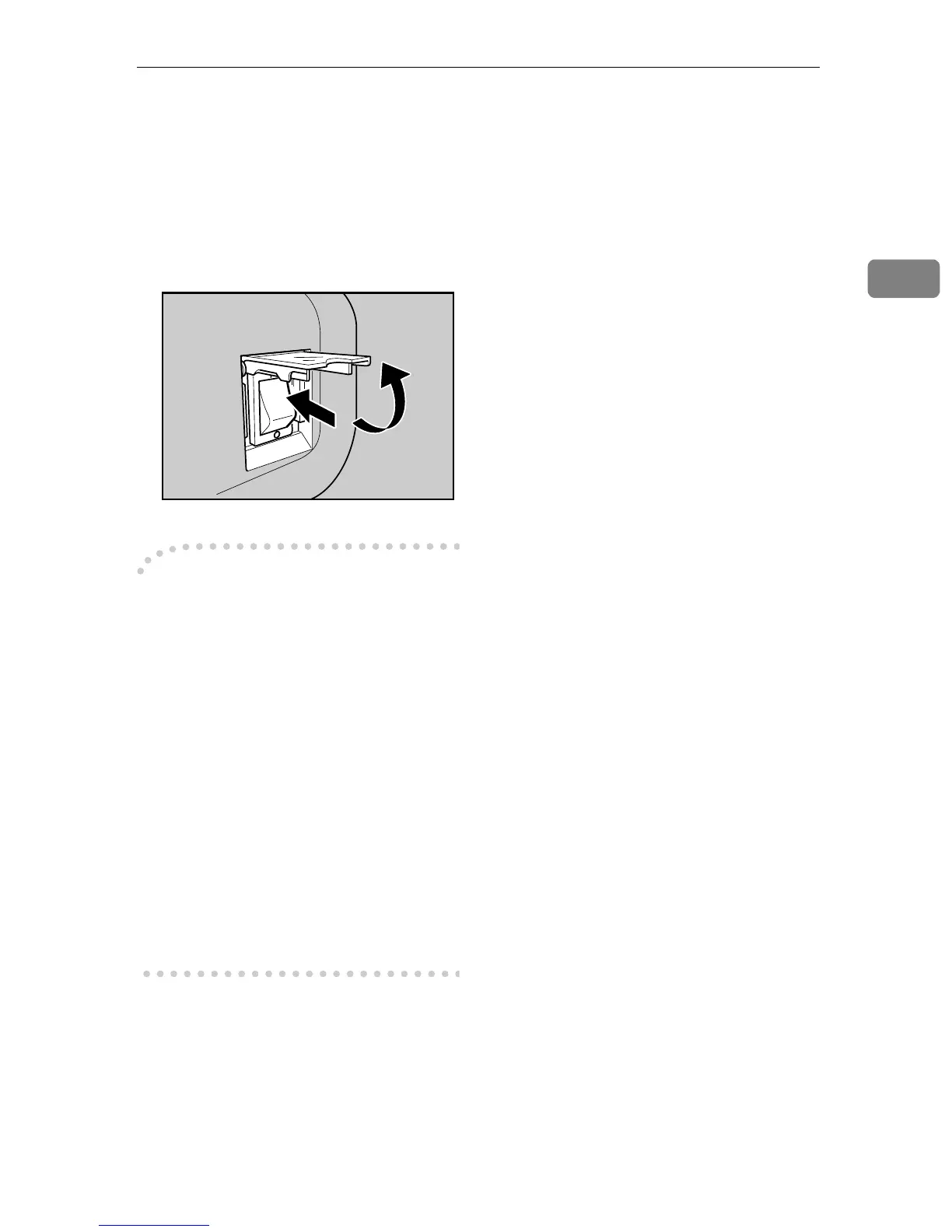
Open the switch cover and turn
on the power switch.
-
--
-Before turning off the power
Before you turn off the power of this
machine, make sure that a standby
screen is displayed on the display
panel.
If you turn off the power while the
Scanner Features menu is displayed,
all the settings that you have config-
ured could be discarded, and this ma-
chine could return to its factory
default status.
You should also confirm that B is not
displayed on the screen when you
turn off the power. Otherwise, loss of
scan data or failure in sending files
might occur.
AFJ057S



 To Next Page